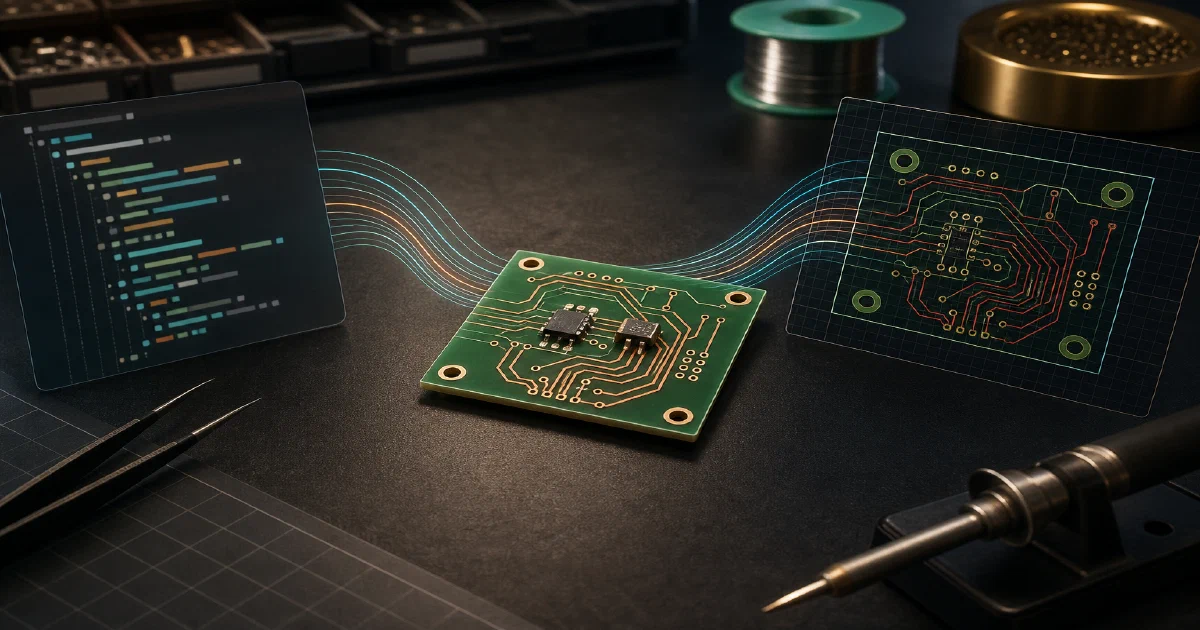

pcb is a command-line tool for building printed circuit boards from Zener files.
Zener looks familiar if you have used Python or Starlark, but it is a PCB-specific language with built-ins for nets, power rails, modules, components, board setup, and electrical checks.
The useful mental model is simple: write a .zen design, let pcb validate it, generate KiCad layout files, then use KiCad or kicad-cli to export visuals and manufacturing artifacts.
What is pcb?
pcb is maintained by Diode Computers, Inc. and published as open source on GitHub
.
It uses Zener to describe PCB schematics and adds automation around KiCad.
The repository is a Rust workspace, but day-to-day usage is through the pcb command.
License: MIT ❤️
What It Produces
The first output is not an image. pcb build behaves more like a compiler:
✓ blinky.zen (2 components)
From there, other commands produce richer artifacts:
pcb bomprints a bill of materials.pcb fmtchecks or formats.zenfiles.pcb layoutgenerates a KiCad project and.kicad_pcbboard.kicad-clican export SVG, PDF, Gerbers, STEP, stats, and other board artifacts.
For the tiny blinky test, the exported board image is available here:

The generated KiCad board is also included:
Open the generated KiCad board
Tech Overview
The project has two important binaries:
pcb: a small shim that selects and installs the right toolchain.pcbc: the actual command-line implementation.
The source tree includes crates for the Zener runtime, core PCB language concepts, KiCad integration, layout generation, formatting, simulation, Gerber handling, and IPC-2581 tooling.
That split matters because the installer can place a small pcb binary on your PATH, while project-specific toolchains are cached separately.
Installing KiCad 10 on Ubuntu
The first local layout attempt failed because this machine did not have KiCad’s Python module:
ModuleNotFoundError: No module named 'pcbnew'
Error: Python script execution failed
On this Zorin OS 18.1 machine, the stock Ubuntu noble package offered KiCad 7.0.11, but this project expects KiCad 10.x. The working path was the KiCad 10 PPA:
sudo add-apt-repository ppa:kicad/kicad-10.0-releases
sudo apt update
sudo apt install kicad
Then verify the CLI and Python binding:
kicad-cli version
python3 -c "import pcbnew; print(pcbnew.Version())"
Observed locally:
10.0.3
10.0.3
Importing pcbnew printed a few KiCad assertion warnings on this install, but it did not block layout generation.
Trying pcb with the Blinky Example
I installed the pcb shim into a temporary folder so it would not change the normal shell setup:
mkdir -p /tmp/pcb-test-install /tmp/pcb-test-work
PCB_INSTALL_DIR=/tmp/pcb-test-install /tmp/foss-post-repos/pcb/install.sh
The shim went to /tmp/pcb-test-install/pcb, while the downloaded pcbc 0.3.90 toolchain was cached under:
~/.local/share/pcb/toolchains/0.3.90/x86_64-unknown-linux-gnu/pcbc
Then I copied the example design:
cp /tmp/foss-post-repos/pcb/examples/blinky.zen /tmp/pcb-test-work/blinky.zen
cp /tmp/foss-post-repos/pcb/examples/pcb.toml /tmp/pcb-test-work/pcb.toml
cd /tmp/pcb-test-work
Build validation:
/tmp/pcb-test-install/pcb build blinky.zen
Output:
✓ blinky.zen (2 components)
BOM generation:
/tmp/pcb-test-install/pcb bom blinky.zen
The example resolved one LED and one resistor:
| Designator | MPN | Manufacturer | Package |
|---|---|---|---|
D1 |
VLMS1500-GS08 |
Vishay Semiconductor Opto Division | 0402 |
R1 |
ERJ-2RKF1001X |
Panasonic Electronic Components | 0402 |
Generating KiCad Files
Once KiCad 10 was available, layout generation worked:
/tmp/pcb-test-install/pcb layout blinky.zen
Output:
✓ blinky.zen (/tmp/pcb-test-work/layout/blinky/layout.kicad_pcb)
The generated files copied into this site are:
- Zener source
- Workspace manifest
- KiCad board
- KiCad project
- Layout snapshot JSON
- Board statistics JSON
- Front SVG export
Exporting SVG and Gerbers
KiCad’s CLI can export from the generated .kicad_pcb file:
kicad-cli pcb export svg \
  --mode-single \
  --page-size-mode 2 \
  --layers F.Cu,F.Silkscreen,Edge.Cuts \
  --output /tmp/pcb-test-work/exports/blinky-front.svg \
  /tmp/pcb-test-work/layout/blinky/layout.kicad_pcb
Gerber export:
kicad-cli pcb export gerbers \
  --layers F.Cu,B.Cu,F.Silkscreen,Edge.Cuts \
  --output /tmp/pcb-test-work/exports/gerbers \
  /tmp/pcb-test-work/layout/blinky/layout.kicad_pcb
Generated Gerber files:
The board stats report two front-side SMD components and four SMD pads. This simple example does not define a board outline, so width, height, and area are empty.
Zener Is Python-Like, Not Python
One useful example is typed_nets.zen, which prints net type and casting behavior when run through pcb build.
With pcb:
=== Net Type Casting ===
Cast Ground to Power: foobar
  name: foobar
  type: Power

✓ typed_nets.zen (0 components)
With python3 typed_nets.zen, it fails:
NameError: name 'builtin' is not defined
That is expected. Zener uses familiar syntax, but the runtime is provided by pcb, not CPython.
How It Differs from PySpice
If you searched for pyscipe, you probably meant PySpice: a Python package for working with SPICE simulators from Python.
PySpice sits on the simulation side of the electronics workflow. It gives Python code a way to define circuits, drive Ngspice or Xyce, run analyses, and inspect the resulting voltages, currents, sweeps, and waveforms.
pcb sits on the board-building side. It is not primarily a numerical simulation wrapper. It lets you describe a PCB design in Zener, validate the design, generate a BOM, create KiCad project files, and export layout or manufacturing artifacts.
PySpice vs pcb in Practice
Use PySpice when the next question is electrical behavior:
- What is the transient response?
- What does the AC sweep look like?
- What current flows through this branch?
- How does a component value affect the simulation?
Use pcb when the next question is board/project output:
- What components are on the board?
- Are the Zener design checks passing?
- What is the BOM?
- Can I generate a KiCad layout project?
- Can I export SVG, Gerbers, stats, STEP, or other board artifacts?
The tools can complement each other. A practical workflow could use PySpice to explore circuit behavior first, then use pcb to turn the chosen design into a repeatable board workflow.
Useful references:
Conclusion
The test was useful because it showed the complete path from text to board artifact:
Zener .zen
-> pcb build
-> pcb bom
-> pcb layout
-> kicad-cli export svg / gerbers / stats
The current rough edge is setup: KiCad 10 and the pcbnew Python module must be available for layout generation. Once that dependency was installed, the flow worked cleanly for the blinky example.
FAQ
Do I need the KiCad GUI?
Not for the tests above. kicad-cli can export SVG, Gerbers, stats, PDFs, STEP files, and other artifacts from generated KiCad boards.
The full KiCad package may still install GUI components because the CLI and pcbnew Python module are distributed with KiCad.
Why is the SVG so small or sparse?
blinky demo has only two 0402 components and no board outline. It is useful as a toolchain smoke test, but not as a polished board demo.
Can I use regular Python for Zener files?
pcb. Running a .zen file directly with python3 will fail as soon as it reaches Zener-specific built-ins.
Comments