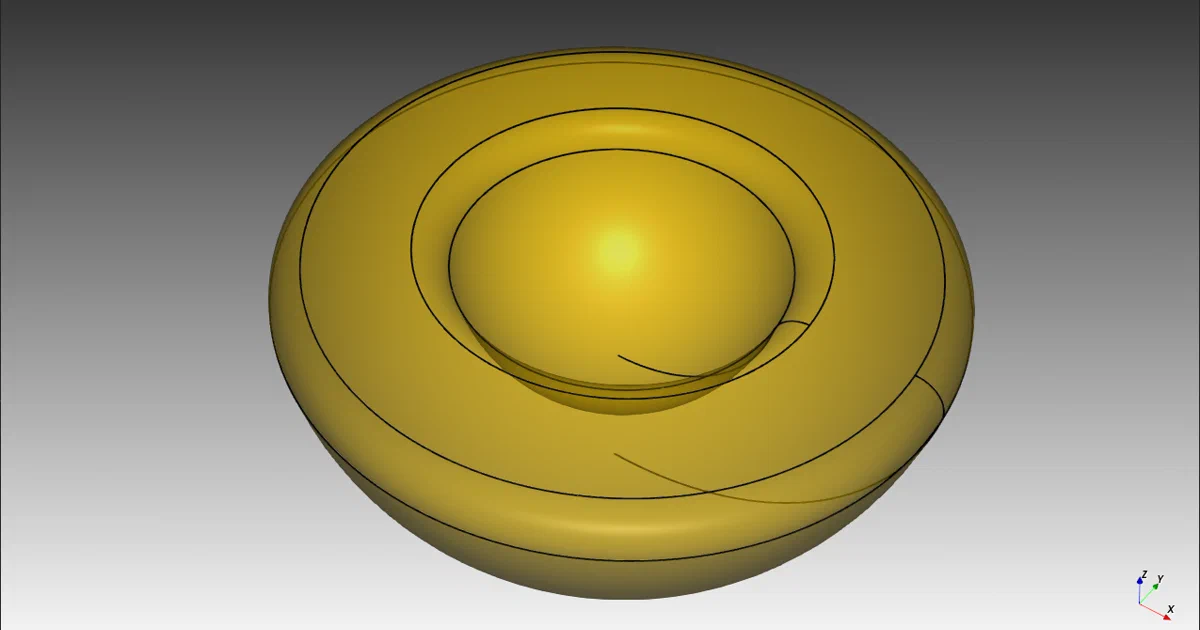

CAD files are often treated like opaque artifacts.
You open a GUI, click through a feature tree, save a binary project file, and hope future-you remembers which dimensions matter.
CadQuery takes a different route: it turns CAD into Python source code.
CadQuery - An open-source Python parametric CAD scripting framework based on OCCT.
- CadQuery GitHub Source Code
- CadQuery Documentation
- CadQuery Cheatsheet
- CQ-editor GUI
- License: Apache-2.0
What is CadQuery?
CadQuery is a Python library for building parametric 3D CAD models.
Instead of drawing every operation interactively, you write a script that describes the model, its dimensions, its relationships, and its generated outputs.
The project’s own framing is direct: CadQuery helps you write short scripts that produce high-quality CAD models, customize those models through parameters, and output formats such as STEP, DXF, STL, VRML, AMF, and 3MF.
CadQuery is intentionally not a GUI-first CAD package. The core is a library.
You can use it from a Python script, IPython, Jupyter, CI, a server-side generator, documentation builds, or optional viewers such as CQ-editor.
Why CAD as Code?
- Version control: CAD source can live in Git.
- Parametric reuse: dimensions become variables, not manual edits.
- Automation: generate many variants from one model script.
- Interchange: export STEP/DXF for CAD workflows and STL/3MF for printing.
- Testing: models can be generated, checked, and exported in repeatable scripts.
Tech Overview of CadQuery
CadQuery is built around OpenCascade through OCP Python bindings.
The public API exposes Workplane, Shape, Sketch, Assembly, selectors, importers, exporters, and visualization helpers.
The main API is fluent:
import cadquery as cq

result = (
    cq.Workplane("XY")
    .box(80, 80, 30)
    .faces(">Z")
    .workplane()
    .hole(22)
)
That style is the key to CadQuery. A Workplane represents a local coordinate system, and each chained operation returns a new object in the modeling chain.
You can select topology, move to a new workplane, create features relative to existing geometry, and keep the design intent visible in the script.
Architecture & Components
At the bottom, cadquery.occ_impl wraps OpenCascade/OCP geometry and topology.
It defines vectors, planes, matrices, locations, bounding boxes, and shape wrappers for vertices, edges, wires, faces, shells, solids, and compounds.
On top of that, cadquery.cq.Workplane gives users the high-level modeling flow.
It manages a stack of objects, a parent chain, pending wires and edges, tags, tolerance, and context-solid behavior.
This is what makes a chain like faces(">Z").workplane().circle(...).extrude(...) behave like an operation on the selected face rather than just a global-coordinate script.
Selectors are another important layer.
They let you select faces, edges, vertices, and other topology by direction, type, position, string syntax, or composed selector logic.
In practice, this means your model can say “the top face” or “vertical edges” instead of hard-coding fragile coordinates.
CadQuery also includes a Sketch API for 2D planar construction, an Assembly API for named nested parts with colors/materials/metadata, import/export modules, CQGI for host execution environments, and VTK/trame visualization tools.
Key Technologies
- Language: Python
- CAD kernel: OpenCascade via OCP
- Geometry API: Workplane, Shape, Sketch, Assembly
- Solvers / numerics: NLopt, CasADi, SciPy, Numba
- DXF support: EZDXF
- Visualization: VTK, trame, VTK.js for Jupyter
- Distribution: pip, conda/mamba, Apptainer, Docker/Podman images
Trying CadQuery Locally
CadQuery can be installed with pip, conda/mamba, or upstream container images.
The project documentation notes that conda-based installation is generally the better supported path because the dependency stack includes OCP/OpenCascade.
Install with conda or mamba
The README shows this basic conda/mamba flow:
conda create -n cadquery
conda activate cadquery
mamba install -c conda-forge cadquery
For current development builds:
mamba install -c conda-forge -c cadquery cadquery=master
Use this route first if you want fewer surprises around compiled CAD and visualization dependencies.
Install with pip
CadQuery also publishes a pip package:
python3 -m pip install --upgrade pip
pip install cadquery
The project notes that pip installation depends on binary OCP wheels for Linux, macOS, and Windows. If pip fails on your platform or Python version, fall back to the conda/mamba path.
Use the upstream container image
CadQuery is not a Docker Compose web app, but upstream does publish container quick-start commands.
The README shows an Apptainer example:
apptainer run oras://ghcr.io/cadquery/cadquery-apptainer:master ipython -i -c"from cadquery.func import *; from cadquery.vis import show; show(box(1,1,1))"
And a Docker/Podman-style example:
podman run -i -v /tmp:/tmp -e DISPLAY=$DISPLAY --userns=keep-id --user "$(id -u):$(id -g)" --device /dev/dri -t ghcr.io/cadquery/cadquery-docker:master ipython -i -c"from cadquery.func import *; from cadquery.vis import show; show(box(1,1,1))"
That command is useful for quick exploration, but it is display/GPU-device oriented rather than a service you expose through Caddy, Traefik, Nginx, or Cloudflare Tunnel.
Visualization Options
CadQuery can run without CQ-editor, but you still have several ways to see geometry.
The blocking viewer lives in cadquery.vis:
from cadquery.func import box, fillet
from cadquery.vis import show

b = box(1, 1, 1)
show(fillet(b, b.edges("|Z"), 0.1))
For non-blocking visualization, cadquery.fig.show uses VTK/trame and opens a browser-backed viewer:
from cadquery.func import box
from cadquery.fig import show

show(box(1, 1, 1))
Jupyter users can display CadQuery objects directly in notebooks, and desktop users can use CQ-editor when they want a full GUI with a code editor, debugger, object inspector, and export menu.
CadQuery vs OpenSCAD
CadQuery and OpenSCAD both fit the “CAD as code” category, but they make different tradeoffs.
OpenSCAD uses its own scripting language and is widely used for scriptable 3D printed designs. CadQuery uses Python and OpenCascade/OCP. That gives CadQuery access to Python tooling, libraries, tests, packaging, and IDEs, while also providing a richer CAD kernel for operations such as STEP import/export, NURBS, splines, surface work, and design-intent-oriented feature placement.
The practical question is not which one is universally better. Pick CadQuery when Python integration, STEP workflows, reusable engineering scripts, and OpenCascade modeling operations matter. Pick OpenSCAD when you want its specific ecosystem, language, and simple constructive-solid-geometry workflow.
Field Note: Static Non-Container Trial
For this analysis I did not run Docker, Podman, Apptainer, or any existing containers.
I cloned the repository to /tmp/cadquery-foss-post, inspected the package metadata, source modules, docs, examples, workflows, and container definitions, then ran:
python3 --version
python3 -m compileall -q cadquery tests
The environment reported Python 3.12.3, and the bytecode compilation check completed successfully. This is only a syntax-level check. It does not validate OpenCascade/OCP runtime behavior, geometry generation, exporters, visualization, or the full test suite.
The clone contained about 26,941 lines of Python under cadquery/, about 17,247 lines under tests/, and about 1,072 lines of Python examples.
Why This is Not a Compose Guide
CadQuery is container-friendly, but not Compose-native in the usual self-hosting sense.
There is no database service, web application, auth secret, persistent volume layout, or reverse proxy target in this repository. The container files exist to provide a reproducible Python/CAD environment. That is different from self-hosting something like Gitea, FreshRSS, or Immich.
If you want CadQuery in a homelab workflow, the natural pattern is a job runner or development image that generates artifacts: STEP, STL, SVG, DXF, glTF, or screenshots. The source of truth should remain the Python model scripts.
Conclusion
CadQuery is a strong fit when CAD should behave more like software: source-controlled, parameterized, testable, and automatable.
It is not trying to replace every point-and-click CAD workflow. It is for the moments where code is the better interface: generating families of parts, preserving design intent, exporting repeatable manufacturing files, building engineering scripts, or integrating model generation into a larger Python system.
Start with conda/mamba if you want the least friction. Use pip when your platform matches the available wheels. Use the upstream containers for reproducible experiments. Use CQ-editor or Jupyter when you want visual feedback while writing models.
Comments