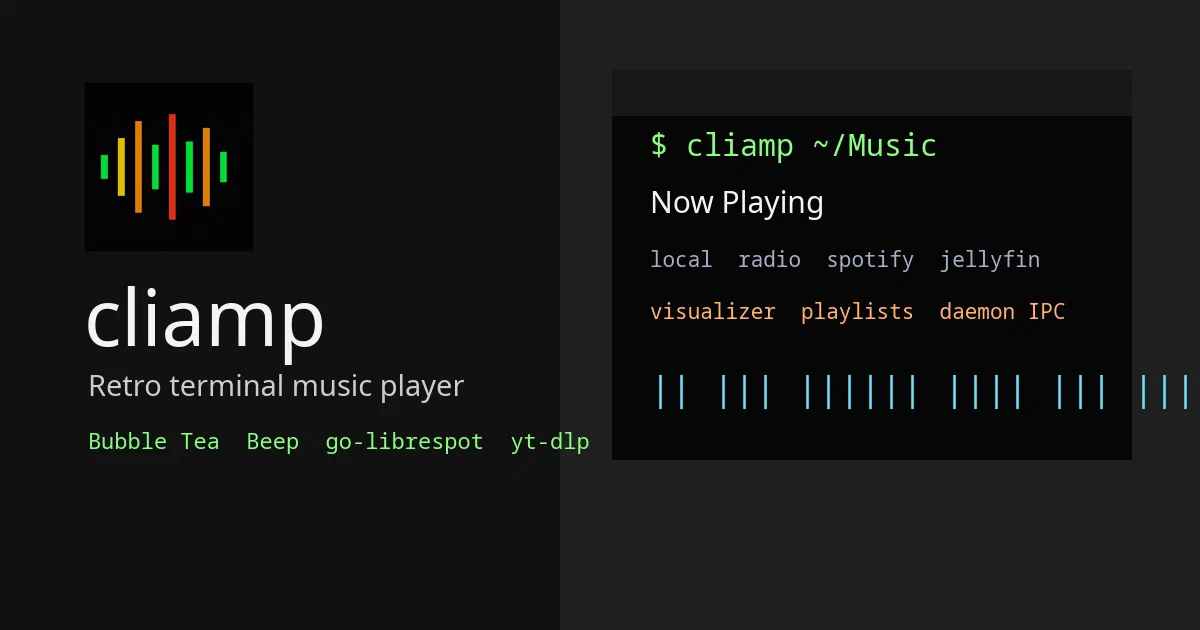

Some tools are interesting because they do less. cliamp is interesting because it insists that a terminal music player can still feel like a proper player.
It is a retro, Winamp-inspired TUI for playing local music, streams, internet radio, podcasts, YouTube links, YouTube Music, Spotify, SoundCloud, Mixcloud, Bilibili, NetEase Cloud Music, and libraries from self-hosted media servers like Navidrome, Jellyfin, Plex, Lyrion, Emby, and Audiobookshelf.
That makes it more than a cute terminal wrapper. cliamp is a local music workstation for people who already live in terminals, SSH sessions, tiling window managers, and home-lab media stacks.
cliamp Source on GitHubWhat Is cliamp?
cliamp is a Go music player for the terminal.
The README describes it as:
A retro terminal music player inspired by Winamp.
The implementation backs that up with a real TUI, playlist handling, visualizers, equalizer presets, local file playback, stream resolution, provider adapters, a setup wizard, a headless daemon, local IPC, and Lua plugins.
Under the hood, cliamp uses:
- Bubble Tea and Lip Gloss for the terminal interface;
- Beep for audio playback;
- go-librespot for Spotify support;
- ffmpeg for additional audio formats;
- yt-dlp for many web media providers;
- urfave/cli for the command-line surface;
- gopher-lua for plugins.
Why It Is Interesting
The basic workflow is simple:
cliamp ~/Music
cliamp *.mp3 *.flac
cliamp https://example.com/stream
That is already enough for local folders, loose audio files, and radio streams.
The more interesting part is how far the project goes beyond that. You can configure self-hosted libraries, browse Radio Browser stations, control playback from shell commands, run it as a background daemon, wire it into media keys or status bars, and extend it with Lua plugins.
For a home lab, that gives cliamp a practical niche:
- local music playback on a workstation;
- SSH-controlled playback on a small always-on audio host;
- terminal access to Navidrome, Jellyfin, Plex, Lyrion, Emby, or Audiobookshelf;
- radio browsing without opening a browser;
- scriptable playback status for Waybar, Polybar, Hyprland, or shell workflows.
Installing cliamp
The project documents several install paths. The curl installer is the shortest:
curl -fsSL https://raw.githubusercontent.com/bjarneo/cliamp/HEAD/install.sh | sh
Homebrew:
brew install bjarneo/cliamp/cliamp
AUR:
yay -S cliamp
Nix:
nix run github:bjarneo/cliamp
Go:
go install github.com/bjarneo/cliamp@latest
If you build from source on Debian or Ubuntu, install the native audio and codec development packages first:
sudo apt install libasound2-dev libflac-dev libvorbis-dev libogg-dev libmpg123-dev
Optional runtime tools matter too:
- install
ffmpegfor formats such as AAC, ALAC, Opus, and WMA; - install
yt-dlpfor YouTube, YouTube Music, SoundCloud, Mixcloud, Bandcamp, Bilibili, and NetEase Cloud Music.
Configuration
cliamp has a setup wizard:
cliamp setup
On Linux, the config lands under:
~/.config/cliamp/config.toml
The example config covers player defaults, UI behavior, themes, visualizers, audio quality settings, equalizer presets, and provider credentials.
For a self-hosted media setup, the shape is familiar:
[navidrome]
base_url = "https://music.example.com"
username = "$NAVIDROME_USER"
password = "$NAVIDROME_PASSWORD"
The config loader only expands whole-value environment variables such as $NAVIDROME_PASSWORD or ${NAVIDROME_PASSWORD}. That is a good detail because passwords can contain literal $ characters.
The Architecture
cliamp has a clean split between CLI commands, provider setup, input resolution, playback, UI, daemon control, and plugins.
The command surface is defined in commands.go. It includes normal playback controls like play, pause, toggle, next, prev, stop, status, volume, and seek, plus queue, theme, visualizer, shuffle, repeat, equalizer, audio device, and remote-control commands.
Startup in main.go loads config, initializes providers, resolves input tracks, and then chooses between the interactive TUI and daemon mode.
The playback engine in player/ wraps Beep. At a high level, the audio pipeline looks like this:
Gapless -> EQ -> Volume -> Tap -> Ctrl -> speaker
The resolver in resolve/ accepts files, directories, globs, URLs, playlist files, RSS feeds, YouTube links, yt-dlp-compatible URLs, and provider results.
That is why cliamp feels more capable than a simple mpv alias. It has a first-class model for music libraries, queues, providers, metadata, and local control.
Headless Daemon Mode
cliamp can run without the TUI:
cliamp --daemon
cliamp -d
Then you can control it from shell commands:
cliamp status
cliamp toggle
cliamp next
cliamp volume 70
cliamp seek +30
The daemon exposes a local Unix socket at:
~/.config/cliamp/cliamp.sock
The project documents this as an owner-only socket with 0600 permissions. The protocol is newline-delimited JSON, and the V2 API supports operations, state reads, job polling, cancellation, subscriptions, and spectrum streaming.
This is the right shape for a music daemon. It is scriptable, but it does not casually expose a network API. If you want to control playback from another machine, the documented approach is to use SSH into the host and run the CLI there.
cliamp Headless Mode Docs cliamp Remote Control DocsLua Plugins
cliamp also supports Lua plugins.
Plugins can respond to playback events and add visualizers. They live in:
~/.config/cliamp/plugins/
The trust model is careful:
- plugin code must be approved before it runs;
- approval is based on the exact plugin content hash;
- changing plugin files requires re-approval;
- approvals are stored in
.trust.json; - each plugin runs in an isolated Lua VM;
- unrestricted shell execution is not available by default.
That matters. Music players are attractive automation targets because they sit on always-on desktops and media boxes. A plugin model without explicit trust would be uncomfortable. cliamp makes the trust boundary visible.
cliamp Plugin DocsLocal Field Notes
For this review, I cloned the repository to /tmp/cliamp-foss-post and inspected it locally without running Docker or interacting with containers. No Dockerfile or Compose file was present in the reviewed tree.
Environment snapshot:
Go: go1.26.6 linux/amd64
Make: GNU Make 4.3
ffmpeg: 6.1.1-3ubuntu5
nix: not installed
yt-dlp: not installed
repo size: 6.6M
Formatting check:
gofmt -l .
No files were listed.
The full Go test/build check did not complete on this host:
go test ./...
go test -run '^$' ./...
The failure was dependency-gated. Packages that touch native audio or codec bindings could not build because pkg-config could not find development packages such as ogg, vorbis, vorbisenc, alsa, libmpg123, and flac.
That matches the README’s source-build guidance. Many pure-Go packages did pass, including config, provider clients, IPC, plugin trust, playlist, theme, lyrics, and internal helper packages.
I did not start playback, configure provider credentials, run the TUI, or contact third-party music services during the review.
Who Should Try It?
cliamp makes sense if you like terminal-first software and want a real music player there.
It is a strong fit for:
- Linux desktop users;
- tiling-window-manager users;
- home-lab media-server users;
- SSH-heavy workflows;
- people with local FLAC/MP3 libraries;
- users who want a scriptable audio daemon without installing a browser-heavy player.
It is probably not the easiest fit if you want a polished graphical player, phone sync, collaborative playlists, or a managed streaming-service experience. cliamp is for people who are happy to configure tools and appreciate local control.
FAQ
Does cliamp use Docker?
No Dockerfile or Compose file was present in the reviewed repository. cliamp is a local terminal application, not a containerized web service.
Can it play self-hosted music libraries?
Yes. The reviewed tree includes provider adapters and docs for Navidrome, Jellyfin, Plex, Lyrion, Emby, and Audiobookshelf.
Does it need ffmpeg?
Not for every path, but ffmpeg is recommended if you want broader format support such as AAC, ALAC, Opus, and WMA.
Does it need yt-dlp?
Only for providers and sites that rely on yt-dlp resolution, including YouTube, YouTube Music, SoundCloud, Mixcloud, Bandcamp, Bilibili, and NetEase Cloud Music workflows.
Is the daemon a network service?
No. The documented control plane is a local per-user Unix socket. For remote control, use SSH into the host and run cliamp commands there.
Are plugins safe?
Plugins still require the usual caution, but cliamp has a sensible trust model: plugins are approved by exact content hash, run in isolated Lua VMs, and do not get unrestricted shell execution by default.
Conclusion
cliamp is a serious terminal music player hiding behind a playful idea.
The Winamp influence gives it character, but the engineering value is in the boring parts: provider adapters, config handling, local IPC, daemon mode, plugin trust, and a real playback pipeline. For a terminal-first desktop or home-lab audio host, that combination is genuinely useful.
The main caveat is setup. Full functionality depends on native audio libraries, optional helpers like ffmpeg and yt-dlp, and whatever provider credentials you bring. Once those pieces are in place, cliamp gives you something rare: a local-first, scriptable, provider-aware music player that belongs in the terminal.
Comments