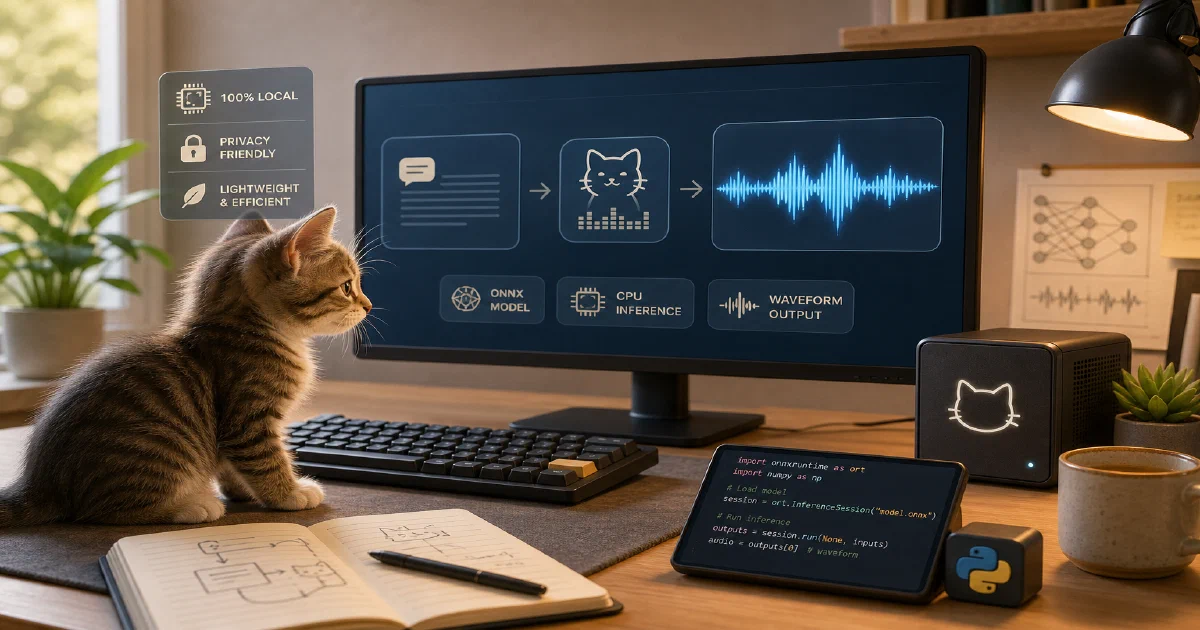

Not every local AI voice project needs to be a giant model, a web UI, or a Docker stack.
KittenTTS is interesting because it goes in the opposite direction: small ONNX models, CPU inference, a simple Python API, and a few built-in voices.
KittenTTS is an open-source Python text-to-speech library designed for lightweight local speech generation with ONNX Runtime.
KittenTTS GitHub Source Code KittenTTS Hugging Face Demo KittenML Website License: Apache-2.0 ❤️
What is KittenTTS?
KittenTTS is a local text-to-speech library built around ONNX inference.
The upstream project describes the current model family as:
| Model | Parameters | Approximate size |
|---|---|---|
kitten-tts-nano |
15M | 56MB |
kitten-tts-nano-int8 |
15M | 25MB |
kitten-tts-micro |
40M | 41MB |
kitten-tts-mini |
80M | 80MB |
The README marks the project as a developer preview, so I would treat the APIs as still moving.
The important thing: this is not a Docker app and not a voice-cloning studio. It is a Python package for generating speech from text.
If you want a full local voice studio, look at Voicebox. If you want voice conversion or reference-audio prompting, Chatterbox and Qwen workflows are a better comparison.
Why It Is Interesting
KittenTTS fits a different niche:
- local CPU speech generation
- small model downloads
- simple scripts
- agent notifications
- short narration
- embedded or edge experiments
- no GPU requirement for basic use
The output sample rate is 24 kHz, and the current API exposes eight named voices:
Bella, Jasper, Luna, Bruno, Rosie, Hugo, Kiki, Leo
Tech Overview
The repository is small and readable.
Important files:
| Path | Purpose |
|---|---|
kittentts/get_model.py |
Main KittenTTS class and Hugging Face downloads |
kittentts/onnx_model.py |
ONNX Runtime model wrapper and speech generation |
kittentts/preprocess.py |
Text normalization and chunking |
example.py |
CPU example |
example_cuda.py |
CUDA backend example |
example_streaming.py |
Chunked streaming example |
requirements.txt |
Lightweight runtime dependencies in the current repo |
The runtime path is:
- Download
config.json, model file, and voices file from Hugging Face. - Load the ONNX graph with ONNX Runtime.
- Convert input text to phonemes with eSpeak/phonemizer.
- Map phonemes to token IDs.
- Select a voice style vector.
- Run ONNX inference.
- Save the NumPy audio array with SoundFile.
Trying KittenTTS Locally
I tested this on a CPU-only Ubuntu machine.
The host was not in a perfect ML state:
- about
22GBfree disk before the trial - about
1.7GBavailable RAM before the trial - no swap
- no usable
nvidia-smi - Python
3.12.3
That made it a useful stress test for the “small local TTS” claim.
The Install Path That Worked
The route that worked cleanly was installing from the cloned repository with its current requirements.txt:
git clone https://github.com/KittenML/KittenTTS.git tmp/foss-post/kittentts
cd tmp/foss-post/kittentts

python3 -m venv .venv
. .venv/bin/activate

python -m pip install --upgrade pip
python -m pip install --no-cache-dir -r requirements.txt
python -m pip install --no-cache-dir --no-deps -e .
Then I generated a short sample:
mkdir -p output hf-cache

/usr/bin/time -v python - <<'PY'
from pathlib import Path
from kittentts import KittenTTS
import soundfile as sf

out = Path("output/kitten-tts-hello-nano.wav")
text = "Hello world from Kitten TTS, running locally on CPU."

model = KittenTTS(
    "KittenML/kitten-tts-nano-0.8",
    cache_dir="hf-cache",
    backend="cpu",
)

print("voices:", model.available_voices)
audio = model.generate(text, voice="Jasper", speed=1.0, clean_text=True)
sf.write(out, audio, 24000)

print("output:", out)
print("samples:", len(audio))
print("duration_seconds:", len(audio) / 24000)
PY
Field Note: Local CPU Result
The local run succeeded.
It generated:
tmp/foss-post/kittentts/output/kitten-tts-hello-nano.wav
For this post, I also copied that generated sample into the published site assets:
Observed results:
| Metric | Result |
|---|---|
| Output duration | 5.07s |
| Output WAV size | 238KB |
| Wall time | 5.91s |
| Peak RSS | 297MB |
| Local model cache | 58MB |
| Virtualenv size | 263MB |
The generated output was a short English sentence with the Jasper voice.
That is a good practical result for a CPU-only TTS package.
The Important Caveat
The published release wheel path was not as lightweight in my local test:
pip install https://github.com/KittenML/KittenTTS/releases/download/0.8.1/kittentts-0.8.1-py3-none-any.whl
That install started pulling a much heavier dependency chain: spacy, misaki, spacy-curated-transformers, torch, and CUDA-related packages. I stopped it when pip reached the torch-2.12.0 wheel download, because this machine had limited free disk and no swap.
The current repo dependency file was much closer to the small ONNX story:
espeakng_loader
phonemizer
onnxruntime
soundfile
numpy
huggingface_hub
So for now, my practical recommendation is: if the release wheel tries to pull Torch, clone the repo and use the source install path above.
Does KittenTTS Need Docker?
No.
This one is better treated as a Python library, not a self-hosted Docker service.
There is no docker-compose.yml to add to Home-Lab, and I would not create one unless we build a small wrapper API around it.
For scripts and agents, the clean unit is a venv plus a pinned model cache.
Basic Python API
The minimal API looks like this:
from kittentts import KittenTTS
import soundfile as sf

model = KittenTTS("KittenML/kitten-tts-nano-0.8")
audio = model.generate(
    "This text is generated locally.",
    voice="Jasper",
    speed=1.0,
    clean_text=True,
)

sf.write("output.wav", audio, 24000)
You can also write directly:
model.generate_to_file(
    "Hello from KittenTTS.",
    "output.wav",
    voice="Bruno",
    speed=0.9,
)
And inspect voices:
print(model.available_voices)
Where It Fits
KittenTTS is a good fit when you need:
- small local TTS
- CPU generation
- simple Python integration
- predictable model cache paths
- short generated audio clips
It is not the best fit when you need:
- voice cloning from your own audio
- a full web UI
- multi-engine voice workflows
- long-form production narration controls
- multilingual generation beyond the current project roadmap
For those, I would compare it against Voicebox, Chatterbox, and Qwen-based workflows.
FAQ
Is KittenTTS self-hosted?
It is locally runnable, but not a self-hosted web app by default.
Think of it as a Python library you can embed in scripts, agents, or your own service.
Does it run without a GPU?
Yes. The nano model generated audio locally on CPU in my test.
Which model should I try first?
I would start with:
KittenML/kitten-tts-nano-0.8
The int8 model is smaller, but the upstream README notes that some users have reported issues with that variant.
Where does it download models?
By default it uses Hugging Face cache behavior. For repeatable local runs, pass a cache directory:
KittenTTS("KittenML/kitten-tts-nano-0.8", cache_dir="hf-cache")
Did the local trial leave files?
Yes. I kept the trial assets for follow-up:
tmp/foss-post/kittentts/
tmp/foss-post/kittentts/output/kitten-tts-hello-nano.wav
tmp/foss-post/kittentts/hf-cache/
tmp/foss-post/kittentts/.venv/
Comments