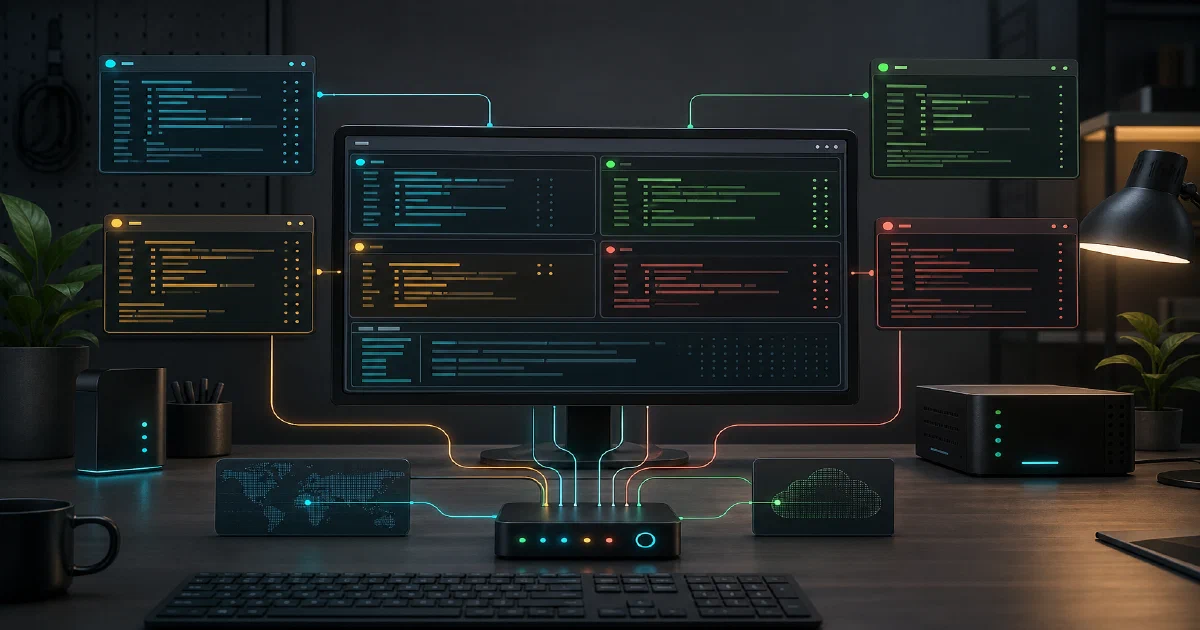

Herdr sits in an interesting place: it is not another coding agent, and it is not a web dashboard for agents.
It is closer to a terminal multiplexer that understands the kind of work AI agents are doing.
If you already run Codex, Claude Code, OpenCode, Pi, Hermes, Copilot CLI, or similar agents in terminals, Herdr is trying to solve the workflow around them: persistent panes, project workspaces, visible status, detach and reattach, and a way for scripts or agents to control the session.
Herdr is an agent-aware terminal multiplexer: workspaces, tabs, panes, real terminal views, status detection, and persistent sessions for AI coding workflows.
Herdr GitHub Source Code Herdr Website Herdr Quick Start Docs License: AGPL-3.0-or-later ✅
What is Herdr?
Herdr is a Rust terminal workspace manager built for AI coding agents.
It gives you workspaces, tabs, panes, mouse-native splits, copy mode, session persistence, and remote attach while keeping each agent inside its own real terminal.
That last part is important. Herdr does not replace the agent UI with a custom dashboard interpretation.
You still see the agent’s native terminal view. Herdr wraps it with a multiplexer that can detect whether agents are working, blocked, done, or idle.
The mental model is familiar if you use tmux, but the target workload is different.
Tmux gives you durable panes. Herdr adds agent awareness, mouse-first terminal UI controls, official integrations, and a local socket API that coding agents can use too.
Why Use Herdr?
- Persistent agents: detach the client and keep agents, shells, tests, and dev servers running in the background session.
- Better scanning: see workspaces, tabs, panes, and agent states in one terminal-native sidebar.
- Real terminal panes: keep the agent’s own TUI instead of switching to a separate GUI wrapper.
- Agent integrations: install hooks/plugins for Codex, Claude Code, OpenCode, Pi, Hermes, Copilot CLI, Qoder CLI, OMP, and others.
- Remote-friendly: run Herdr where the code lives and attach over normal SSH.
- Automation-ready: scripts and agents can use the CLI/socket API to create panes, run commands, read output, and wait for state.
Tech Overview of Herdr
Herdr is a single Rust binary. The project uses ratatui and crossterm for the terminal UI, portable-pty for pane processes, tokio for async runtime work, and a vendored libghostty-vt tree for terminal parsing/rendering behavior.
The repository is organized around clear boundaries:
| Area | Purpose |
|---|---|
src/app/ |
app state, runtime scheduling, actions, sessions, config IO |
src/ui/ |
terminal UI, dialogs, sidebar, tabs, settings, onboarding |
src/pane/ and src/terminal/ |
pane input, state, metadata, runtime behavior |
src/server/ |
background server, client transport, sockets, handoff |
src/api/ and src/protocol/ |
local API schema, subscriptions, wire protocol |
src/cli/ |
command wrappers for sessions, workspaces, panes, tabs, agents |
src/detect/ |
agent/process/screen detection |
src/integration/ |
official integration install/uninstall logic |
The developer notes in the repo emphasize a good architecture discipline: state is separated from runtime, render should stay pure, platform-specific code is isolated, and detection should be evidence-based from visible terminal state rather than incidental whole-pane text.
Persistence Model
Herdr has several state layers:
- Detach and reattach: the strongest path. The server keeps running, so pane processes keep running.
- Snapshot restore: after a server stop/start, Herdr restores layout, cwd, tabs, panes, and focus, but arbitrary processes are gone.
- Pane screen history: optional replay of recent terminal output after restart. It is off by default because terminal history may contain secrets.
- Native agent session restore: supported integrations can report session identity so Herdr can restart eligible agent panes into their native previous sessions.
- Live handoff: experimental update/remote path that tries to transfer live panes to a replacement server.
This is more nuanced than “it persists sessions.” The exact result depends on whether the server stayed alive, whether screen history is enabled, and whether an agent has a current official integration.
Installing and Trying Herdr
Herdr is not a Docker Compose application. It is a native terminal binary for Linux and macOS.
The README shows three common install paths:
curl -fsSL https://herdr.dev/install.sh | sh
brew install herdr
mise use -g herdr
You can also download a release binary from GitHub. For Linux x86_64:
curl -L --fail -o herdr-linux-x86_64 \
  https://github.com/ogulcancelik/herdr/releases/download/v0.6.8/herdr-linux-x86_64

chmod +x herdr-linux-x86_64
./herdr-linux-x86_64 --version
Build from source when you already have Rust installed:
git clone https://github.com/ogulcancelik/herdr
cd herdr
cargo build --release
./target/release/herdr
The project also has just recipes:
just build
just test
just check
First Session
Start Herdr inside a project directory:
herdr
Most Useful Keyboard Shortcuts
The default prefix is ctrl+b, so prefix+q means press ctrl+b, then q.
These are the shortcuts I would learn first:
| Shortcut | What it does |
|---|---|
ctrl+b, then shift+n |
Create a new workspace |
ctrl+b, then w |
Open workspace navigation |
ctrl+b, then c |
Create a new tab |
ctrl+b, then n / p |
Move to next / previous tab |
ctrl+b, then 1..9 |
Jump to a tab by number |
ctrl+b, then v |
Split the current pane to the right |
ctrl+b, then - |
Split the current pane downward |
ctrl+b, then h/j/k/l |
Move focus left/down/up/right between panes |
ctrl+b, then z |
Zoom or unzoom the focused pane |
ctrl+b, then [ |
Enter copy mode |
ctrl+b, then b |
Toggle the sidebar |
ctrl+b, then q |
Detach the client and leave panes running |
In copy mode, use h/j/k/l, w/b/e, and {/} to move, start selection with v or Space, copy with y or Enter, and leave with q or Esc.
Agent Integrations
Herdr can detect supported agents automatically, but official integrations improve state reporting or native session restore.
Install integrations from the in-app settings screen or with:
herdr integration install pi
herdr integration install claude
herdr integration install codex
herdr integration install copilot
herdr integration install opencode
herdr integration install hermes
herdr integration install qodercli
Herdr combines process detection, screen heuristics, and integration events. Claude Code, Codex, and OpenCode still use screen detection for state, while some other integrations can report semantic state directly.
CLI and Socket Automation
The CLI talks to the same local socket API that integrations and agents use.
Examples:
herdr workspace create --cwd ~/project --label api --no-focus
herdr tab create --label logs
herdr pane split 1-1 --direction right
herdr pane run 1-2 "npm test"
herdr pane read 1-2 --source recent-unwrapped --lines 120
herdr wait output 1-2 --match "ready" --timeout 30000
herdr wait agent-status 1-1 --status done
This is the part that makes Herdr more than a human-only terminal UI. Agents can use Herdr as a control plane for sibling panes, logs, servers, and other agents.
Field Note: Binary Trial Worked, Source Build Was Blocked
I tested Herdr locally on 2026-06-05 from the cloned repo at commit 0f92b2f, and with the latest stable Linux x86_64 binary release, v0.6.8.
The local machine did not have Rust installed:
rustc: command not found
cargo: command not found
So I skipped the source build and used the official release binary instead:
mkdir -p tmp/herdr-local
curl -s https://api.github.com/repos/ogulcancelik/herdr/releases/latest \
  > tmp/herdr-local/latest-release.json

cd tmp/herdr-local
curl -L --fail -o herdr-linux-x86_64 \
  https://github.com/ogulcancelik/herdr/releases/download/v0.6.8/herdr-linux-x86_64
chmod +x herdr-linux-x86_64
Non-interactive checks worked:
XDG_CONFIG_HOME="$PWD/xdg-config" HOME="$PWD/home" ./herdr-linux-x86_64 --version
XDG_CONFIG_HOME="$PWD/xdg-config" HOME="$PWD/home" ./herdr-linux-x86_64 --help
XDG_CONFIG_HOME="$PWD/xdg-config" HOME="$PWD/home" ./herdr-linux-x86_64 --default-config
XDG_CONFIG_HOME="$PWD/xdg-config" HOME="$PWD/home" ./herdr-linux-x86_64 channel show
XDG_CONFIG_HOME="$PWD/xdg-config" HOME="$PWD/home" ./herdr-linux-x86_64 session list
Observed output included:
herdr 0.6.8
stable
--help and --default-config also worked and showed the isolated config/log paths under tmp/herdr-local/xdg-config/herdr.
One caveat: herdr status discovered an existing real Herdr default server on this machine at /home/jalcocert/.config/herdr/herdr.sock, even when I set a temporary HOME and XDG_CONFIG_HOME. I did not run server stop, update, or the interactive TUI during the trial.
Temporary assets were kept for review:
tmp/herdr        # cloned repo, about 58 MB
tmp/herdr-local  # release binary and trial files, about 14 MB
Where Herdr Fits
Herdr is useful when you already believe in terminal-based agents and want stronger session management around them.
It competes more directly with tmux-style workflows than with hosted agent dashboards. The difference is that Herdr knows about agents: status rollups, integrations, native restore, automation commands, and direct agent reads/waits are first-class concepts.
Pick Herdr if you want:
- terminal-native agent supervision
- persistent multi-agent workspaces
- mouse-friendly panes without leaving the terminal
- remote SSH attach
- a local socket API for scripting and agent orchestration
- a Rust single-binary tool instead of an Electron app
Skip it if you want:
- a browser dashboard
- a Docker service
- a hosted team UI
- a replacement for the agents themselves
Read it after Codex CLI, OpenCode, or Pi. Herdr is most useful once you already have more than one agent session, shell, test runner, or dev server to supervise.
Conclusion
Herdr feels like a serious attempt to update terminal multiplexing for AI coding workflows. The core choice is pragmatic: keep real terminal panes, but add enough structure around them that agents become easier to supervise, automate, detach, restore, and scan.
The local binary trial was smooth for non-interactive checks. I would still test the full TUI in a dedicated terminal before depending on it daily, especially if you already have a Herdr server running, but the release binary path is straightforward.
For developers running multiple terminal agents across projects, Herdr is worth evaluating alongside tmux and custom shell workflows.
Comments