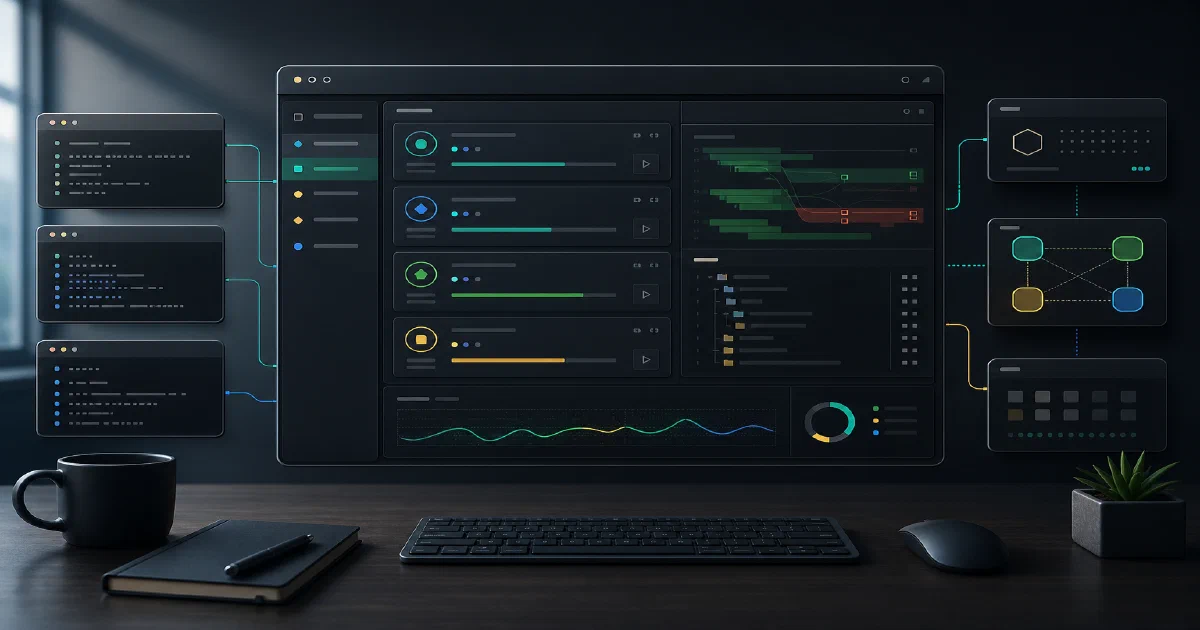

T3 Code is the missing middle between terminal-only coding agents and full IDE-style AI editors.
It does not try to be the model provider. It does not replace Codex, Claude Code, Cursor, or OpenCode. Instead, it gives those coding agents a minimal web and desktop GUI.
That distinction matters. Before T3 Code can do useful work, you still need at least one supported coding agent installed and authenticated.
T3 Code GitHub Source Code T3 Code Website License: MIT
What is T3 Code?
T3 Code is a minimal GUI for coding agents.
The README currently lists support for:
- Codex
- Claude Code
- Cursor
- OpenCode
That means your first setup step is not “enter an API key into T3 Code.” Your first setup step is to install and authenticate a supported agent:
codex login
claude auth login
cursor-agent login
opencode auth login
Then you can start T3 Code:
npx t3@latest
or check the CLI first:
npx t3@latest --help
Repository Snapshot
I cloned the repository into:
tmp/foss-post/t3code
Source state:
| Item | Value |
|---|---|
| Repository | pingdotgg/t3code |
| Commit | 3ea6adf17d5528d9c90ed53b6dead650d5931941 |
| Commit date | 2026-06-05T18:01:34-07:00 |
| Commit message | [codex] Enrich relay authorization diagnostics (#2977) |
| Latest tag observed | v0.0.25-nightly.20260606.480 |
| Stable package observed | [email protected] |
| Package manager | [email protected] |
| Repo dev engine | Node ^24.13.1 |
| Published package engine | Node `^22.16 |
| License | MIT |
Architecture
The architecture docs describe T3 Code as a Node.js WebSocket server that serves a React web app and wraps coding-agent runtimes.
The simplified flow:
Browser React app
  -> WebSocket transport
  -> apps/server
  -> provider service / orchestration engine
  -> coding-agent runtime such as codex app-server
Important repo areas:
| Path | Purpose |
|---|---|
apps/server/ |
published t3 server CLI, HTTP/WebSocket server, runtime coordination |
apps/web/ |
React web app |
apps/desktop/ |
Electron desktop app |
apps/mobile/ |
mobile app pieces |
packages/contracts/ |
shared typed contracts |
packages/effect-codex-app-server/ |
Codex app-server integration package |
packages/effect-acp/ |
ACP integration package |
packages/ssh/ |
SSH-related package |
packages/tailscale/ |
Tailnet exposure helpers |
infra/relay/ |
hosted T3 Cloud relay, currently private beta |
The relay is not in the hot path for normal local traffic. The relay docs describe it as a hosted control plane for remote environment discovery, short-lived credentials, mobile notifications, and Live Activities.
Local Field Test
Local environment:
| Item | Value |
|---|---|
| Node | v22.22.0 |
| npm | 10.9.4 |
| pnpm | 10.33.0 global, 10.24.0 repo package manager |
| Free disk during trial | about 13GB |
| Available RAM during trial | below 1GB near the end of the pass |
| Swap | 0B |
Published CLI Help
Command:
/usr/bin/time -v timeout 90s npx -y t3@latest --help
Result:
| Metric | Value |
|---|---|
| Exit status | 0 |
| Wall time | 13.25s |
| Peak RSS | 321,176 KB |
One warning appeared:
npm warn EBADENGINE Unsupported engine
package: [email protected]
required: node ^22.22.2 || ^24.15.0 || >=26.0.0
current: node v22.22.0
The warning did not stop the help command.
The CLI help showed:
t3 start
t3 serve
t3 auth
t3 project
Important flags:
--mode web|desktop
--port <port>
--host <host>
--base-dir <path>
--no-browser
--auto-bootstrap-project-from-cwd
--tailscale-serve
Local Server Start
Then I started the server on a high localhost port:
npx -y t3@latest serve --host 127.0.0.1 --port 14173 --no-browser
Observed:
Running all migrations...
Migrations ran successfully
Listening on http://127.0.0.1:14173
T3 Code server is ready.
Connection string: http://127.0.0.1:14173
Pairing URL: http://127.0.0.1:14173/pair#token=...
The server generated a one-time pairing token and QR-style terminal output.
My HTTP fetch loop did not capture the HTML before the process was stopped, so I am treating this as server-start validation, not full browser UI validation.
Useful Keyboard Shortcuts
T3 Code reads custom keybindings from:
~/.t3/keybindings.json
Default shortcuts from the docs:
| Shortcut | Command |
|---|---|
mod+j |
toggle terminal drawer |
mod+d |
split terminal when terminal is focused |
mod+n |
new terminal when terminal is focused |
mod+w |
close focused terminal |
mod+k |
open command palette when terminal is not focused |
mod+n |
new chat when terminal is not focused |
mod+shift+o |
new chat when terminal is not focused |
mod+shift+n |
new local chat |
mod+o |
open current project/worktree in the favorite editor |
mod means cmd on macOS and ctrl on non-macOS systems.
Example override:
[
  { "key": "mod+g", "command": "terminal.toggle" },
  { "key": "mod+shift+g", "command": "terminal.new", "when": "terminalFocus" }
]
Docker Notes
I did not find a Dockerfile or Docker Compose deployment path in the main app surface during this pass.
T3 Code is better framed as:
npx t3@latestfor quick local use- desktop installers for normal app use
- source development through
vp/ PNPM workspace tooling - relay deployment only for T3 Cloud internals
Because I did not validate a Docker Compose path, I did not add a Home-Lab compose file.
Search / Positioning Notes
Search results already contain several “T3 Code GUI for coding agents” style posts, plus the official t3.codes site and GitHub repo.
The useful angle for our post is first-hand validation:
- exact repo commit
- exact local command
- exact server output
- dependency warning
- clarification that T3 Code wraps existing coding-agent CLIs
- keyboard shortcuts and provider setup details
T3 Code vs Herdr vs Paperclip
These tools can sound similar because all of them sit around coding agents, but they target different layers:
| Tool | Use It When |
|---|---|
| T3 Code | you want a lightweight web/desktop GUI for existing coding-agent CLIs |
| Herdr | you want terminal-native persistent panes and agent status detection |
| Paperclip | you want a self-hosted control plane for teams of agents, budgets, approvals, and projects |
T3 Code is the local operator interface. It is closer to “make my agent sessions easier to drive” than “schedule autonomous work across a backlog.”
FAQ
Is T3 Code an agentic CLI?
Does T3 Code include a model provider?
Can I run it with Codex?
codex login first.
Can I run it with OpenCode?
Did you validate the browser UI?
127.0.0.1:14173, and emits a pairing URL. I did not complete a browser session in this pass.
Comments