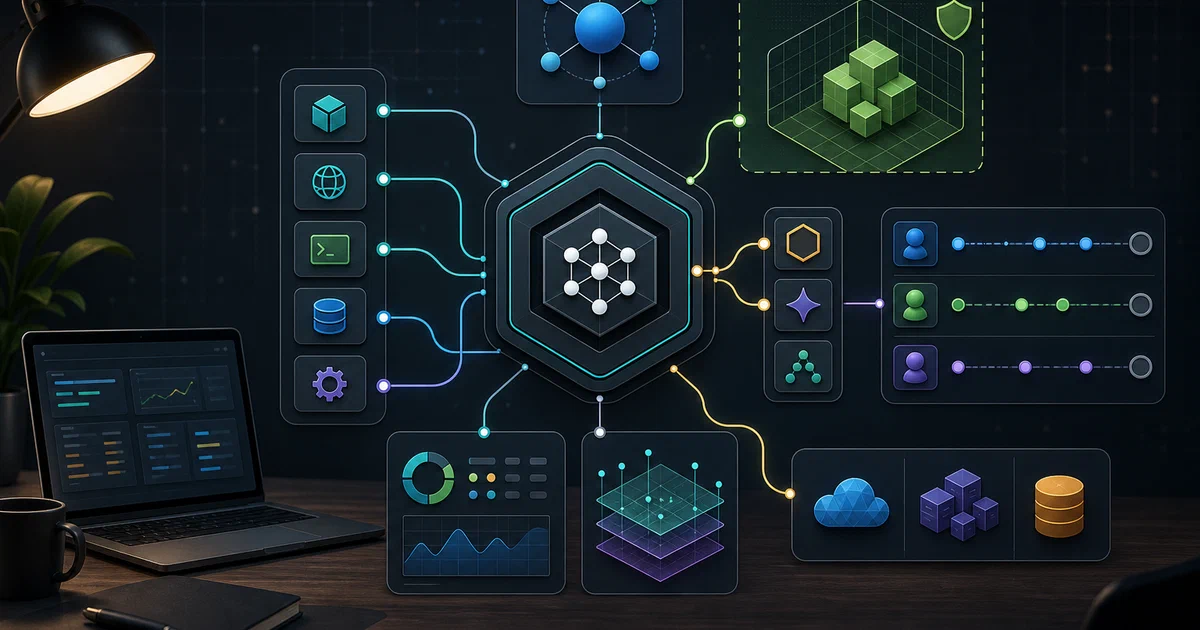

Flue is the most framework-like project in this batch.
OpenCode, Codex CLI, and Pi are tools you run. T3 Code is a GUI around tools you run. OpenClaw is a personal assistant Gateway.
Flue is different: it is a TypeScript framework for building your own headless, programmable agent harness.
The useful mental model is:
model + tools + sandbox + skills + context + sessions + deployment target = agent harness
Flue tries to make that harness a first-class framework primitive.
Flue GitHub Source Code Flue Documentation License: Apache-2.0
What is Flue?
Flue calls itself The Agent Harness Framework.
The README describes it as a TypeScript framework for building agents around a built-in harness. There is no TUI, no GUI, and no assumption that a human operator is driving every turn.
Instead, you write agents and workflows in TypeScript, while much of the agent behavior lives in familiar agent context surfaces:
AGENTS.md- skills
- context files
- tools
- sandbox choice
- sessions
- workflow handlers
Flue targets multiple runtimes:
- Node.js
- Cloudflare
- GitHub Actions
- GitLab CI/CD
- other runtime targets as the framework matures
Repository Snapshot
I cloned the repository into:
tmp/foss-post/flue
Source state:
| Item | Value |
|---|---|
| Repository | withastro/flue |
| Commit | bb9245f01677a2a169dc98d457292c57043dd40b |
| Commit date | 2026-06-04T17:49:02-05:00 |
| Commit message | fix shaders |
| Latest tag observed | v0.9.2 |
| Published CLI observed | @flue/[email protected] |
| Published runtime observed | @flue/[email protected] |
| Package manager | [email protected] |
| Node engine | >=22 in repo, >=22.18.0 for published packages |
| License | Apache-2.0 |
| Checkout size | about 20MB |
| Review check | npm view still showed @flue/[email protected] and @flue/[email protected] on 2026-06-06 |
Main Packages
| Package | Purpose |
|---|---|
@flue/runtime |
runtime, harness, sessions, tools, sandbox |
@flue/cli |
CLI, build, dev, run, connect, init, add, logs |
@flue/sdk |
client SDK |
@flue/connectors |
connector helpers |
@flue/opentelemetry |
OpenTelemetry adapter |
Important examples:
| Example | What it demonstrates |
|---|---|
examples/hello-world |
workflows, local/virtual sandbox, filesystem, tools, skills, subagents |
examples/node-websocket |
long-lived agent socket and one-shot workflow socket |
examples/cloudflare-websocket |
Cloudflare WebSocket fixture |
examples/cloudflare |
Cloudflare-specific agents and bindings |
examples/braintrust |
tracing bridge through Flue observe(...) events |
examples/sentry |
error reporting bridge |
examples/imported-skill |
packaged/imported skill behavior |
examples/chat-sdk |
Chat SDK integration pattern |
CLI Surface
Published package metadata:
npm view @flue/cli version dist.tarball bin engines --json
npm view @flue/runtime version dist.tarball engines --json
Observed:
{
  "version": "0.9.2",
  "bin": { "flue": "bin/flue.mjs" },
  "engines": { "node": ">=22.18.0" }
}
The CLI exposes:
flue dev
flue run <workflow>
flue connect <agent> <instance-id>
flue build
flue init --target node
flue init --target cloudflare
flue add
flue logs <workflowRunId>
Local Field Test
Local environment:
| Item | Value |
|---|---|
| Node | v22.22.0 |
| pnpm | 10.33.0 globally, repo expects 11.1.1 |
| Free disk near Flue pass | about 12GB |
| Available RAM near Flue pass | about 745MB |
| Swap | 0B |
Because memory and disk were tight by this point, I avoided a full monorepo install/build.
CLI Help
Command:
/usr/bin/time -v timeout 90s npx -y @flue/cli@latest --help
Output:
- printed full CLI usage
- showed command list and examples
- emitted npm deprecation warnings from transitive dependencies
- exited with status
1
Metrics:
| Metric | Value |
|---|---|
| Exit status | 1 |
| Wall time | 36.30s |
| Peak RSS | 496,932 KB |
This is worth documenting: the help text is useful, but the command returned non-zero in this environment.
flue init
Command:
rm -rf /tmp/flue-init-smoke
mkdir -p /tmp/flue-init-smoke
/usr/bin/time -v timeout 60s npx -y @flue/cli@latest init --target node --root /tmp/flue-init-smoke
Result:
| Metric | Value |
|---|---|
| Exit status | 0 |
| Wall time | 2.58s |
| Peak RSS | 260,928 KB |
Generated:
import { defineConfig } from '@flue/cli/config';

export default defineConfig({
  target: 'node',
});
The CLI then printed:
Next step:

  fetch https://flueframework.com/start.md to create a new agent
So the low-friction starting point is:
npx -y @flue/cli@latest init --target node --root ./my-agent
then follow the generated instruction to create the first agent/workflow.
Docker Notes
Flue has example Dockerfiles, but it is not a compose-first self-hosted app. It is a framework and build/runtime toolchain.
I did not validate a Docker Compose deployment and did not create a Home-Lab compose file. That is intentional: a public Home-Lab compose snippet would make this look like a ready-to-run service, while the useful entry point today is the CLI scaffold and framework examples.
Where Flue Fits
| Tool | Role |
|---|---|
| Flue | TypeScript framework for building agent harnesses |
| Pi | agentic coding CLI and toolkit |
| OpenCode | ready-to-run coding-agent CLI |
| Codex CLI | OpenAI-native local coding agent |
| T3 Code | web/desktop GUI for existing coding-agent CLIs |
| OpenClaw | personal assistant Gateway |
| Graphify | code knowledge graph context for agents |
Flue is closest to a developer framework. If you want a finished app, it is probably not the first tool. If you want to build your own agent runtime with sessions, tools, sandboxes, skills, and deployment targets, it becomes interesting.
The honest pick:
- Pick Flue if you want to build an agent harness in TypeScript.
- Pick Codex CLI, OpenCode, or Pi if you want a tool to run immediately.
- Pick Paperclip or Symphony if the problem is orchestration above agents, not building the harness itself.
FAQ
Is Flue another AI SDK?
Does Flue replace Codex, Claude Code, OpenCode, or Pi?
Can Flue run without Docker?
just-bash unless you opt into a full container sandbox. Several examples are designed for Node or Cloudflare without a local Docker Compose deployment.
Did you run a live model-backed workflow?
flue init. I did not run a live Anthropic/OpenAI/OpenRouter workflow in this pass.
What command should I try first?
npx -y @flue/cli@latest init --target node --root ./my-agent, then follow the printed start.md instruction to create the first agent.
Comments