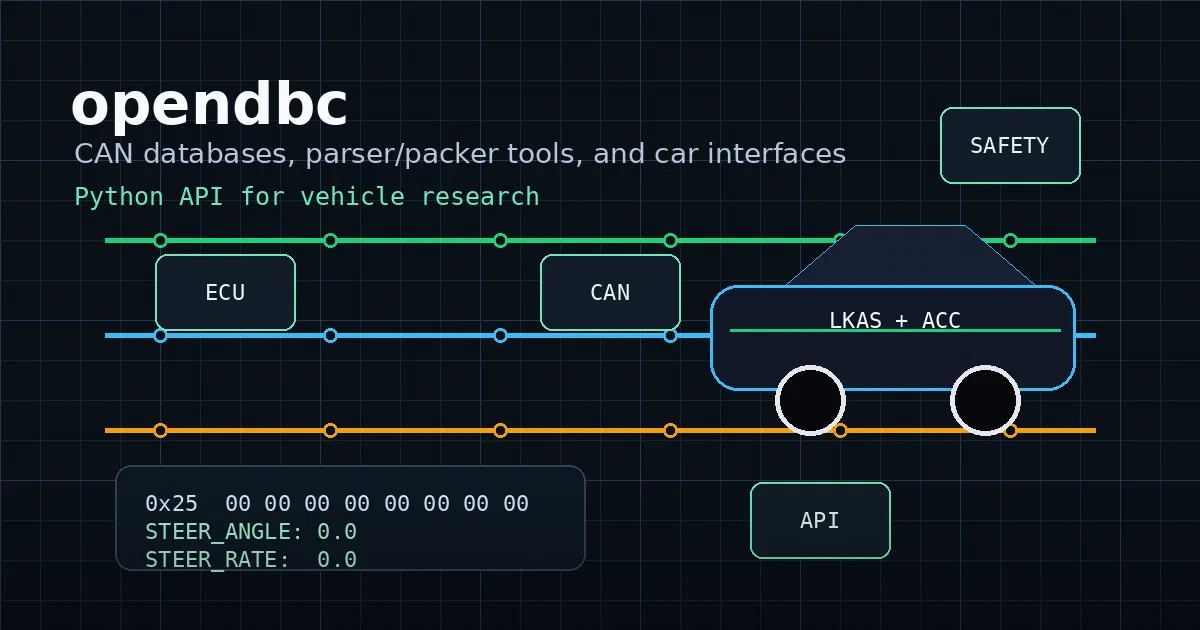

opendbc is not a normal developer-tool project.
It sits close to the boundary between Python software, vehicle CAN buses, hardware interfaces, and functional safety.
That makes it interesting, but also easy to misunderstand.
opendbc is comma.ai’s open-source Python API and CAN database toolkit for reading vehicle state, building CAN messages, maintaining car ports, and supporting openpilot-style vehicle interfaces.
opendbc GitHub Source Code comma.ai Docs opendbc Supported Cars List License: MIT
What is opendbc?
At the lowest level, opendbc is a repository of DBC files.
A DBC file describes CAN messages: addresses, signal names, bit layouts, scale factors, offsets, enumerations, counters, and checksums.
Without that layer, a CAN frame is mostly just bytes.
With a DBC, bytes become useful vehicle signals:
0x25  00 00 00 00 00 00 00 00
STEER_ANGLE:    0.0
STEER_FRACTION: 0.0
STEER_RATE:     0.0
opendbc is broader than DBC files now. The repo also contains:
- a CAN parser and CAN packer
- high-level car interfaces
- brand-specific car ports
- fingerprints and firmware-version data
- radar and controller interfaces
- Cap’n Proto schemas
- functional safety code
- safety tests and CI checks
That is why the repo describes itself as “a Python API for your car.”
Why It Matters
Car software usually hides behind proprietary tooling, vendor-specific diagnostics, and hardware that is not meant to be explored by normal developers.
opendbc makes part of that stack inspectable.
The useful mental model is:
| Layer | What opendbc Provides |
|---|---|
| CAN definitions | DBC files under opendbc/dbc/ |
| Signal parsing | CANParser turns frames into named values |
| Message building | CANPacker builds CAN payloads from named signals |
| Car ports | brand folders under opendbc/car/<brand>/ |
| Identification | fingerprints, firmware versions, values |
| Safety | safety hooks and safety-mode tests under opendbc/safety/ |
For openpilot users, this is part of the vehicle-interface foundation. For vehicle researchers, it is also a useful way to study how modern ADAS-capable cars expose state and control surfaces.
Repository Snapshot
I cloned the repo into:
tmp/foss-post/opendbc
The checkout I inspected:
package version: 0.3.1
latest GitHub release checked: v0.3.1, published 2026-04-22
license: MIT
package shape: Python package with DBC data, Cap'n Proto schemas, CAN tools, car interfaces, and safety code
local DBC count: 56 top-level .dbc files
known cars in docs/CARS.md: 401
The top-level project structure is compact:
| Path | What It Contains |
|---|---|
opendbc/dbc/ |
CAN database files |
opendbc/can/ |
DBC loader, parser, and packer |
opendbc/car/ |
high-level vehicle interfaces and brand ports |
opendbc/safety/ |
C safety hooks, modes, and safety tests |
docs/CARS.md |
generated support matrix |
examples/ |
hardware-oriented example scripts |
test.sh |
full local CI path |
The brand-port structure is especially important.
A typical port under opendbc/car/<brand>/ has files like:
carstate.py- parses relevant vehicle state from CANcarcontroller.py- builds outgoing control messages<brand>can.py- brand-specific CAN helpersfingerprints.py- model identification datainterface.py- high-level vehicle interfaceradar_interface.py- radar parsing when applicablevalues.py- supported models and platform values
Install and Smoke Test
For normal Python use, install the published package:
python3 -m venv .venv
. .venv/bin/activate
pip install opendbc
Or with uv:
uv venv .venv
. .venv/bin/activate
uv pip install opendbc
I validated the PyPI package path with:
python - <<'PY'
from importlib.metadata import version
from opendbc.can.dbc import DBC

print("opendbc", version("opendbc"))
print("toyota messages", len(DBC("toyota_prius_2010_pt").name_to_msg))
PY
Result:
opendbc 0.3.1
toyota messages 26
For contributors, the repo path is:
git clone https://github.com/commaai/opendbc.git
cd opendbc
pip install -e .
The upstream full validation path is:
./test.sh
That script installs testing/docs dependencies, builds, runs tests, and runs linting. I did not run the full suite locally because it is much heavier than a package smoke test.
A Harmless DBC Parse Example
This local smoke test does not talk to a car.
It loads a DBC, builds a zeroed CAN message for STEER_ANGLE_SENSOR, and parses it back into named signals:
from opendbc.can.dbc import DBC
from opendbc.can.packer import CANPacker
from opendbc.can.parser import CANParser

dbc_name = "toyota_prius_2010_pt"
msg_name = "STEER_ANGLE_SENSOR"

dbc = DBC(dbc_name)
msg = dbc.name_to_msg[msg_name]

packer = CANPacker(dbc_name)
values = {sig: 0 for sig in msg.sigs}
addr, dat, bus = packer.make_can_msg(msg_name, 0, values)

parser = CANParser(dbc_name, [(msg_name, 100)], 0)
updated = parser.update([(1_000_000_000, [(addr, dat, bus)])])

print(hex(addr), dat.hex(), [hex(x) for x in updated])
print(parser.vl[msg_name])
On this machine, that produced:
0x25 0000000000000000 ['0x25']
{'STEER_ANGLE': 0.0, 'STEER_FRACTION': 0.0, 'STEER_RATE': 0.0}
That is the safe way to start: understand DBCs, parsing, and logs before thinking about hardware control.
Safety Is Not Optional
The most important part of opendbc is not the exciting joystick example.
It is the safety model.
The repo includes C safety code under opendbc/safety/, brand-specific safety modes, release-firmware restrictions, mutation testing, MISRA-oriented checks, and unit tests around safety logic.
The README is clear that panda hardware powers up in SAFETY_SILENT mode by default. In that mode, CAN buses are forced silent. To send messages, a safety mode must be selected, and some modes are disabled in release firmware.
That distinction matters.
Reading CAN data and decoding DBC files is one class of work. Sending steering, gas, brake, or ADAS-related messages on real vehicle hardware is a different class of risk.
Do not treat example scripts as a casual demo on public roads. If you are not already working inside comma’s hardware, openpilot, safety, and porting model, stay with offline logs, DBC parsing, and simulator-style experiments.
Where It Fits
opendbc belongs in the same mental map as these projects:
| Project | Role |
|---|---|
| opendbc | vehicle CAN databases, parsers, car interfaces, safety code |
| openpilot | open-source driver assistance stack |
| panda | hardware and firmware for talking to vehicle CAN |
| cabana | CAN log exploration and reverse engineering |
So the post angle is not “self-host opendbc with Docker.”
There is no useful web container to run here.
The useful angle is: install the Python package, load DBCs, parse frames, understand how car ports are structured, and respect the safety boundary before touching real hardware.
FAQ
Is opendbc a self-hosted app?
No. It is a Python package and vehicle-interface repository, not a web app. There is no Docker Compose snippet to add for the app gallery.
Can I use it without a car?
Yes. You can load DBC files, inspect message definitions, pack frames, parse sample frames, and work with recorded CAN logs without connecting to a vehicle.
Can I control a real car with it?
Not by itself, and not casually. opendbc is part of a larger hardware and safety ecosystem involving openpilot and panda. Vehicle control work requires the right hardware, safety modes, supported vehicle interface, and controlled testing environment.
Why not just use python-can?
python-can is a general CAN bus interface library. opendbc is the vehicle-specific knowledge layer: DBC files, signal definitions, car ports, parsers, packers, fingerprints, and safety logic. They can be complementary, but they solve different layers.
Where do can-utils and python-OBD fit?
can-utils
is the practical Linux SocketCAN toolkit for commands like candump, cansend, canplayer, and cansniffer. python-OBD
is a simpler OBD-II path for reading engine/diagnostic data through an ELM327-style adapter. opendbc sits deeper in the vehicle CAN/DBC layer.
What is the best first experiment?
Install opendbc, load one DBC, list its messages, pack a known message, and parse it back. After that, inspect docs/CARS.md and one brand folder under opendbc/car/ to see how a real car port is organized.
Should I run examples/joystick.py?
Not as a first experiment. It is hardware-oriented and can send control requests through the car interface. Start with offline parsing and DBC inspection.
Comments