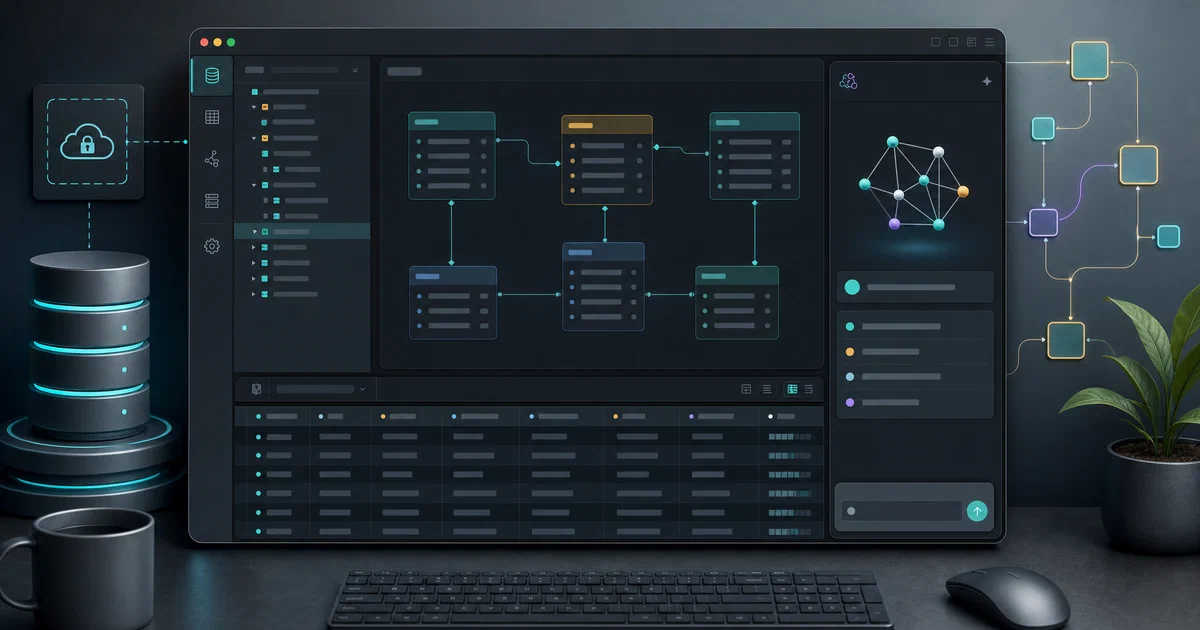

Most database clients feel like they were designed before AI existed, before dark mode, and before anyone cared about developer experience. Conar is the opposite: a modern, open-source database GUI that puts an AI assistant right next to your SQL editor, supports the four most common databases, and ships as a web app, a desktop application, and a CLI — all from a single TypeScript codebase.
What is Conar?
Conar is an AI-powered database client built by Wannabe Space. It connects to PostgreSQL, MySQL, MSSQL, and ClickHouse, stores encrypted connection strings, and integrates with Anthropic Claude, OpenAI, Google Gemini, and xAI Grok so you can get AI help without ever leaving the query editor.
“AI-powered open-source project that simplifies database interactions.”
Conar Source Code on GitHub Conar Website & Cloud Version
Why developers choose Conar
- 🤖 AI SQL assistance — ask any supported model to write, explain, or optimise queries; switch models without leaving the app
- 🔌 Multi-database — PostgreSQL, MySQL, MSSQL, ClickHouse from one interface (SQLite & MongoDB coming)
- 🔐 Encrypted connections — connection strings are encrypted at rest; sensitive values are redacted from logs
- 🖥️ Three ways to use it — web app, Electron desktop (macOS/Windows/Linux), or CLI
- 🧩 Modern stack — React 19, TanStack Router/Query, Monaco Editor, TailwindCSS v4, Drizzle ORM
- 🐧 Linux-native — AUR package available for Arch Linux users
- ⚖️ Open source — full codebase on GitHub, self-hostable from source
Conar Tech Overview
Conar is a pnpm + Turborepo monorepo with seven apps and six shared packages. Everything is TypeScript, built with Vite 8 on the frontend and Bun-powered scripts for tooling.
Apps at a glance
| App | Role |
|---|---|
api |
Backend — Hono v4, oRPC, Drizzle ORM, Better Auth |
app |
Frontend — React 19, TanStack Start, Monaco Editor |
proxy |
Connection broker — routes queries to your target databases |
desktop |
Electron 39 wrapper of app, distributed via ToDesktop |
cli |
Terminal access (published as conar on npm) |
docs |
Documentation site |
main |
Marketing landing page |
AI layer
The @conar/ai internal package wraps the Vercel AI SDK and provides a unified interface across providers. You pick your model in the settings; the backend proxies requests so your API keys stay server-side. Supported today:
- Anthropic — Claude 3.5/4 family
- OpenAI — GPT-4o, o1
- Google — Gemini 2.x
- xAI — Grok
The query editor
The SQL editor is built on Monaco Editor (the same engine as VS Code) with monaco-sql-languages providing dialect-aware syntax highlighting and auto-complete for all four supported databases. Query results render in a virtualised table (TanStack Virtual) so millions of rows do not freeze the UI.
Connection security
The @conar/connection package wraps each database driver (pg, mysql2, mssql, @clickhouse/client) behind a uniform interface. Connection strings are encrypted before storage. The @hackylabs/deep-redact library scrubs credentials from any log output automatically.
Running Conar Locally (Self-Host from Source)
Conar does not yet ship a single-container production image — it is a multi-service project best run from source for self-hosting. Here is the full local setup.
Get Docker 🐋
Install Docker on your system before proceeding:
- Linux: Official Docker Engine install guide
- Windows / Mac: Docker Desktop
Verify installation: docker --version && docker compose version
Step 1 — Start the development databases
The only Docker requirement for Conar is its own backing store (PostgreSQL for the API’s metadata and Redis for sessions). A docker-compose.dev.yml is included:
services:
  postgresql:
    image: postgres:16-alpine
    ports:
      - '5432:5432'
    environment:
      - POSTGRES_USER=postgres
      - POSTGRES_PASSWORD=postgres
      - POSTGRES_DB=conar
    volumes:
      - postgres_data:/var/lib/postgresql/data
    restart: unless-stopped

  redis:
    image: redis/redis-stack:7.2.0-v19
    ports:
      - '6379:6379'
      - '8001:8001'   # RedisInsight UI
    volumes:
      - redis-data:/data
    restart: always

volumes:
  postgres_data:
  redis-data:
Start it with:
pnpm run docker:start
# equivalent to: docker compose -f docker-compose.dev.yml up -d
Step 2 — Install dependencies and configure
git clone https://github.com/wannabespace/conar
cd conar
pnpm install
Copy and fill in the environment files for each app:
cp apps/api/.env.example apps/api/.env
cp apps/app/.env.example apps/app/.env
cp apps/proxy/.env.example apps/proxy/.env
Key values to set in apps/api/.env:
DATABASE_URL=postgresql://postgres:postgres@localhost:5432/conar
REDIS_URL=redis://localhost:6379
BETTER_AUTH_SECRET=<generate a random string>
# Add at least one AI provider key:
ANTHROPIC_API_KEY=sk-ant-...
Step 3 — Migrate the database and start
# Create the schema
pnpm run drizzle:migrate

# Start all services in parallel (Turborepo)
pnpm run dev
Turborepo starts api, app, proxy, and docs concurrently. The web UI is available at the port defined in packages/shared/constants.ts (typically http://localhost:3000).
Service ports (defaults)
| Service | Default port |
|---|---|
apps/app (web UI) |
3000 |
apps/api |
3001 |
apps/proxy |
3002 |
apps/docs |
3003 |
| PostgreSQL | 5432 |
| Redis | 6379 |
| RedisInsight | 8001 |
Ports are defined in packages/shared/constants.ts and shared across apps at build time.
Installing the CLI
If you just want the terminal interface against the Conar cloud:
npm install -g conar
# or with pnpm:
pnpm add -g conar
Arch Linux users can install from the AUR:
yay -S conar
# or:
paru -S conar
Conclusion
Conar is what a database client looks like when built by people who actually write a lot of SQL in 2025. The Monaco-based editor, multi-provider AI assistant, virtualised result tables, and first-class desktop and CLI support put it well ahead of most alternatives in developer experience — and the fully open-source TypeScript monorepo means you are not locked in.
The self-hosted path is currently source-based (not a single docker pull experience), which means it is best suited for developers comfortable running a multi-service Node/Bun stack. A containerised production image would be the natural next step for the project.
Alternatives to consider:
- DBeaver — the classic heavyweight; supports every database imaginable
- Beekeeper Studio — modern, clean UI, open-source community edition
- TablePlus — polished macOS/Windows client, not fully open-source
- NocoDB — turns your database into a spreadsheet-style UI, different use case
Frequently Asked Questions
Do I need a Conar cloud account to use it?
To use the hosted version at conar.app, yes. To self-host from source, you run your own api and proxy services — no external account needed, though you will need API keys for whichever AI provider you want to use.
Which AI model should I use?
For SQL assistance, Claude Sonnet or GPT-4o both work well. Claude tends to produce cleaner SQL with better explanations; GPT-4o is faster for iterative edits. You can switch models per session in the settings.
Can I connect to a database on my local network?
Yes — the proxy service runs locally and bridges your browser/desktop to databases on your LAN. The proxy handles the actual driver connections so your DB credentials never leave your machine.
Is the desktop app the same as the web app?
Yes. The Electron desktop app wraps the same apps/app React frontend. Vite builds a separate dist-desktop bundle (with base: './' for file:// protocol) when targeting desktop mode.
Is there a way to contribute a new database driver?
Yes — the @conar/connection package in packages/connection/ is the right place. Each database driver is wrapped behind a uniform interface. Adding SQLite or MongoDB means implementing that interface for the new driver and wiring it to the UI.
Comments