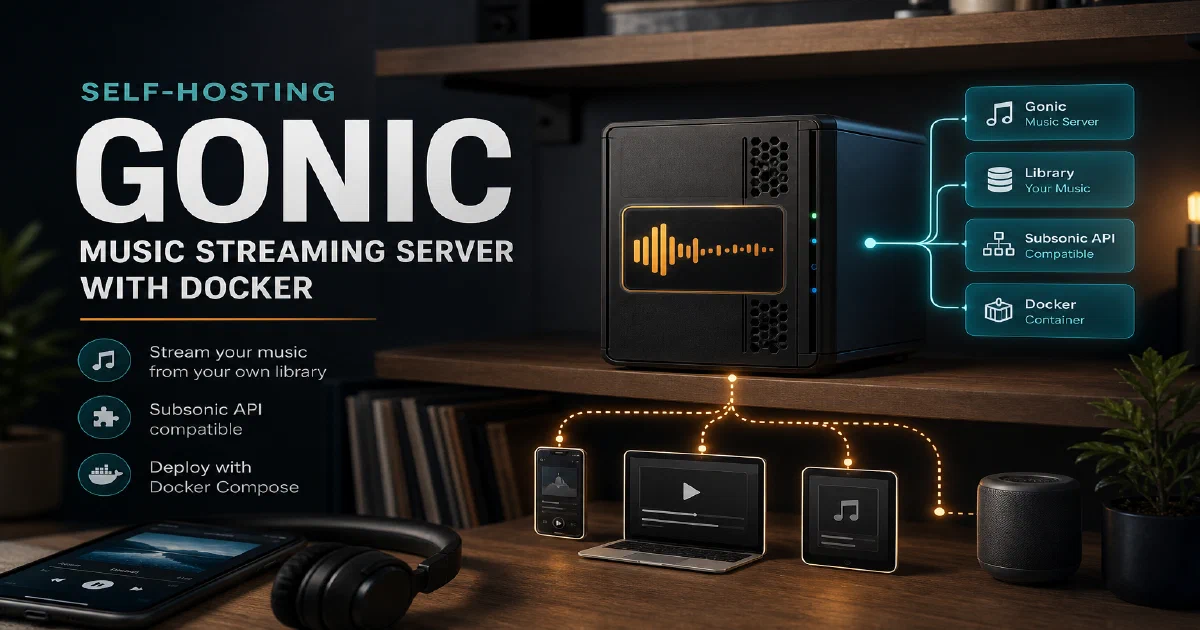

If you have a music collection sitting on a hard drive, Gonic turns it into a personal streaming service you can access from anywhere. It implements the Subsonic API, which means it works out of the box with a huge ecosystem of client apps — Symfonium, DSub, Ultrasonic, Strawberry, and many more. Unlike heavier alternatives, Gonic is a lean Go binary that stays out of your way and just serves music.
Why Gonic?
- Subsonic API compatibility: Every Subsonic-compatible client works with Gonic without any special configuration. If you already have a favourite music app, it will connect straight to Gonic.
- Scrobbling support: Gonic integrates with Last.fm and ListenBrainz so your listening history still gets tracked without needing a cloud music service.
- Lightweight footprint: The server is a single Go binary with minimal resource usage — it runs comfortably on a Raspberry Pi alongside other services.
Gonic with Docker
The Docker image makes deployment straightforward. You map your music directory and a data directory for the database and cache, set a few environment variables, and you are done.
docker --version
Docker Compose
#version: '3'

services:
  gonic:
    image: sentriz/gonic:latest
    container_name: gonic
    user: "1000:1000" # You can adjust this to your user's UID and GID for permissions
    ports:
      - "4747:4747"
    environment:
      # This is the path to your music collection inside the container
      - GONIC_MUSIC_PATH=/music
      # Gonic will store its database and cache here
      - GONIC_DB_PATH=/data/gonic.db
      - GONIC_CACHE_PATH=/data/cache
      # Optional: listen on all interfaces.
      - GONIC_LISTEN_ADDR=0.0.0.0:4747
    volumes:
      # # This is the directory for Gonic's data (database and cache) on your host machine
      # - /path/to/gonic/data:/data
      # # This is the directory with your music files on your host machine
      # - /path/to/your/music:/music:ro
      - /home/jalcocert/Desktop/IT/Home-Lab/gonic/data:/data
      - /home/jalcocert/Downloads/Music:/music:ro
      - /home/jalcocert/Desktop/IT/Home-Lab/gonic/data/cache:/cache # transcode / covers / etc cache dir
      - /home/jalcocert/Downloads/playlists:/playlists # your playlists
    restart: unless-stopped
Update the volume paths to point at your actual music library and data directory before starting. The music volume is mounted read-only (:ro) — Gonic only needs to read your files, not write to them.
docker compose up -d
On first start, Gonic will scan your music library. Depending on the size of your collection, this can take a few minutes.
Accessing Gonic
The Gonic web interface and Subsonic API endpoint are both available at:
http://localhost:4747
Set a username and password on first run. Use these same credentials when connecting a Subsonic client app — point the app at http://your-server:4747 and it should find your library immediately.
Conclusion
Gonic is a no-fuss music server for selfhosters who already own their music. It is small, fast, and compatible with the entire Subsonic client ecosystem — exactly what a self-hosted music solution should be. Pair it with Nginx Proxy Manager for HTTPS access, Uptime Kuma to keep an eye on it, and the containers primer if you are still finding your feet with Docker.
The Gonic project
- The Gonic source code at GitHub
- License: GPL-3.0 ❤️
FAQ
Gonic vs Navidrome vs Airsonic — which to pick?
Gonic is the smallest and fastest of the three. Navidrome has a slicker web UI and built-in transcoding controls. Airsonic-Advanced is the most feature-rich but heaviest. If your use case is “stream my music collection through a Subsonic client”, Gonic is hard to beat. If the web UI is your daily driver, look at Navidrome.
Will my Subsonic-compatible app work with Gonic?
Most do — Symfonium, DSub, Substreamer, Ultrasonic, play:Sub, Strawberry, Sonixd, Feishin. Point the app at http://your-server:4747, supply your username and password, and it should pick up the library straight away.
Does Gonic transcode music?
ffmpeg on the host (or use the bundled image), and Gonic transcodes on the fly when a client requests a different format or bitrate. Useful for streaming FLAC libraries to mobile clients on cellular data.
How is the library scanned?
On startup and then on a schedule (or via API trigger). Gonic reads tags from your files using taglib — make sure your library is properly tagged before importing. Re-tagging in MusicBrainz Picard before the first scan saves a lot of cleanup later.
Does Gonic support podcasts?
Yes — there is an OPML import endpoint and Subsonic-compatible podcast endpoints, so any client that supports Subsonic podcasts (DSub, Symfonium) will see your subscriptions.
Why mount the music volume read-only?
Gonic only reads metadata and audio data — it never modifies files. Mounting :ro is a small safety net against bugs or misconfiguration. Your library is the source of truth; manage tags with Picard or beets, not through the music server.
Comments