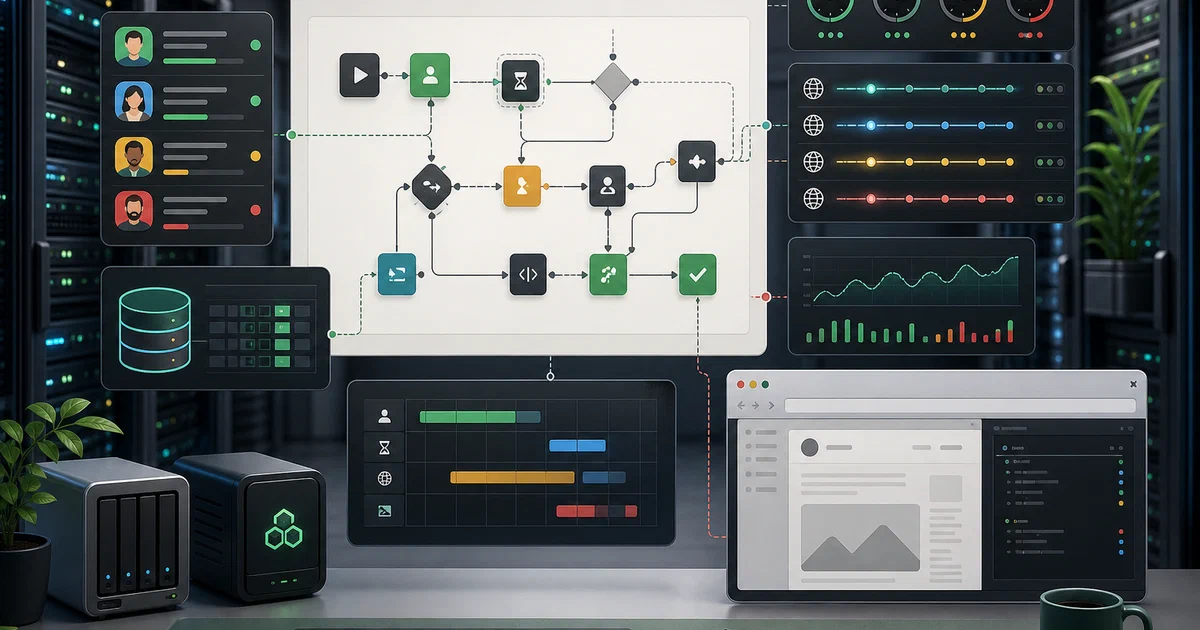

Outreach automation is useful precisely because it is easy to misuse.
That is the tension with GrowChief .
It is an open-source social media automation and outreach tool for running workflows against social accounts, but it sits in a category where platform terms, account health, consent, spam, and brand risk matter.
Used carefully, it can be a self-hosted control plane for lead workflows, account scheduling, enrichment lookups, and API-driven automations.
Used carelessly, it can get accounts restricted and annoy real people.
Treat it like infrastructure for careful outreach, not a spam cannon.
What is GrowChief?
GrowChief is an AGPL-licensed automation platform for social outreach workflows.
The project positions itself as an open-source alternative to hosted outreach tools such as PhantomBuster, Expandi, Zopto, LinkedIn Helper, and Meet Alfred.
The practical idea is familiar: connect accounts, define workflows, feed leads into those workflows, and let the system execute browser-like actions on a schedule.
The interesting part for self-hosters is the implementation shape:
- A React and Vite frontend.
- A NestJS backend.
- A separate orchestrator worker.
- PostgreSQL through Prisma.
- Temporal for workflow execution.
- Playwright/Patchright-style browser automation.
- Nginx and PM2 inside the published container image.
- Local uploads or provider-backed storage.
- Optional enrichment, proxy, email, OAuth, billing, and LLM configuration through environment variables.
GrowChief is also designed to be called from automation tools.
If you already use n8n, Make, Zapier, or custom scripts for lead routing, GrowChief is the component that can sit behind those flows and execute the outreach side.
Why Self-Host It?
Self-hosting GrowChief makes sense when you want the outreach logic close to your own infrastructure.
You get direct control over the database, logs, proxy settings, environment variables, storage backend, and workflow engine.
That is especially useful if the rest of your stack is already self-hosted: Mautic for marketing automation, listmonk for newsletters, n8n for glue workflows, and perhaps a CRM or internal lead database.
The tradeoff is operational responsibility.
Browser automation is heavier than a normal API app. Each connected account can consume memory, network, proxy capacity, and platform risk budget.
GrowChief’s own README warns that social automation may violate platform terms and can result in bans, so the sober default is to run small, rate-limited, intentional campaigns.
Docker Compose
I kept the reusable Compose file in the public Home-Lab layout:
Home-Lab GrowChief configThe site snippet uses the same compose file:
services:
  growchief:
    image: ghcr.io/growchief/growchief:${GROWCHIEF_VERSION:-v0.3.0}
    container_name: growchief
    restart: unless-stopped
    command:
      - bash
      - -lc
      - |
        sed -i 's/pnpm dlx prisma db push/pnpm dlx [email protected] db push/' package.json
        nginx && pnpm run pm2
    environment:
      DATABASE_URL: "postgresql://${GROWCHIEF_DB_USER:-growchief}:${GROWCHIEF_DB_PASSWORD:?Set GROWCHIEF_DB_PASSWORD in .env}@growchief-postgres:5432/${GROWCHIEF_DB_NAME:-growchief}"
      STORAGE_PROVIDER: "${STORAGE_PROVIDER:-local}"
      UPLOAD_DIRECTORY: "/uploads"
      NEXT_PUBLIC_UPLOAD_DIRECTORY: "/uploads"
      AUTH_SECRET: "${AUTH_SECRET:?Set AUTH_SECRET in .env}"
      FRONTEND_URL: "${FRONTEND_URL:-http://localhost:5002}"
      VITE_BACKEND_URL: "${VITE_BACKEND_URL:-/api}"
      VITE_PUBLIC_WS: "${VITE_PUBLIC_WS:-http://localhost:5002}"
      TEMPORAL_ADDRESS: "temporal:7233"
      TEMPORAL_NAMESPACE: "${TEMPORAL_NAMESPACE:-default}"
      GOOGLE_CLIENT_ID: "${GOOGLE_CLIENT_ID:-}"
      GOOGLE_CLIENT_SECRET: "${GOOGLE_CLIENT_SECRET:-}"
      APOLLO_API_KEY: "${APOLLO_API_KEY:-}"
      DATAGMA_API_KEY: "${DATAGMA_API_KEY:-}"
      BRIGHTDATA_CUSTOMER: "${BRIGHTDATA_CUSTOMER:-}"
      BRIGHTDATA_API_KEY: "${BRIGHTDATA_API_KEY:-}"
      OPENAI_KEY: "${OPENAI_KEY:-}"
      DISABLE_REGISTRATION: "${DISABLE_REGISTRATION:-}"
    volumes:
      - growchief-config:/config/
      - growchief-uploads:/uploads/
    ports:
      - "${GROWCHIEF_HTTP_PORT:-5002}:5000"
    networks:
      - growchief-network
      - temporal-network
    depends_on:
      growchief-postgres:
        condition: service_healthy
      temporal:
        condition: service_started

  growchief-postgres:
    image: postgres:16
    container_name: growchief-postgres
    restart: unless-stopped
    environment:
      POSTGRES_PASSWORD: "${GROWCHIEF_DB_PASSWORD:?Set GROWCHIEF_DB_PASSWORD in .env}"
      POSTGRES_USER: "${GROWCHIEF_DB_USER:-growchief}"
      POSTGRES_DB: "${GROWCHIEF_DB_NAME:-growchief}"
    volumes:
      - postgres-volume:/var/lib/postgresql/data
    networks:
      - growchief-network
    healthcheck:
      test: ["CMD-SHELL", "pg_isready -U ${GROWCHIEF_DB_USER:-growchief} -d ${GROWCHIEF_DB_NAME:-growchief}"]
      interval: 10s
      timeout: 3s
      retries: 5

  temporal-elasticsearch:
    image: elasticsearch:7.17.27
    container_name: temporal-elasticsearch
    restart: unless-stopped
    environment:
      cluster.routing.allocation.disk.threshold_enabled: "true"
      cluster.routing.allocation.disk.watermark.low: "512mb"
      cluster.routing.allocation.disk.watermark.high: "256mb"
      cluster.routing.allocation.disk.watermark.flood_stage: "128mb"
      discovery.type: "single-node"
      ES_JAVA_OPTS: "-Xms256m -Xmx256m"
      xpack.security.enabled: "false"
    networks:
      - temporal-network
    expose:
      - "9200"
    volumes:
      - temporal-elasticsearch-data:/usr/share/elasticsearch/data

  temporal-postgresql:
    image: postgres:16
    container_name: temporal-postgresql
    restart: unless-stopped
    environment:
      POSTGRES_PASSWORD: "${TEMPORAL_POSTGRES_PASSWORD:?Set TEMPORAL_POSTGRES_PASSWORD in .env}"
      POSTGRES_USER: "${TEMPORAL_POSTGRES_USER:-temporal}"
    networks:
      - temporal-network
    expose:
      - "5432"
    volumes:
      - temporal-postgresql-data:/var/lib/postgresql/data

  temporal:
    image: temporalio/auto-setup:1.28.1
    container_name: temporal
    restart: unless-stopped
    depends_on:
      - temporal-postgresql
      - temporal-elasticsearch
    environment:
      DB: "postgres12"
      DB_PORT: "5432"
      POSTGRES_USER: "${TEMPORAL_POSTGRES_USER:-temporal}"
      POSTGRES_PWD: "${TEMPORAL_POSTGRES_PASSWORD:?Set TEMPORAL_POSTGRES_PASSWORD in .env}"
      POSTGRES_SEEDS: "temporal-postgresql"
      DYNAMIC_CONFIG_FILE_PATH: "config/dynamicconfig/development-sql.yaml"
      ENABLE_ES: "true"
      ES_SEEDS: "temporal-elasticsearch"
      ES_VERSION: "v7"
      TEMPORAL_NAMESPACE: "${TEMPORAL_NAMESPACE:-default}"
    networks:
      - temporal-network
    ports:
      - "${TEMPORAL_GRPC_PORT:-7233}:7233"
    volumes:
      - ./dynamicconfig:/etc/temporal/config/dynamicconfig:ro

  temporal-admin-tools:
    image: temporalio/admin-tools:1.28.1-tctl-1.18.4-cli-1.4.1
    container_name: temporal-admin-tools
    restart: unless-stopped
    environment:
      TEMPORAL_ADDRESS: "temporal:7233"
      TEMPORAL_CLI_ADDRESS: "temporal:7233"
    networks:
      - temporal-network
    stdin_open: true
    depends_on:
      - temporal
    tty: true

  temporal-ui:
    image: temporalio/ui:2.34.0
    container_name: temporal-ui
    restart: unless-stopped
    environment:
      TEMPORAL_ADDRESS: "temporal:7233"
      TEMPORAL_CORS_ORIGINS: "${TEMPORAL_CORS_ORIGINS:-http://127.0.0.1:3000,http://localhost:5002}"
    networks:
      - temporal-network
    ports:
      - "${TEMPORAL_UI_PORT:-8080}:8080"

volumes:
  postgres-volume:
  growchief-config:
  growchief-uploads:
  temporal-elasticsearch-data:
  temporal-postgresql-data:

networks:
  growchief-network:
  temporal-network:
    driver: bridge
Create the .env file:
cp .env.sample .env
Then edit the required secrets:
GROWCHIEF_DB_PASSWORD=replace-me-growchief-db-password
AUTH_SECRET=replace-me-long-random-auth-secret
TEMPORAL_POSTGRES_PASSWORD=replace-me-temporal-db-password
Start the stack:
docker compose up -d
Open GrowChief:
http://localhost:5002
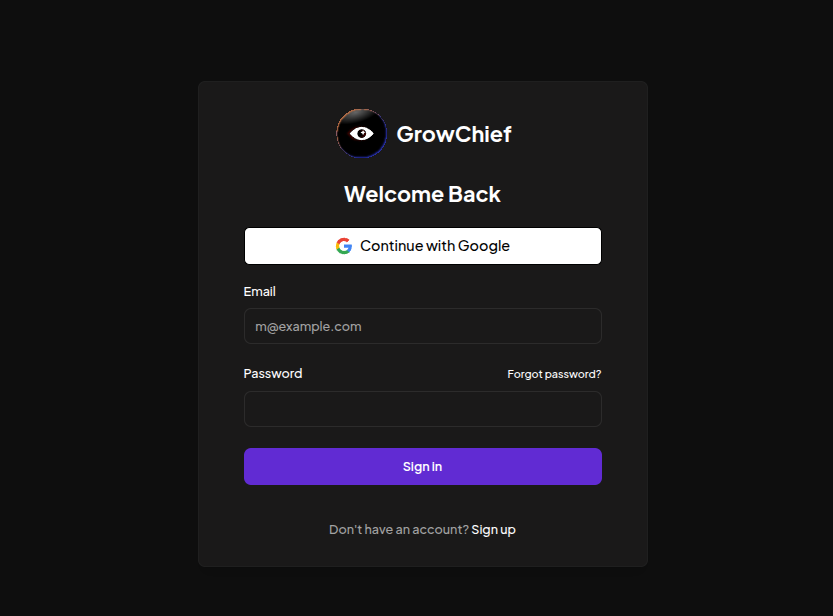
Open the Temporal UI:
http://localhost:8080
Do not expose the Temporal UI publicly.
Keep it on a private network, behind a VPN, or behind strong access controls.
Field Note: Local Docker Trial
I tested GrowChief from the Home-Lab compose on this machine on 2026-08-29.
The initial upstream v0.3.0 image did not fully start for me.
The frontend HTML returned 200 OK, but the app process restarted because the image boot script runs:
pnpm dlx prisma db push --schema ./schema.prisma
That command currently resolves a newer Prisma CLI where db push is not registered, so the boot log ended with:
No command registered for `push`, did you mean `update`?
The Compose snippet above includes a narrow startup workaround: it patches the container’s package.json at boot so GrowChief downloads [email protected], matching the Prisma line used by the repository I inspected.
With that workaround, the stack stayed up:
growchiefserved the UI onhttp://localhost:5002.growchief-postgresreported healthy.temporal,temporal-postgresql,temporal-elasticsearch,temporal-admin-tools, andtemporal-uistarted.- The orchestrator worker logged
Worker state changed ... RUNNING. - The NestJS backend logged
Nest application successfully startedandlistening on port 3000.
This is a smoke test, not a production benchmark.
I verified boot, HTTP serving, schema setup, backend startup, Temporal connectivity, and worker startup.
Configuration Notes
The minimum local setup needs:
- PostgreSQL credentials for GrowChief.
- A strong
AUTH_SECRET. - PostgreSQL credentials for Temporal.
FRONTEND_URLand websocket URL values that match your public URL.- Persistent Docker volumes for app data, uploads, GrowChief config, Temporal PostgreSQL, and Temporal Elasticsearch.
Optional variables unlock integrations:
GOOGLE_CLIENT_IDandGOOGLE_CLIENT_SECRETfor Google OAuth.APOLLO_API_KEY,DATAGMA_API_KEY, and Bright Data variables for enrichment and proxy flows.OPENAI_KEYfor LLM-backed helper behavior where the app uses it.- Provider storage variables if you move uploads away from local disk.
For a public deployment, put GrowChief behind HTTPS. The auth code uses secure cookie behavior, so a real domain with TLS is the path I would use before inviting users or connecting accounts.
Where GrowChief Fits
GrowChief does not replace every marketing tool.
Mautic is broader marketing automation: contacts, segments, forms, landing pages, email campaigns, tracking, reports, and lead scoring.
listmonk is a focused mailing-list and newsletter system.
n8n is the workflow glue that can move leads between APIs, databases, webhooks, and internal systems.
GrowChief is closer to the outreach execution layer.
It is the place where a lead workflow becomes scheduled browser/account activity, with rate limits, working hours, proxies, and social-account state.
If your goal is email newsletters, start with listmonk.
If your goal is multi-channel marketing operations, look at Mautic.
If your goal is social outreach execution from API-triggered workflows, GrowChief is the more relevant experiment.
Operational Cautions
Keep these constraints in mind:
- Start with one or two accounts. Browser automation is heavier than normal HTTP APIs.
- Use working hours and conservative delays.
- Do not import cold scraped lists and blast people.
- Use proxies only when you understand the account-risk tradeoffs.
- Keep Temporal private.
- Keep provider API keys out of Git.
- Back up both GrowChief PostgreSQL and Temporal PostgreSQL if workflows matter.
- Test account connection and login behavior on a disposable environment before putting a real account at risk.
Conclusion
GrowChief is a serious self-hosted outreach automation project, but it belongs in the “handle with care” category.
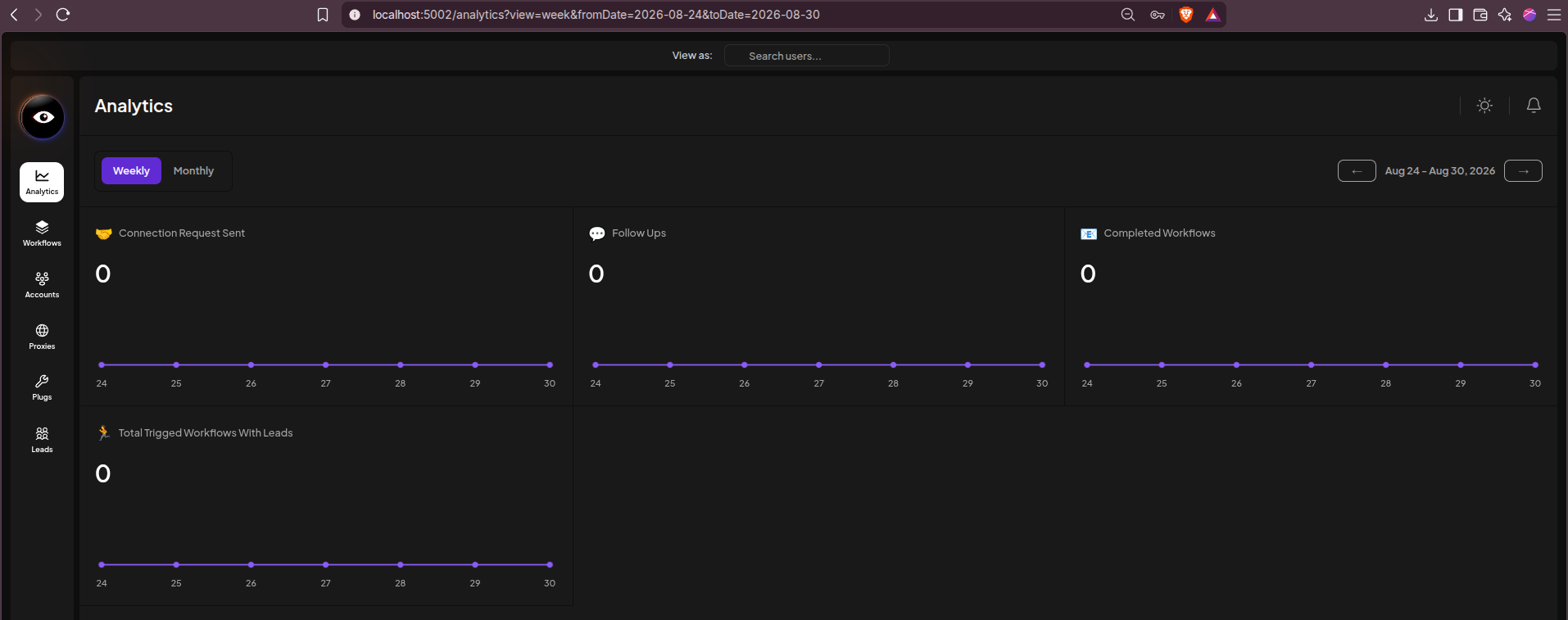
The architecture is more substantial than a small dashboard: React frontend, NestJS backend, PostgreSQL, Prisma, Temporal, browser automation, and a worker runtime.
That complexity makes sense for scheduled outreach workflows, but it also means the Docker stack deserves proper secrets, HTTPS, private Temporal access, backups, and conservative usage.
The local Docker trial was useful because it caught a real packaging issue in the current image.
With the Prisma CLI pinned at startup, the stack booted cleanly and the worker reached a running state.
FAQ
What are the default GrowChief credentials?
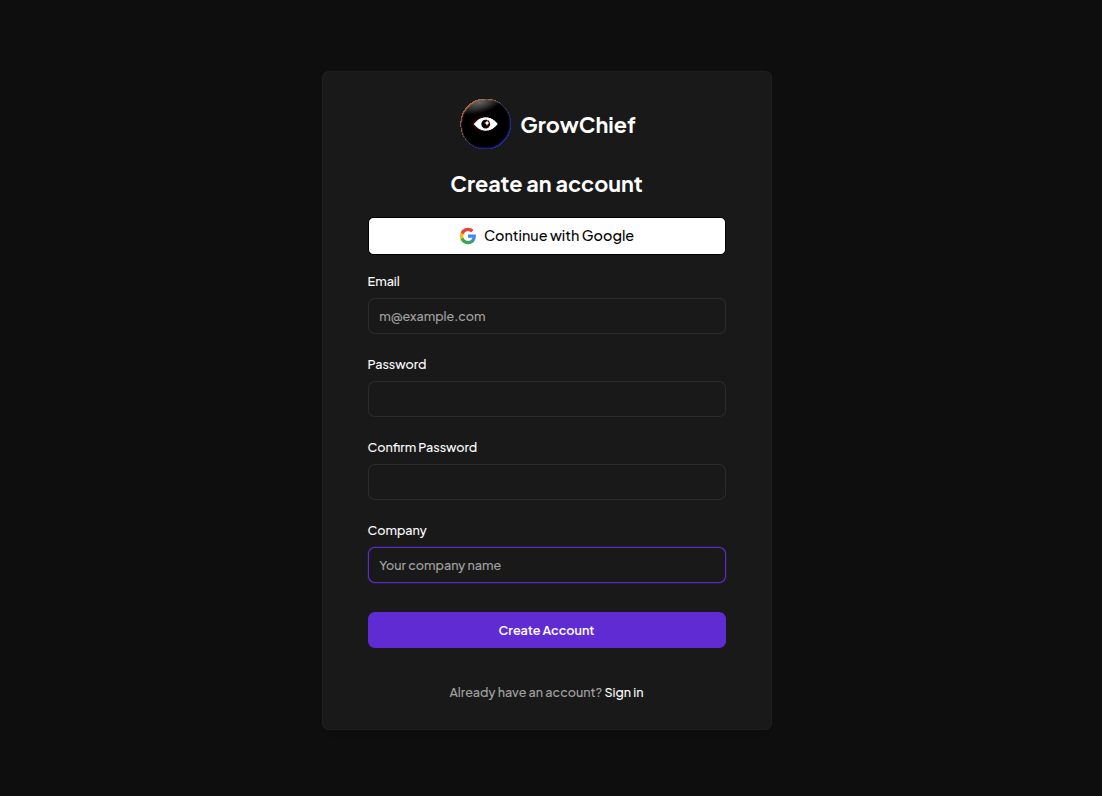
Do I need to create the first GrowChief user?
http://localhost:5002 and create the first account from the registration screen. I verified this worked locally after the Docker stack was running. Keep DISABLE_REGISTRATION empty for first setup, then decide whether to close registration before exposing the app beyond your machine.
Does GrowChief replace Mautic?
Does GrowChief replace n8n?
Why does GrowChief need Temporal?
Temporal gives GrowChief durable workflow execution.
That matters for scheduled outreach actions, retries, long-running workflows, and worker coordination.
Can I run GrowChief behind Cloudflare Tunnel or a reverse proxy?
Yes, but use HTTPS and set FRONTEND_URL, VITE_BACKEND_URL, and VITE_PUBLIC_WS so the browser, backend, and websocket path agree with the public URL.
Keep Temporal UI off the public internet.
Is GrowChief safe for LinkedIn or other social accounts?
There is no zero-risk answer for social automation.
GrowChief’s README warns that automation may violate platform terms and can result in account bans. Use conservative limits, known leads, working hours, and avoid spammy behavior.
Where does GrowChief store data?
growchief-uploads volume, app config in growchief-config, and workflow-engine data in the Temporal PostgreSQL and Elasticsearch volumes.
Why is the Compose file patching Prisma at startup?
v0.3.0 image boot script uses an unpinned pnpm dlx prisma db push command. During my test, that pulled a newer Prisma CLI where db push was not available. Pinning [email protected] keeps the migration command aligned with the repository dependency line.
Comments