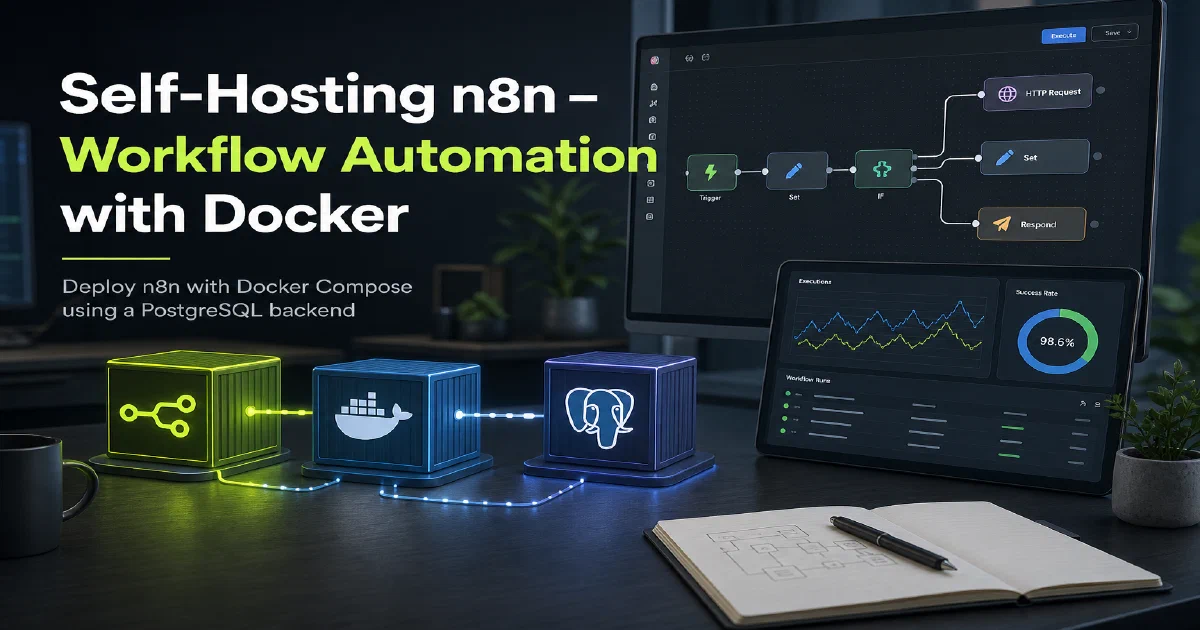

n8n is one of the most capable open-source automation platforms available. Think Zapier or Make, but self-hosted — meaning your workflows, credentials, and data stay on your infrastructure. Whether you want to automate notifications, sync data between services, or build AI-powered pipelines, n8n gives you a visual editor plus the flexibility of writing custom JavaScript when you need it.
Why n8n?
- No vendor lock-in: Run it on your own server, keep your data private, and never hit artificial usage limits imposed by a SaaS provider.
- Massive integration library: n8n ships with hundreds of built-in nodes covering everything from HTTP requests and databases to Google services, GitHub, Telegram, and OpenAI.
- Code when you need it: The Function node lets you write raw JavaScript, so you can handle edge cases that a no-code tool would never support.
n8n with Docker
n8n has an official Docker image and works great with Docker Compose. The compose file below pairs n8n with a PostgreSQL database for production-grade persistence — the default SQLite backend is fine for testing, but Postgres is the better choice for anything you care about.
docker --version
Docker Compose
services:
  n8n:
    image: n8nio/n8n
    container_name: n8n
    ports:
      - "5678:5678"
    environment:
      - N8N_BASIC_AUTH_ACTIVE=true
      - N8N_BASIC_AUTH_USER=user
      - N8N_BASIC_AUTH_PASSWORD=password
      - DB_TYPE=postgresdb
      - DB_POSTGRESDB_HOST=db
      - DB_POSTGRESDB_PORT=5432
      - DB_POSTGRESDB_DATABASE=n8n
      - DB_POSTGRESDB_USER=n8n
      - DB_POSTGRESDB_PASSWORD=n8n
      - NODE_FUNCTION_ALLOW_EXTERNAL=axios,qs
      - N8N_SECURE_COOKIE=False
      - N8N_CHAT_ENABLED=True
      - N8N_HOST=n8n.jalcocertech.com #important for proper OAuth Redirect URL
      - N8N_PROTOCOL=https
      - WEBHOOK_URL=https://n8n.jalcocertech.com/ #important to avoid :5678 in your webhook urls
      - N8N_RUNNERS_ENABLED=true
    depends_on:
      - db
    restart: unless-stopped

  db:
    image: postgres:12
    volumes:
      - db-data:/var/lib/postgresql/data
    environment:
      - POSTGRES_USER=n8n
      - POSTGRES_PASSWORD=n8n
      - POSTGRES_DB=n8n
    restart: unless-stopped

volumes:
  db-data:
Save this as docker-compose.yml and bring it up:
docker compose up -d
Change N8N_BASIC_AUTH_USER and N8N_BASIC_AUTH_PASSWORD before exposing n8n to any network. If you are running behind a reverse proxy, update N8N_HOST and WEBHOOK_URL to match your domain — otherwise OAuth redirects and webhook URLs will break.
Accessing n8n
Once the containers are up, open your browser and navigate to:
http://localhost:5678
You will be prompted to create an owner account on first run. From there you can start building workflows, importing community templates, or connecting your first integration nodes.
Conclusion
n8n is a serious self-hosted automation engine that punches well above its weight class. Pair it with a reverse proxy like Nginx Proxy Manager or Traefik and you have a production-ready automation platform running entirely on your own hardware. If you are wiring n8n into a smart home, Home Assistant makes a great trigger source. New to Docker? Start with the containers primer.
The n8n project
FAQ
Is n8n really free to self-host?
Yes. The Community Edition is source-available under the Sustainable Use License and runs unlimited workflows on your own server. The paid cloud and enterprise tiers add SSO, advanced permissions, and managed hosting, but every node and every integration is available in the self-hosted version.
Do I need PostgreSQL or is SQLite fine?
SQLite is fine for testing and personal use. For anything production-grade — frequent webhook traffic, long-running workflows, or multi-user setups — switch to PostgreSQL. The compose example above wires it up directly.
What is the encryption key and why does it matter?
N8N_ENCRYPTION_KEY encrypts credentials stored in the n8n database (API keys, OAuth tokens, passwords). If you lose this key, every saved credential becomes unrecoverable. Generate a strong random value with openssl rand -hex 32 and back it up alongside your database.
Can n8n replace Zapier or Make?
For most workflows, yes — and without the per-task pricing. Zapier is more polished, but n8n’s node library covers the same ground (HTTP, webhooks, Google, Slack, OpenAI, GitHub, databases) and the Function node lets you handle edge cases with raw JavaScript. Self-hosting also removes execution limits.
How do I expose n8n to the internet safely?
Put it behind a reverse proxy with HTTPS — see the Nginx Proxy Manager guide — and set N8N_HOST and WEBHOOK_URL to your real domain. Without those, OAuth callbacks and webhook URLs will point at localhost and break.
What about backups?
Back up the PostgreSQL volume and the ~/.n8n/ data directory. Workflows and credentials live there. Restoring is a matter of copying both back and starting the stack with the same N8N_ENCRYPTION_KEY.
Comments