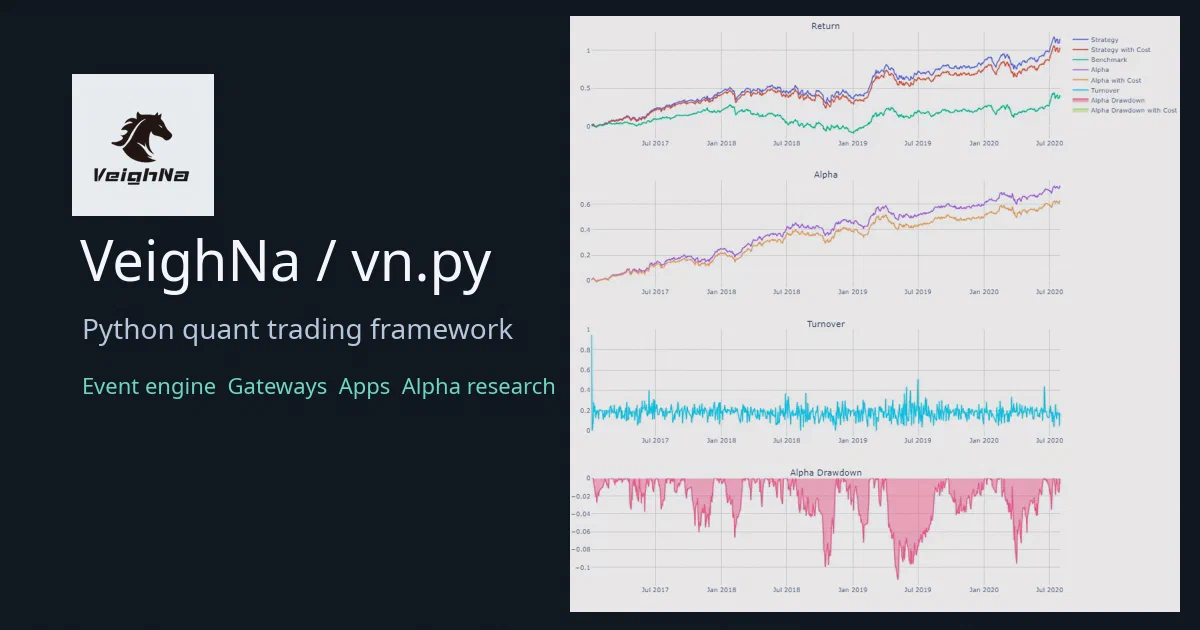

Most finance repositories are either tiny backtest demos or broker-specific API wrappers. vn.py, now branded as VeighNa, is bigger than that: it is a Python framework for building full quantitative trading systems.
It gives you an event engine, order-management state, gateway abstractions, desktop UI building blocks, charting, RPC helpers, database and datafeed interfaces, and a growing ML research layer through vnpy.alpha.
That also means the usual warning needs to be direct: this is software that can sit on the path to live orders. Treat every gateway credential, strategy script, RPC endpoint, and datafeed as production-risk material.
vn.py / VeighNa Source on GitHubWhat Is vn.py?
vn.py is a Python-based open-source framework for developing quantitative trading systems. The current repo describes VeighNa as a platform used by traders and financial institutions, with support for desktop trading, broker/data gateways, strategy apps, data management, charting, and research workflows.
The core package is published as vnpy and the version in this review is 4.4.0.
The project is not a single containerized service. It is closer to a trading platform SDK:
vnpy.event: event bus and timer events.vnpy.trader: main engine, order management, gateway abstraction, settings, notifications, data objects.vnpy.chart: K-line chart widgets.vnpy.rpc: ZeroMQ-based RPC helpers.vnpy.alpha: multi-factor and machine-learning research workflows.examples/: GUI, no-UI, RPC, backtesting, notebook, recorder, and alpha research examples.
Why It Is Interesting
The part I like is the architecture. vn.py is not a monolithic bot. It separates the core platform from the concrete gateways and apps.
At the center is an event-driven design. Market ticks, orders, trades, positions, account updates, logs, and timer ticks flow through an EventEngine. The MainEngine registers gateways and apps, tracks platform state, and routes trading actions to the selected gateway.
That matters because real trading systems are mostly state coordination problems. You need to know the last tick, active orders, partial fills, contract metadata, positions, account state, strategy state, and broker connection state. vn.py gives those concepts first-class objects instead of leaving every user to invent them again.
Core Architecture
The lower-level event system lives in vnpy/event/engine.py. It uses a queue, worker thread, timer thread, per-event handlers, and general handlers. The event object itself is intentionally small:
class Event:
    def __init__(self, type: str, data: Any = None) -> None:
        self.type = type
        self.data = data
The trading layer lives under vnpy/trader/. MainEngine starts the event engine, initializes the logging engine, order-management engine, email engine, and WeChat notification engine, then lets you add gateways and applications:
event_engine = EventEngine()
main_engine = MainEngine(event_engine)

main_engine.add_gateway(CtpGateway)
main_engine.add_app(CtaStrategyApp)
The gateway abstraction is the important extension point. A BaseGateway implementation is responsible for connecting, subscribing, sending orders, cancelling orders, querying accounts, querying positions, and publishing updates back into the event bus.
Most concrete integrations live in separate packages, for example CTP, Interactive Brokers, TORA, XTP, RQData, XtQuant, and other vnpy_* modules.
The Data Model
The platform uses dataclasses for standard trading objects:
TickDataBarDataOrderDataTradeDataPositionDataAccountDataContractDataQuoteData
These objects normalize IDs such as vt_symbol, vt_orderid, vt_tradeid, and vt_positionid, which makes multi-gateway state easier to manage.
The OMS engine subscribes to platform events and keeps latest-state caches for ticks, orders, trades, positions, accounts, contracts, quotes, active orders, and active quotes. That is the kind of plumbing every serious strategy eventually needs.
GUI, Charts, and Desktop Workflow
vn.py is not only a headless library. It has a Qt desktop workflow built with PySide6, pyqtgraph, and qdarkstyle.
The example trader launcher shows the typical composition:
qapp = create_qapp()

event_engine = EventEngine()
main_engine = MainEngine(event_engine)

main_engine.add_gateway(CtpGateway)
main_engine.add_app(CtaStrategyApp)
main_engine.add_app(CtaBacktesterApp)

main_window = MainWindow(main_engine, event_engine)
main_window.showMaximized()

qapp.exec()
That is useful if you want a trader-facing workstation rather than a hidden service. The same architecture can also be used from scripts for no-UI workflows, but the examples make it clear that those scripts can connect to real gateways once credentials are filled.
vnpy.alpha
The newer direction is vnpy.alpha, introduced in the 4.x era for AI and multi-factor strategy research.
It includes:
- Factor feature engineering.
- Expression-based factor calculation.
- Datasets inspired by Alpha 101 and Alpha 158 style workflows.
- Model templates for Lasso, LightGBM, and MLP.
- Strategy/backtesting code for alpha workflows.
AlphaLab, which manages research data, datasets, models, signals, and component data.
AlphaLab uses Polars and Parquet for local data handling. It creates a lab folder with subdirectories such as:
daily/
minute/
component/
dataset/
model/
signal/
That is a sensible shape for research: keep raw bars, transformed datasets, trained models, and generated signals apart.
vnpy.alpha SourceInstallation Notes
The README recommends VeighNa Studio for the packaged desktop experience. For source installation, the repo includes:
install.batinstall.shinstall_osx.sh
The Python package requires Python 3.10 or newer. The metadata lists dependencies such as PySide6, pyqtgraph, qdarkstyle, NumPy, pandas, TA-Lib, DEAP, pyzmq, Plotly, tqdm, loguru, nbformat, requests, and qrcode.
Optional alpha dependencies include Polars, SciPy, alphalens-reloaded, scikit-learn, LightGBM, PyTorch, and PyArrow.
On Ubuntu, the documented helper path is:
bash install.sh
For a manual development install, assuming native dependencies are available:
python3 -m venv .venv
source .venv/bin/activate
python -m pip install --upgrade pip wheel
python -m pip install .
The practical friction point is TA-Lib. The install scripts prepare the native TA-Lib dependency before installing the Python package. Expect this to matter on fresh Linux and macOS systems.
Not a Docker App
I did not find a Dockerfile or Docker Compose file in this repository. That is not a flaw; this is a Python trading framework and desktop application foundation, not a typical web service.
So there is no Home-Lab Compose snippet for this one. A serious deployment would be environment-specific: workstation GUI, research notebooks, paper-trading process, live-trading process, or a distributed setup using RPC and separate gateway/app modules.
Security and Risk Notes
The codebase has several places where operational discipline matters:
- Broker gateway settings can contain live account credentials.
- Datafeed settings can contain paid data credentials.
- Email and WeChat settings can contain notification secrets.
- RPC sockets can expose callable functions if bound too broadly.
- Strategy examples can submit orders when connected to a real gateway.
- Research notebooks can produce overfit results if treated as production evidence.
Separate research, paper, and live environments. Keep credentials out of Git. Use read-only or paper accounts until the behavior is boring. Add explicit risk controls before live trading.
This is also not financial advice. A framework can help structure a trading system; it cannot make a strategy robust, liquid, compliant, or profitable.
Field Notes From This Review
I kept the local run static and non-invasive:
python3 --version
# Python 3.12.3

python3 -m compileall -q vnpy tests examples
# passed

python3 -m pytest tests -q
# failed: /usr/bin/python3: No module named pytest

du -sh .
# 57M
I skipped package installation because the dependency set includes PySide6 and TA-Lib. I also skipped GUI startup, broker gateways, no-UI examples, notebook execution, RPC servers, datafeed connections, and all Docker/Compose commands.
Who Should Look At It?
vn.py is worth studying if you are building:
- A Python event-driven trading platform.
- A desktop trading workstation.
- A research-to-live workflow.
- A plugin-style gateway architecture.
- A multi-process trading system using RPC.
- A factor research workflow with local Parquet datasets.
It is probably too much if you only need a simple backtest script. The value is in the framework: common event flow, standard data objects, gateway contracts, platform state, UI scaffolding, and a larger ecosystem of VeighNa modules.
FAQ
Is vn.py a trading bot?
Does it support live trading?
Does it have Docker support?
What is vnpy.alpha?
vnpy.alpha is the newer alpha research layer for factor engineering, model training, signal generation, backtesting, and ML-style quant workflows.
Can I use it without the GUI?
Final Thoughts
vn.py is one of the more serious open-source Python quant frameworks because it models the boring parts of trading infrastructure: event routing, state caches, gateway boundaries, data objects, UI shell, database abstractions, and RPC.
The newer alpha stack makes it more relevant for research-heavy workflows, but the same old rule applies: backtests are not production, and a framework is not a strategy. Use vn.py as infrastructure, then bring your own controls, validation, monitoring, and caution.
Comments