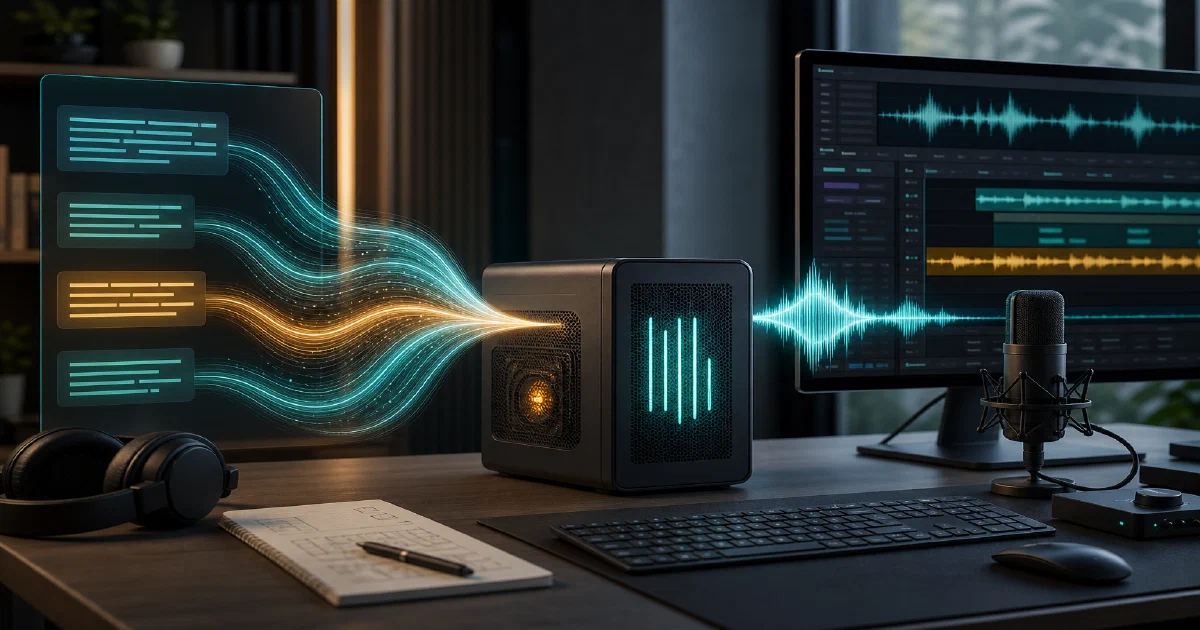

Chatterbox is a good reminder that not every self-hostable AI project is a web app with a tidy docker-compose.yml.
Sometimes the real story is a Python package, a model checkpoint, a GPU, and a few honest caveats about local inference.
Resemble AI’s Chatterbox gives you an open-source text-to-speech stack that can run locally, including English TTS, multilingual speech generation, voice conversion, a newer Turbo model, and built-in neural watermarking.
Chatterbox is a family of open-source text-to-speech models from Resemble AI for local speech generation and voice conversion workflows.
Chatterbox GitHub Source Code Chatterbox Turbo Hugging Face Demo Chatterbox Turbo Demo Samples License: MIT ❤️
What is Chatterbox?
Chatterbox is an open-source Python toolkit for generating speech from text and converting voices.
The repository is published by Resemble AI and, at the revision I tested, the package name is chatterbox-tts with version 0.1.7.
The repo currently exposes three main TTS paths:
- Chatterbox Turbo: a 350M parameter English model aimed at lower compute and lower VRAM use, with support for paralinguistic tags like
[laugh],[chuckle], and[cough] - Chatterbox Multilingual: a 23-language model for zero-shot multilingual speech generation
- Original Chatterbox: the English TTS model with controls such as CFG weight and exaggeration
It also includes ChatterboxVC for voice conversion and several Gradio apps for trying the models interactively.
Why Self-Host Chatterbox?
- Local control: generate speech from your own machine or server instead of calling a hosted TTS API for every sample.
- Application integration: import the Python classes directly into agents, media tools, narration pipelines, or internal prototypes.
- Voice experimentation: test reference-audio prompting, multilingual output, and expressive speech tags locally.
- Open license: the repository code is MIT licensed, which is friendly for hacking, integration, and commercial experiments.
The practical caveat: this is ML inference, not a tiny background service. Disk, RAM, model downloads, and GPU availability matter.
Tech Overview of Chatterbox
Chatterbox is a Python project under src/chatterbox/. The public API is split into small entry modules:
| Module | Purpose |
|---|---|
chatterbox.tts |
Original English TTS model |
chatterbox.tts_turbo |
Turbo model with paralinguistic tags |
chatterbox.mtl_tts |
Multilingual TTS model |
chatterbox.vc |
Voice conversion |
Underneath those modules, the code uses PyTorch, torchaudio, transformers, diffusers, safetensors, librosa, and Resemble’s Perth watermarking package.
Model files are downloaded from Hugging Face when you call from_pretrained(...).
The repository includes example scripts:
example_tts.pyexample_tts_turbo.pyexample_vc.pyexample_for_mac.py
And Gradio interfaces:
gradio_tts_app.pygradio_tts_turbo_app.pygradio_vc_app.pymultilingual_app.py
Model Loading Pattern
The basic pattern is:
from chatterbox.tts_turbo import ChatterboxTurboTTS

model = ChatterboxTurboTTS.from_pretrained(device="cuda")
wav = model.generate(
    "Hi there [chuckle], this is a local Chatterbox sample.",
    audio_prompt_path="reference_voice.wav",
)
For repeated use, the Hugging Face cache prevents downloading everything again. For more controlled deployments, use from_local(...) with a known checkpoint directory.
Trying Chatterbox Locally
Chatterbox does not ship a Dockerfile or docker-compose file at the revision I tested, so I would not frame it as a Docker self-hosting project.
The honest route is a Python virtual environment.
The README says the project was developed and tested on Python 3.11 on Debian 11. The package metadata allows Python >=3.10.
Install from Source
git clone https://github.com/resemble-ai/chatterbox.git
cd chatterbox

uv venv --python 3.11 .venv
. .venv/bin/activate
uv pip install -e .
You can also install the package directly:
pip install chatterbox-tts
Check Your Device
Before downloading checkpoints, check whether PyTorch sees a real accelerator:
python - <<'PY'
import torch

print("torch:", torch.__version__)
print("cuda:", torch.cuda.is_available())
print("cuda devices:", torch.cuda.device_count())
print("mps:", hasattr(torch.backends, "mps") and torch.backends.mps.is_available())
PY
For practical generation, CUDA is the path I would target first. CPU can load the model, but it may not be useful for interactive generation.
Generate a Turbo Sample
Turbo uses a reference clip for voice conditioning:
import torchaudio as ta
from chatterbox.tts_turbo import ChatterboxTurboTTS

model = ChatterboxTurboTTS.from_pretrained("cuda")

wav = model.generate(
    "Testing Chatterbox locally. [chuckle] This is a short sample.",
    audio_prompt_path="reference_voice.wav",
)

ta.save("chatterbox-turbo-test.wav", wav, model.sr)
If you want to run the Gradio Turbo app:
python gradio_tts_turbo_app.py
The app uses a default reference audio URL and exposes temperature, top-p, top-k, repetition penalty, seed, loudness normalization, and clickable event tags.
Generate Multilingual Speech
import torchaudio as ta
from chatterbox.mtl_tts import ChatterboxMultilingualTTS

model = ChatterboxMultilingualTTS.from_pretrained("cuda")

wav = model.generate(
    "Bonjour, ceci est un test local de Chatterbox.",
    language_id="fr",
)

ta.save("chatterbox-fr.wav", wav, model.sr)
The multilingual model supports 23 language codes: ar, da, de, el, en, es, fi, fr, he, hi, it, ja, ko, ms, nl, no, pl, pt, ru, sv, sw, tr, and zh.
Field Note: CPU Was Not Practical Here
I tested Chatterbox locally on 2026-06-05 from the current master branch at commit 3f35dfc.
Environment:
- Python 3.11.14 via
uv - Linux workstation
- no visible NVIDIA GPU via
nvidia-smi torch.cuda.is_available()returnedFalse- device used: CPU
The editable install succeeded:
uv venv --python 3.11 .venv
. .venv/bin/activate
uv pip install -e .
The import probe also worked:
torch 2.6.0+cu124
cuda available False
imports ok
languages 23
But the footprint was heavy.
The local .venv was about 6.2 GB, and the Chatterbox Turbo Hugging Face cache was about 3.8 GB after downloading the model.
I then attempted a short Turbo generation on CPU using the public reference clip from the demo app.
The checkpoint download finished in about 57 seconds, and the model loaded in about 67 seconds total.
Generation then started, but after roughly 30 seconds it had only reached 3/1000 generation steps and the progress indicator suggested about an hour for the full output.
I stopped the run and did not get a useful WAV. My takeaway: Chatterbox can install and import cleanly on CPU, but for real local use, plan around CUDA or another supported accelerator.
CPU trial commands
curl -L --fail -o local-test/female_random_podcast.wav \
  https://storage.googleapis.com/chatterbox-demo-samples/prompts/female_random_podcast.wav

python -u - <<'PY'
import time
import torch
import torchaudio as ta
from chatterbox.tts_turbo import ChatterboxTurboTTS

start = time.time()
print("cuda_available=", torch.cuda.is_available())

model = ChatterboxTurboTTS.from_pretrained("cpu")
print("model_loaded_seconds=", round(time.time() - start, 2))

wav = model.generate(
    "Testing Chatterbox locally. [chuckle] This is a short CPU trial.",
    audio_prompt_path="local-test/female_random_podcast.wav",
)

ta.save("local-test/chatterbox-turbo-cpu-test.wav", wav, model.sr)
PY
Watermarking
Chatterbox applies Resemble AI’s Perth watermarking to generated audio.
The README describes this as an imperceptible neural watermark that can survive common transformations such as MP3 compression and audio edits.
For responsible AI workflows, that is worth calling out.
If you are building an internal narration tool, an agent voice, or any public audio pipeline, watermarking gives you a built-in provenance signal instead of making it an afterthought.
Where Chatterbox Fits
Chatterbox is useful if you want:
- a local Python TTS library
- voice cloning experiments with reference audio
- multilingual speech generation
- expressive tags for short voice-agent style utterances
- a Gradio UI for manual testing
- MIT-licensed code you can inspect and adapt
It is less suitable if you want:
- a small Docker Compose app
- a CPU-only homelab service
- a production-ready HTTP TTS server out of the box
- a turnkey replacement for hosted low-latency speech APIs
That last point matters.
The README itself points commercial or high-scale users toward Resemble AI’s hosted TTS service. The open-source repo is valuable, but it does not remove the normal operational costs of local ML inference.
Conclusion
Chatterbox is a strong local TTS project to keep on your radar, especially now that the repo includes Turbo and multilingual model paths.
The API is straightforward, the examples are easy to read, and the MIT license keeps experimentation open.
For self-hosters, the framing should be honest: this is not another docker compose up -d app.
It is a Python ML stack where the first successful milestone is installation and import, and the second is having a real accelerator for generation.
If you have CUDA available, Chatterbox is worth testing for narration, voice-agent prototypes, language demos, and custom audio workflows.
If you only have CPU, treat it as a code exploration project first.
FAQ
Does Chatterbox support Docker?
Can I run Chatterbox without a GPU?
Does Chatterbox require a Hugging Face token?
HF_TOKEN in my test. The script printed a warning that authenticated Hugging Face requests can provide higher rate limits and faster downloads.
Comments