

Email is one of those things that makes local testing awkward.
Your app wants to send a magic link, password reset, invoice, alert, or onboarding email, but you do not want those messages leaving your laptop or homelab while you are still testing.
Mailpit solves that gap.
It gives your application an SMTP server to talk to, captures every message, and shows the result in a local browser inbox.
Mailpit is an email and SMTP testing tool for developers, with a local web UI and API for captured messages.
What is Mailpit?
Mailpit is a local email catcher.
Applications send SMTP mail to it, and Mailpit stores the messages for inspection instead of delivering them to real recipients.
The default ports are simple:
1025for SMTP8025for the web UI1110for optional POP3
That makes it easy to connect almost any web app:
SMTP_HOST=mailpit
SMTP_PORT=1025
SMTP_SECURE=false
If Mailpit runs directly on the host rather than in the same Docker Compose network, use localhost:1025 from host apps and expose the SMTP port carefully.
Why use Mailpit?
Mailpit is useful for local development, self-hosting trials, and integration testing:
- Magic-link login: test auth flows without configuring a real email provider.
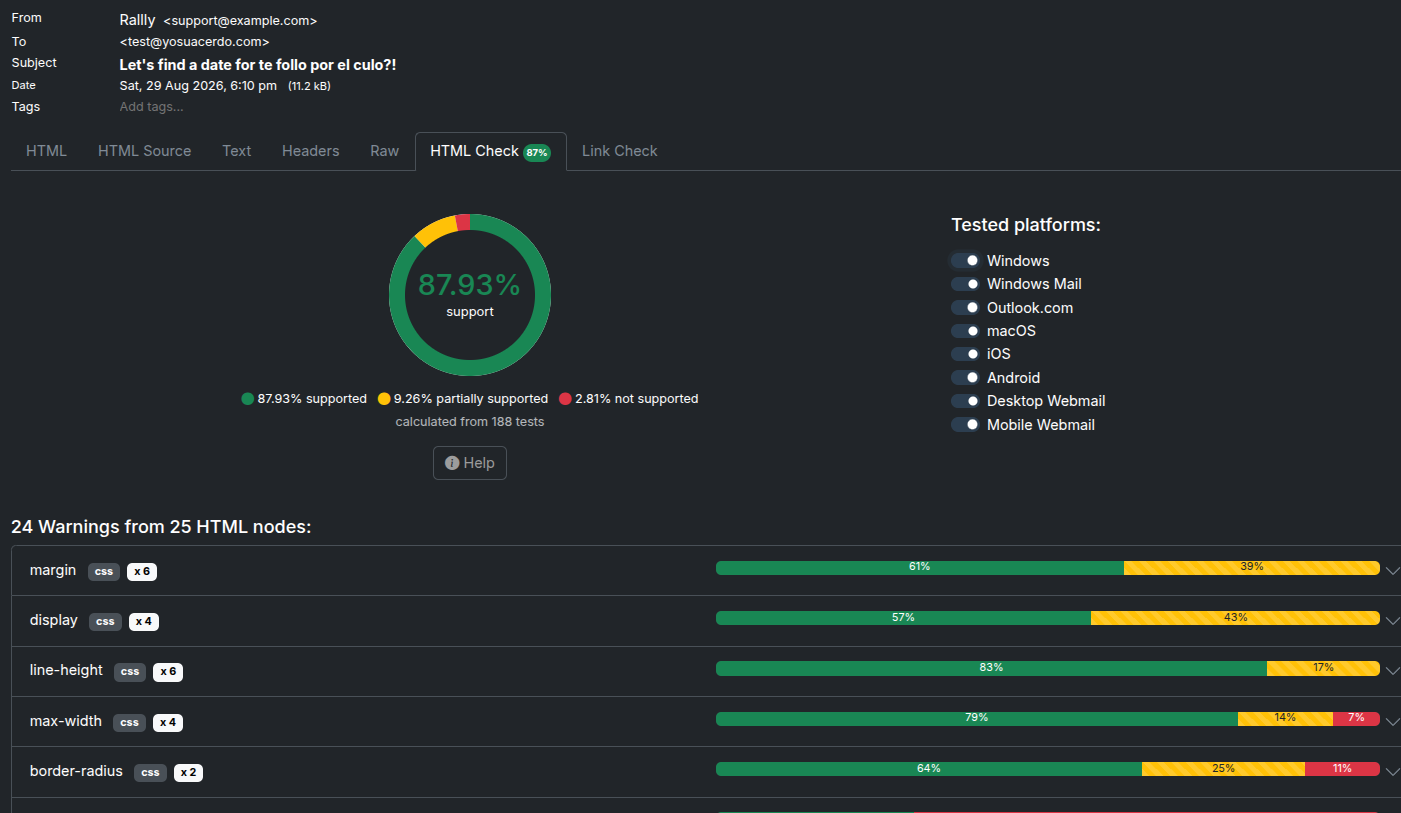
- HTML email preview: inspect rendered HTML, text alternatives, headers, raw source, and attachments.
- No accidental delivery: test messages stay local.
- API access: automated tests can assert that an email was sent.
- Fast setup: one container is enough for most local workflows.
It is NOT a production mail server.
For real users, use a transactional SMTP provider and configure DNS records properly.
For tests, Mailpit is exactly the right tool.
Self-Hosting Mailpit with Docker
The Home-Lab compose file keeps the web UI and SMTP port bound to loopback by default:
Home-Lab Mailpit compose referenceservices:
mailpit:
image: axllent/mailpit:latest
container_name: mailpit
restart: unless-stopped
ports:
- "${MAILPIT_WEB_PORT:-127.0.0.1:8025}:8025"
- "${MAILPIT_SMTP_PORT:-127.0.0.1:1025}:1025"
environment:
MP_MAX_MESSAGES: ${MP_MAX_MESSAGES:-5000}
MP_DATABASE: /data/mailpit.db
MP_SMTP_AUTH_ACCEPT_ANY: ${MP_SMTP_AUTH_ACCEPT_ANY:-1}
MP_SMTP_AUTH_ALLOW_INSECURE: ${MP_SMTP_AUTH_ALLOW_INSECURE:-1}
volumes:
- mailpit-data:/data
volumes:
mailpit-data:
Pre-Requisites - Docker
Install Docker on your system before proceeding:
- Linux: Official Docker Engine install guide
- Windows / Mac: Docker Desktop
Verify installation: docker --version && docker compose version
Start it:
docker compose up -d
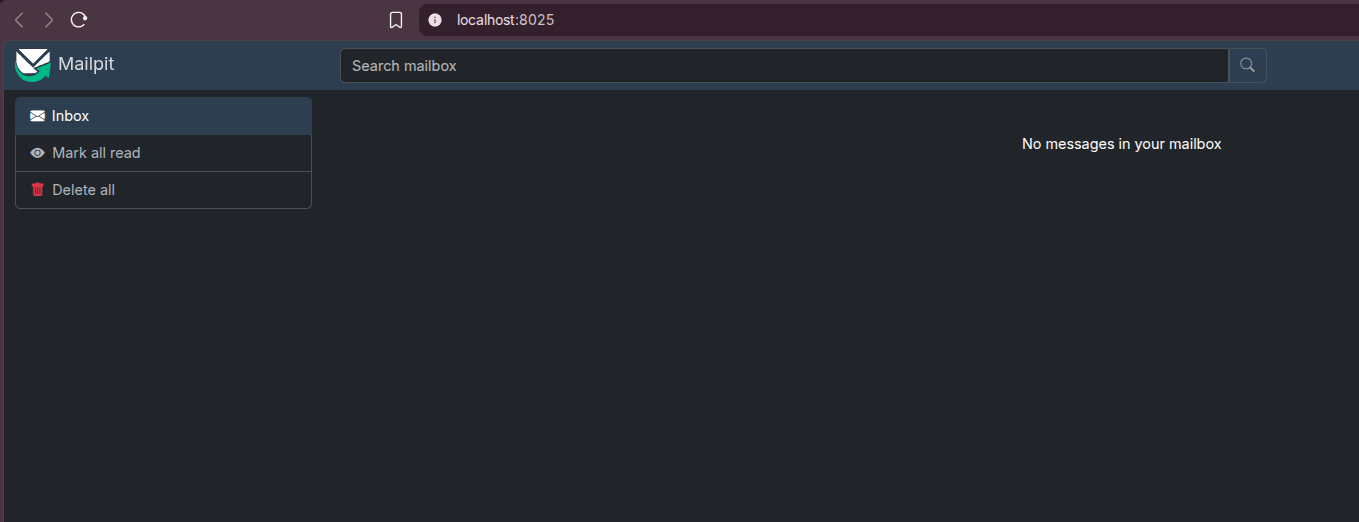
Then open:
http://localhost:8025
Point a local app at:
SMTP_HOST=localhost
SMTP_PORT=1025
SMTP_SECURE=false
When the app runs inside the same Compose project as Mailpit, use the service name instead:
SMTP_HOST=mailpit
SMTP_PORT=1025
SMTP_SECURE=false
Mailpit with Rallly
This matters immediately with Rallly, because Rallly uses email magic links for login. Without SMTP, the app can boot and show the login page, but you cannot receive the link.
For local Rallly testing, add this override beside the Rallly compose files:
services:
  web:
    environment:
      SMTP_HOST: mailpit
      SMTP_PORT: "1025"
      SMTP_SECURE: "false"
      SMTP_USER: ""
      SMTP_PWD: ""

  mailpit:
    image: axllent/mailpit:latest
    container_name: rallly-mailpit
    restart: unless-stopped
    ports:
      - "${MAILPIT_WEB_PORT:-127.0.0.1:8025}:8025"
    environment:
      MP_MAX_MESSAGES: ${MP_MAX_MESSAGES:-5000}
      MP_SMTP_AUTH_ACCEPT_ANY: "1"
      MP_SMTP_AUTH_ALLOW_INSECURE: "1"
Then start Rallly with the Mailpit override:
COMPOSE_FILE=docker-compose.yml:docker-compose.external-proxy.yml:docker-compose.mailpit.yml \
COMPOSE_PROFILES=bundled-db,bundled-storage \
docker compose up -d
Open:
- Rallly:
http://localhost:3000 - Mailpit:
http://localhost:8025
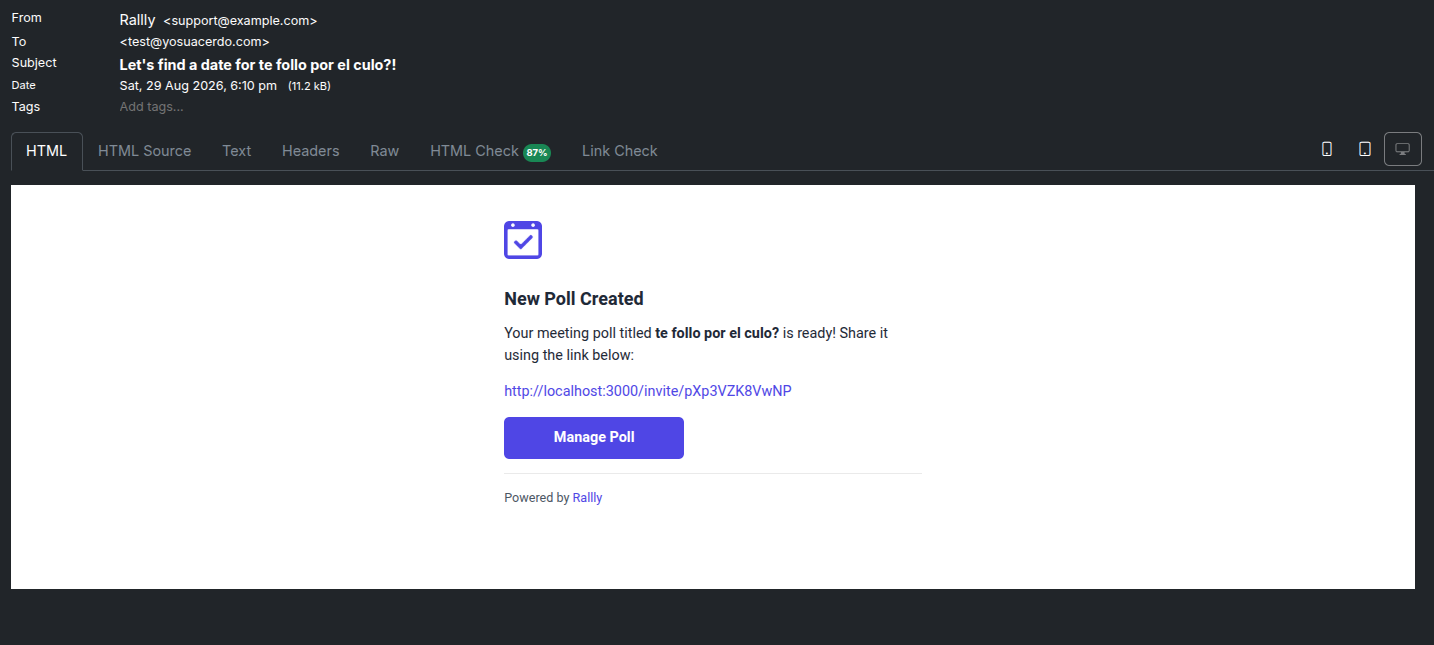
Enter an email in Rallly, click Continue with email, then open Mailpit and click the captured magic-link email.
Field Note: Rallly Login Testing
I added Mailpit to the local Rallly stack on 2026-08-29. The running services were:
rallly-test-web-1on127.0.0.1:3000rallly-test-db-1rallly-test-garage-1rallly-test-mailpiton127.0.0.1:8025
Mailpit answered on its web UI and API. An SMTP smoke test from another container on the same Docker network reached mailpit:1025 and queued a message. Rallly still returned status: ok and database: connected from /api/status.
That is the key wiring: the app container should use mailpit, not localhost, because localhost inside a container points back at that same container.
Safe Exposure Notes
Keep Mailpit private. It contains captured emails, login links, reset links, invite links, and sometimes tokens or private URLs.
For local work, bind the UI to loopback:
ports:
  - "127.0.0.1:8025:8025"
Only expose Mailpit to a LAN or tunnel if you add authentication and understand the risk. In most cases, it belongs on your development machine or inside a private Docker network.
Mailpit vs Real SMTP
| Use case | Mailpit | Real SMTP provider |
|---|---|---|
| Local magic-link testing | Yes | Possible but noisy |
| Production delivery | No | Yes |
| Inbox inspection | Built in | Depends on provider |
| DNS deliverability | Not relevant | SPF, DKIM, DMARC required |
| CI tests | Good fit | Usually unnecessary |
Use Mailpit to prove your application can generate emails. Use a real provider to deliver emails to real people.
Conclusion
Mailpit is one of those tiny tools that removes a lot of friction from self-hosting experiments. It is especially useful when testing apps like Rallly, Mautic, Listmonk, Ghost, or any service where account setup depends on email.
Run it locally, point your app at mailpit:1025, open localhost:8025, and you can inspect the exact message your app would have sent without touching a real inbox.
FAQ
Is Mailpit a real mail server?
What ports does Mailpit use?
1025 for SMTP and 8025 for the web UI. It can also expose POP3 on 1110.
Why does my Docker app need SMTP_HOST=mailpit instead of localhost?
localhost means that same container. If Mailpit is another service in the same Compose project, use the service name mailpit so Docker DNS resolves it correctly.
Can I use Mailpit with Rallly?
SMTP_HOST=mailpit and SMTP_PORT=1025, then read the magic-link email at http://localhost:8025.
Do I need to use a real email address?
[email protected], [email protected], or any throwaway-looking address will appear in the Mailpit inbox as long as the app is sending through Mailpit.
Should I expose Mailpit publicly?
127.0.0.1 or behind a private network unless you add authentication.
Comments