

Scheduling a meeting with five busy people should not require a spreadsheet, a long email thread, and someone manually counting replies.
Rallly solves the simple version of that problem: propose a few dates or times, share a link, and let people vote on what works.
The useful self-hosting angle is that Rallly is not just a hosted polling site.
The application is open source, ships a Docker image, and has a dedicated self-hosted stack for people who want their scheduling data under their own domain.
Rallly is an open-source scheduling tool for group meeting polls, availability grids, comments, notifications, and finalizing a chosen date.
What is Rallly?
Rallly is a Doodle-style meeting scheduler.
You create a poll, propose options, share the link, and participants mark when they are available.
Voters do not need an account, which matters because scheduling tools get painful the moment every guest has to register before answering.
The main features are exactly what you expect from a meeting-poll app:
- Date and time polls: propose several options and collect availability.
- Guest voting: participants can vote from a shared link.
- Availability grid: see the best overlap at a glance.
- Comments: keep context beside the poll instead of spreading it across email.
- Notifications and finalization: notify people when responses arrive or a final option is chosen.
- Translations: upstream lists community translations across 10+ languages.
Why self-host Rallly?
Self-hosting Rallly makes sense when the poll data belongs to a club, family, association, small organization, or internal team and you want it under your own infrastructure.
The strongest reasons are practical:
- You control the domain, database, and backups.
- You can keep availability data away from generic third-party scheduling sites.
- You can decide whether registration is open, restricted by email domain, or managed through SSO.
- You can integrate it with your existing reverse proxy, DNS, and monitoring.
The tradeoff is that Rallly depends on email. Magic-link sign-in and notifications need SMTP, so a production deployment should use a transactional email provider. A consumer inbox or random home SMTP server is the wrong foundation for a tool that relies on delivery.
Tech Overview of Rallly
The current Rallly source is a TypeScript monorepo.
The web application is built with Next.js and React, stores data in PostgreSQL through Prisma, and uses supporting packages for emails, language handling, logging, utilities, and database schema management.
The self-hosted v4 stack is more complete than a simple app container:
- Rallly web app:
lukevella/rallly:4 - PostgreSQL: bundled database for polls, users, sessions, and app state
- Garage: bundled S3-compatible object storage for uploads
- Traefik: optional bundled reverse proxy with Let’s Encrypt
rallly.sh: management wrapper for setup, start, stop, update, logs, backups, and PostgreSQL major upgrades
That stack shape is important.
Older examples online may show only Rallly and Postgres.
For current v4 production use, read the self-hosted stack as an application plus database plus object storage plus reverse proxy decision.
Self-Hosting Rallly with Docker
The official quick install is interactive:
curl -fsSL https://get.rallly.co | bash
That installer downloads the self-hosted stack, checks Docker, prompts for the domain and SMTP settings, generates secrets, and starts the services.
It is the most convenient path for a server where Rallly can own ports 80 and 443.
For Home-Lab review, I also keep a compose reference here:
Home-Lab Rallly compose referenceservices:
traefik:
image: traefik:v3
restart: unless-stopped
profiles: ["bundled-proxy"]
command:
- "--providers.docker=true"
- "--providers.docker.exposedbydefault=false"
- "--entrypoints.web.address=:80"
- "--entrypoints.web.http.redirections.entrypoint.to=websecure"
- "--entrypoints.web.http.redirections.entrypoint.scheme=https"
- "--entrypoints.websecure.address=:443"
- "--certificatesresolvers.letsencrypt.acme.httpchallenge=true"
- "--certificatesresolvers.letsencrypt.acme.httpchallenge.entrypoint=web"
- "--certificatesresolvers.letsencrypt.acme.email=${ACME_EMAIL:-}"
- "--certificatesresolvers.letsencrypt.acme.storage=/acme/acme.json"
environment:
DOCKER_API_VERSION: "1.40"
ports:
- "80:80"
- "443:443"
volumes:
- /var/run/docker.sock:/var/run/docker.sock:ro
- acme-data:/acme
web:
image: ${RALLLY_IMAGE:-lukevella/rallly:4}
restart: unless-stopped
env_file:
- path: .env
required: false
environment:
NEXT_PUBLIC_BASE_URL: ${NEXT_PUBLIC_BASE_URL:-https://${DOMAIN}}
DATABASE_URL: ${DATABASE_URL:-postgres://postgres:${POSTGRES_PASSWORD:?Set POSTGRES_PASSWORD in .env}@db:5432/rallly}
S3_ENDPOINT: ${S3_ENDPOINT:-http://garage:3900}
S3_BUCKET_NAME: ${S3_BUCKET_NAME:-rallly}
S3_REGION: ${S3_REGION:-garage}
S3_ACCESS_KEY_ID: ${S3_ACCESS_KEY_ID:?Set S3_ACCESS_KEY_ID in .env}
S3_SECRET_ACCESS_KEY: ${S3_SECRET_ACCESS_KEY:?Set S3_SECRET_ACCESS_KEY in .env}
volumes:
- type: bind
source: ${CA_CERT_FILE:-/dev/null}
target: /etc/ssl/certs/rallly-custom-ca.pem
read_only: true
bind:
create_host_path: false
labels:
- "traefik.enable=true"
- "traefik.http.routers.web.rule=Host(`${DOMAIN}`)"
- "traefik.http.routers.web.entrypoints=websecure"
- "traefik.http.routers.web.tls.certresolver=letsencrypt"
- "traefik.http.services.web.loadbalancer.server.port=3000"
db:
image: postgres:${POSTGRES_VERSION:-18}-alpine
restart: unless-stopped
profiles: ["bundled-db"]
volumes:
- ${POSTGRES_VOLUME:-db-data}:${POSTGRES_DATA_MOUNT:-/var/lib/postgresql}
environment:
POSTGRES_PASSWORD: ${POSTGRES_PASSWORD:?Set POSTGRES_PASSWORD in .env}
POSTGRES_DB: rallly
healthcheck:
test: ["CMD-SHELL", "pg_isready -U postgres"]
interval: 5s
timeout: 5s
retries: 5
garage:
image: dxflrs/garage:v2.3.0
restart: unless-stopped
profiles: ["bundled-storage"]
volumes:
- ./config/garage.toml:/etc/garage.toml:ro
- garage-meta:/var/lib/garage/meta
- garage-data:/var/lib/garage/data
environment:
GARAGE_RPC_SECRET: ${GARAGE_RPC_SECRET:?Set GARAGE_RPC_SECRET in .env}
GARAGE_DEFAULT_ACCESS_KEY: ${S3_ACCESS_KEY_ID:?Set S3_ACCESS_KEY_ID in .env}
GARAGE_DEFAULT_SECRET_KEY: ${S3_SECRET_ACCESS_KEY:?Set S3_SECRET_ACCESS_KEY in .env}
GARAGE_DEFAULT_BUCKET: rallly
command: /garage server --single-node --default-bucket
healthcheck:
test: ["CMD", "/garage", "stats", "-a"]
interval: 1h
timeout: 5s
retries: 3
start_period: 10s
start_interval: 5s
volumes:
db-data:
garage-meta:
garage-data:
acme-data:
The external-proxy override is intentionally small:
services:
  web:
    ports:
      - "${WEB_PORT:-127.0.0.1:3000}:3000"
Use it when Caddy, Nginx, Traefik, Cloudflare Tunnel, Pangolin, or another proxy already handles HTTPS in front of your apps.
Pre-Requisites - Docker
Install Docker on your system before proceeding:
- Linux: Official Docker Engine install guide
- Windows / Mac: Docker Desktop
Verify installation: docker --version && docker compose version
Local or External Proxy Mode
For a local test, or for a production instance behind your own reverse proxy, start from this .env shape:
DOMAIN=localhost:3000
PROXY_MODE=external
WEB_PORT=127.0.0.1:3000
NEXT_PUBLIC_BASE_URL=http://localhost:3000

SECRET_PASSWORD=generate-with-openssl-rand-base64-32
SUPPORT_EMAIL=[email protected]
INITIAL_ADMIN_EMAIL=[email protected]

SMTP_HOST=smtp.example.com
SMTP_PORT=587
SMTP_SECURE=false
SMTP_USER=replace-with-smtp-user
SMTP_PWD=replace-with-smtp-password

POSTGRES_PASSWORD=generate-with-openssl-rand-hex-24
POSTGRES_VERSION=18
POSTGRES_DATA_MOUNT=/var/lib/postgresql

S3_ACCESS_KEY_ID=generate-with-openssl-rand-hex-16
S3_SECRET_ACCESS_KEY=generate-with-openssl-rand-hex-32
GARAGE_RPC_SECRET=generate-with-openssl-rand-hex-32
Generate real secrets before starting:
openssl rand -base64 32
openssl rand -hex 24
openssl rand -hex 16
openssl rand -hex 32
Then validate the compose:
DOMAIN=localhost:3000 \
NEXT_PUBLIC_BASE_URL=http://localhost:3000 \
POSTGRES_PASSWORD=local-test-postgres-password \
S3_ACCESS_KEY_ID=00112233445566778899aabbccddeeff \
S3_SECRET_ACCESS_KEY=00112233445566778899aabbccddeeff00112233445566778899aabbccddeeff \
GARAGE_RPC_SECRET=00112233445566778899aabbccddeeff00112233445566778899aabbccddeeff \
COMPOSE_FILE=docker-compose.yml:docker-compose.external-proxy.yml \
COMPOSE_PROFILES=bundled-db,bundled-storage \
docker compose config
Start local/external-proxy mode:
COMPOSE_FILE=docker-compose.yml:docker-compose.external-proxy.yml \
COMPOSE_PROFILES=bundled-db,bundled-storage \
docker compose up -d
Open http://localhost:3000 for a local test, or point your reverse proxy at 127.0.0.1:3000 in production.
Bundled Traefik Mode
If Rallly should manage HTTPS itself, use a real domain, point DNS at the server, leave PROXY_MODE=bundled, and enable the bundled proxy profile. Ports 80 and 443 must be free.
The upstream installer handles this better than a hand-written compose command because it prompts for DOMAIN, ACME_EMAIL, SMTP settings, and secrets in the right order.
Field Note: Local Docker Test
I tested the current self-hosted stack locally on 2026-08-29 with Docker 29.7.2 and Docker Compose v5.5.0.
The test used the upstream rallly-selfhosted repository, external-proxy/local mode, bundled PostgreSQL, and bundled Garage:
COMPOSE_FILE=docker-compose.yml:docker-compose.external-proxy.yml \
COMPOSE_PROFILES=bundled-db,bundled-storage \
docker compose --project-name rallly-test up -d
The first attempt failed because I used a prose placeholder for GARAGE_RPC_SECRET. Garage rejected it with:
Invalid RPC secret key: expected 32 bytes of random hex
After replacing that value with a 64-character hex string, all three containers became healthy.
The homepage returned HTTP 200, and /api/status returned status: ok, version: 4.13.1, and database: connected.
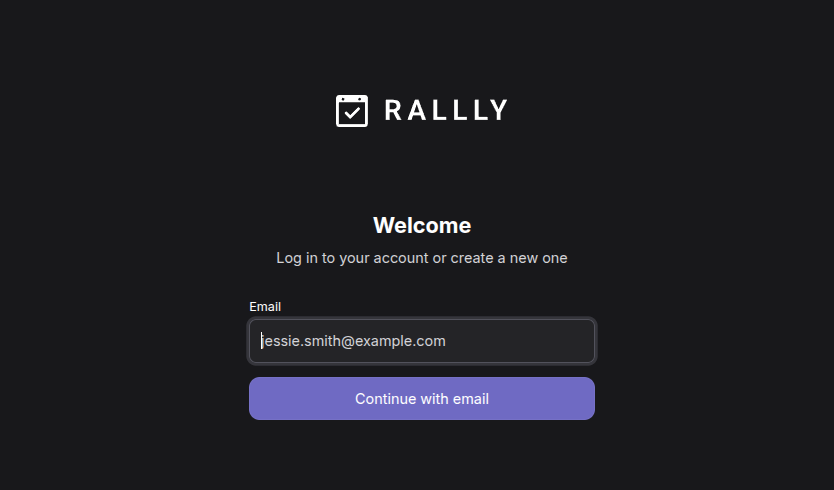
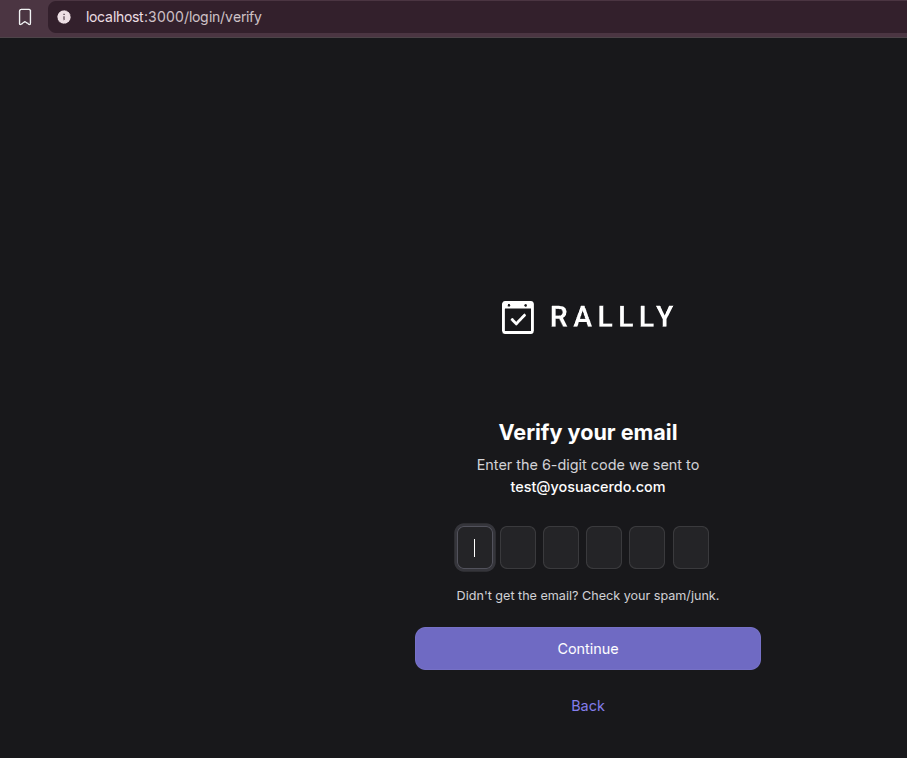
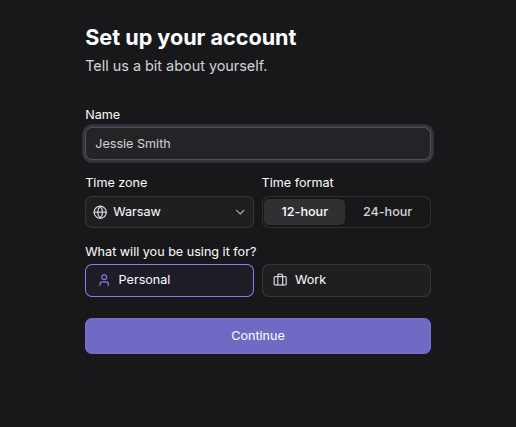
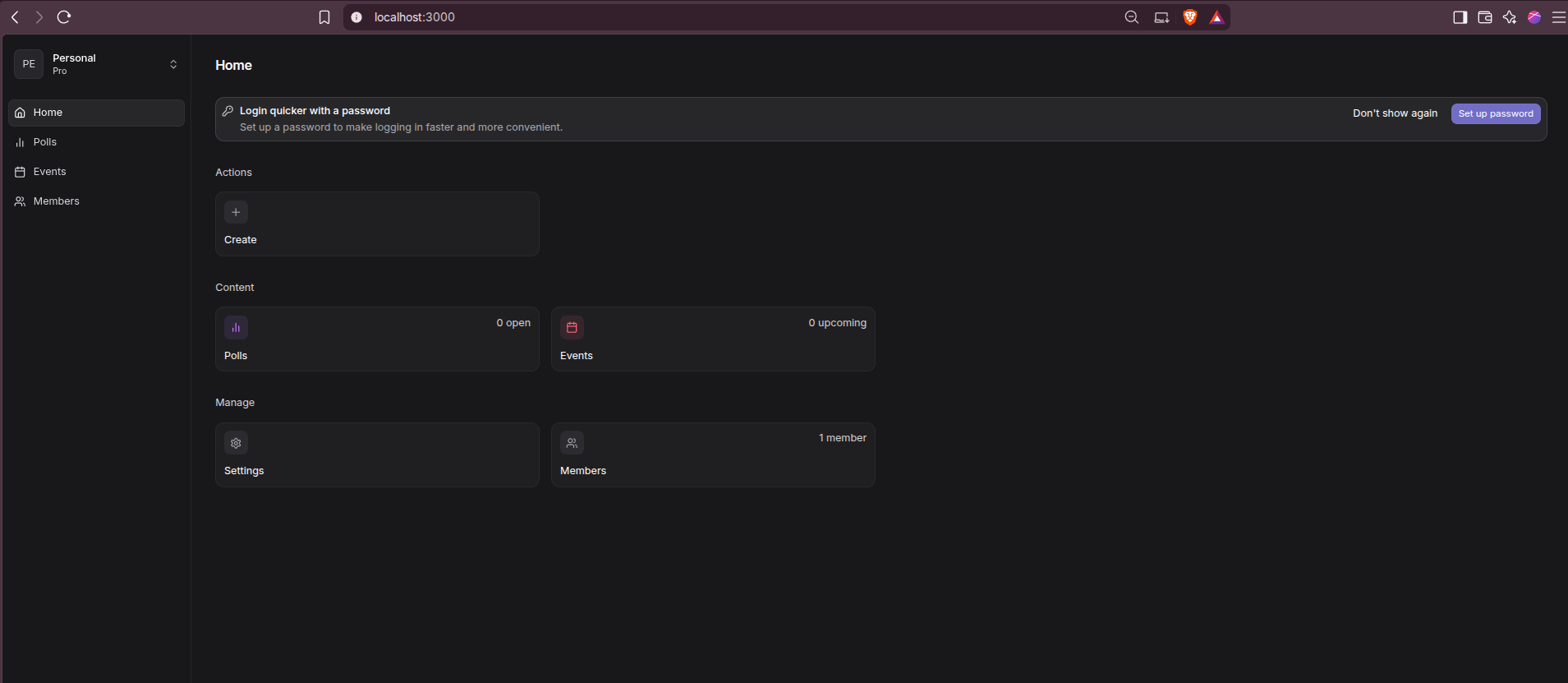
I did not complete a real login in the first temporary test because SMTP was pointed at a dummy local value.
After adding Mailpit as a service in the same Compose network and setting SMTP_HOST=mailpit, the local inbox was available at http://localhost:8025 for magic-link testing.

Optional: Mailpit for local login
For local Rallly testing, Mailpit is the easiest way to receive magic links without configuring a real email provider:
services:
  web:
    environment:
      SMTP_HOST: mailpit
      SMTP_PORT: "1025"
      SMTP_SECURE: "false"
      SMTP_USER: ""
      SMTP_PWD: ""

  mailpit:
    image: axllent/mailpit:latest
    container_name: rallly-mailpit
    restart: unless-stopped
    ports:
      - "${MAILPIT_WEB_PORT:-127.0.0.1:8025}:8025"
Start Rallly with the Mailpit override:
COMPOSE_FILE=docker-compose.yml:docker-compose.external-proxy.yml:docker-compose.mailpit.yml \
COMPOSE_PROFILES=bundled-db,bundled-storage \
docker compose up -d
Then open Rallly at http://localhost:3000, request a login link, and read it in Mailpit at http://localhost:8025.
Admin and Access Notes
Rallly does not ship with a default admin/admin style login. The first user whose email matches INITIAL_ADMIN_EMAIL can visit /control-panel and claim the admin role after signing in.
For a private instance, consider these settings:
[email protected]ALLOWED_EMAILS=*@yourdomain.comREGISTRATION_ENABLED=falseif you want to close registration after setup- OIDC/SSO if your team already has an identity provider
Guest poll voters are separate from registered users. That distinction matters for both usability and licensing.
Licensing Caveat
Rallly is AGPLv3 open source and self-hostable, but its current self-hosting docs say personal use is free and multi-user self-hosted setups are expected to purchase a license key.
For a homelab or personal scheduling page, that may be fine. For a club, association, or company where several people will hold registered accounts, read the license/pricing page before rolling it out as shared infrastructure.
The nuance is important: people voting in polls as guests are not the same as registered users on the instance.
How Rallly Compares
| Tool | Best for | Self-hosting angle |
|---|---|---|
| Rallly | Group availability polls | Open-source app with Docker stack |
| Doodle | Hosted mainstream scheduling polls | Hosted SaaS first |
| When2Meet | Very lightweight availability grids | Simple hosted workflow |
| Cal.com | Booking pages and calendar scheduling | Larger self-hosted scheduling platform |
| Nextcloud Calendar/Polls | Teams already using Nextcloud | Works well if Nextcloud is already your hub |
Pick Rallly if you want a focused scheduling poll app that guests can use quickly. Pick Cal.com if you need appointment booking, calendar integrations, routing forms, and heavier scheduling automation. Pick Nextcloud Polls if your group already lives inside Nextcloud.
Conclusion
Rallly is a good fit when you want open-source meeting polls without sending every availability decision through a generic hosted scheduler. The current v4 self-hosting story is mature enough for real use, but it is not just “run one container and forget it.” Plan for SMTP, database backups, object-storage persistence, and a reverse proxy decision.
For a homelab, I would start with external-proxy mode behind an existing Caddy, Nginx Proxy Manager, Cloudflare Tunnel, Pangolin, or Traefik setup. For a dedicated VPS, the upstream installer with bundled Traefik is the shortest path.
FAQ
Is Rallly open source?
Is self-hosted Rallly free?
Does Rallly need SMTP?
Yes. Rallly needs SMTP because the first login flow sends a one-time email verification code. In the local test from this post, I handled that with Mailpit: Rallly sends to SMTP_HOST=mailpit on port 1025, and Mailpit shows the captured login email at http://localhost:8025.
For production, replace Mailpit with a real transactional SMTP provider and configure SPF, DKIM, and DMARC for the sending domain.
Does Rallly have a default admin password?
INITIAL_ADMIN_EMAIL, sign in with that email address, then visit /control-panel to claim the first admin account.
Can I create a password after the first email login?
Can I use any email address with Mailpit?
SMTP_HOST=mailpit, the login email is captured by Mailpit instead of being delivered to the real internet. You can enter [email protected], [email protected], or any other address and then read the magic-link email at http://localhost:8025.
How does the one-time email verification work?
In the current Rallly code, the login/register flow uses an email OTP flow. You enter an email address, Rallly generates a short-lived verification code, sends it through the configured SMTP server, and signs you in after the code is verified.
With Mailpit, the SMTP server is local and fake: Rallly hands the message to the mailpit container, and you read the captured email in the Mailpit web UI. With SendGrid, Postmark, Resend, Mailgun, Brevo, or another real provider, Rallly would use that provider’s SMTP host instead, and the same verification email would be delivered to the recipient’s real inbox.
Can I run Rallly behind Cloudflare Tunnel or Nginx Proxy Manager?
PROXY_MODE=external, bind WEB_PORT to 127.0.0.1:3000, set DOMAIN to the public hostname, and let your proxy terminate HTTPS.
Comments