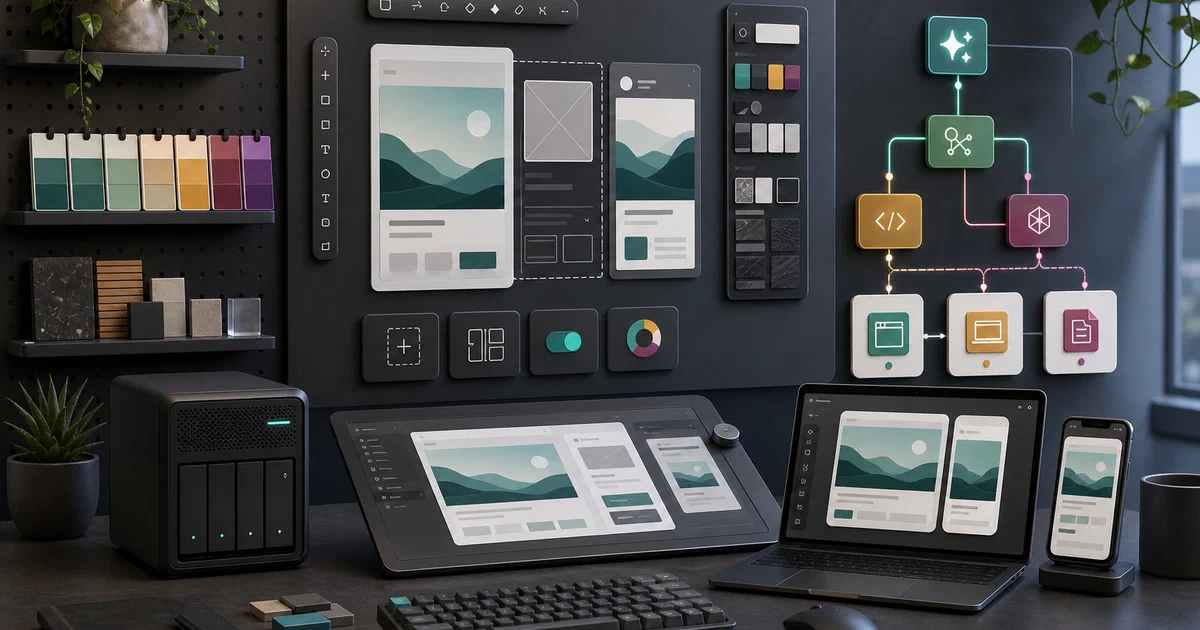

Open Design is one of the more ambitious projects in the current agentic-tooling wave.
It is not just another prompt-to-HTML demo, and it is not exactly a Figma clone either.
The useful mental model is: a local design studio where coding agents, design systems, skills, plugins, media providers, and artifact exports all meet in one workspace.
Open Design is a local-first, open-source agentic design workspace for generating prototypes, decks, images, videos, dashboards, and handoff-ready artifacts.
Open Design GitHub Source Code Open Design Website Open Design 0.10.1 Release License: Apache-2.0
What is Open Design?
Open Design describes itself as an open-source Claude Design alternative.
That framing is useful, but the repository is broader than one closed-product comparison.
The project combines:
- a native desktop app
- a web workspace
- a daemon/API layer
- an MCP server and CLI integration path
- a large skill catalog
- a design-system catalog
- plugin/runtime infrastructure
- artifact preview and export workflows
- Docker deployment assets
The core idea is that an AI coding agent can become the design engine.
Instead of manually arranging pixels in a canvas, you give the system a brief, pick a skill and design system, let the agent generate an artifact, review it in a sandboxed preview, comment on it, and then hand it off as HTML, PDF, PPTX, MP4, or code.
Why It Is Interesting
Open Design lands in a gap that normal coding-agent posts do not cover.
Codex CLI, OpenCode, and Pi focus on code work.
T3 Code gives those agents a GUI.
Graphify gives agents repository context.
Open Design points the agent loop at visual product work: prototypes, landing pages, dashboards, decks, images, and motion.
That matters because a lot of AI-generated UI still fails at the design-system layer. It can produce a plausible layout, but it forgets spacing rules, brand tone, typography, component patterns, or the actual handoff format a human needs.
Open Design tries to make those constraints explicit through DESIGN.md systems, skills, templates, plugins, and reusable artifact formats.
Repository Snapshot
I cloned the repository into:
tmp/foss-post/open-design
The checkout I inspected:
commit inspected locally: 4b3bf91
version inspected locally: 0.10.0
latest release checked: 0.10.1
package manager: [email protected]
required Node.js: ~24
license: Apache-2.0
The shallow clone still checked out more than 8,000 files and used about 347MB on disk.
The top-level shape is a real monorepo:
| Area | What It Contains |
|---|---|
apps/daemon |
Node/Express daemon, API, MCP, agent adapters, SQLite, exports, plugins |
apps/web |
Next.js web workspace |
apps/desktop |
desktop shell |
apps/packaged |
packaged app entry points |
packages/* |
shared contracts, host, sidecar, platform, diagnostics, plugin runtime |
skills/ |
bundled Open Design skills |
design-systems/ |
built-in design-system catalog |
plugins/ |
plugin runtime and official plugins |
prompt-templates/ |
reusable media/image/video prompt templates |
deploy/ |
Dockerfile, Compose, AWS, Azure, and deploy scripts |
This is not a weekend script with a README taped on. It has a product surface, runtime surface, deployment surface, docs, tests, release notes, and a large bundled content layer.
Installing the Desktop App
For most people, the desktop app is the cleanest first install path.
Open Design 0.10.1 is a stability and performance patch on top of the 0.10.0 workspace release. The release notes call out leaner per-turn prompts, lighter transcripts for long conversations, and a fix for Claude runs that previously stopped too early at a tool-use boundary.
The 0.10.1 release publishes these desktop assets:
- macOS Apple Silicon:
open-design-0.10.1-mac-arm64.dmg - macOS Intel:
open-design-0.10.1-mac-x64.dmg - Windows x64 installer:
open-design-0.10.1-win-x64-setup.exe - Windows x64 portable:
open-design-0.10.1-win-x64-portable.zip
macOS
- Download the
.dmgfor your CPU:- Apple Silicon / M-series:
mac-arm64.dmg - Intel Mac:
mac-x64.dmg
- Apple Silicon / M-series:
- Open the
.dmg. - Drag Open Design into
Applications. - Launch it from
Applications.
If macOS blocks the first launch because the app came from the internet, use System Settings → Privacy & Security to allow it, or right-click the app and choose Open for the first run.
Windows
- Download
open-design-0.10.1-win-x64-setup.exefor the normal installer path. - Run the installer.
- Start Open Design from the Start Menu.
If you prefer not to install it system-wide, download open-design-0.10.1-win-x64-portable.zip, extract it somewhere writable, and run the app from that folder.
The desktop path avoids the local source-development requirements. You do not need to clone the repo, install Node 24, or run pnpm just to try the app.
Self-Hosting Open Design with Docker
Open Design also has a Docker path, which is the practical starting point for a home-lab browser deployment if your local Node version is not already Node 24.
The reusable Compose file is here:
Open Design Docker Compose in Home-LabAnd the site includes the config directly:
name: open-design

services:
  open-design:
    image: ${OPEN_DESIGN_IMAGE:-docker.io/vanjayak/open-design:latest}
    container_name: open-design
    restart: unless-stopped
    environment:
      NODE_ENV: production
      NODE_OPTIONS: ${NODE_OPTIONS:---max-old-space-size=192}
      OD_BIND_HOST: 0.0.0.0
      OD_ALLOWED_ORIGINS: ${OPEN_DESIGN_ALLOWED_ORIGINS:-}
      OD_PORT: 7456
      OD_WEB_PORT: ${OPEN_DESIGN_PORT:-7456}
      OD_API_TOKEN: ${OD_API_TOKEN:?Set OD_API_TOKEN in .env; generate one with openssl rand -hex 32}
      OD_CODEX_SANDBOX: ${OD_CODEX_SANDBOX:-}
    ports:
      - "127.0.0.1:${OPEN_DESIGN_PORT:-7456}:7456"
    volumes:
      - open_design_data:/app/.od
    read_only: true
    tmpfs:
      - /tmp
    security_opt:
      - no-new-privileges:true
    mem_limit: ${OPEN_DESIGN_MEM_LIMIT:-384m}
    pids_limit: 256
    healthcheck:
      test:
        [
          "CMD",
          "node",
          "-e",
          "fetch('http://127.0.0.1:7456/api/health').then(r=>process.exit(r.ok?0:1)).catch(()=>process.exit(1))"
        ]
      interval: 30s
      timeout: 5s
      retries: 3
      start_period: 20s

volumes:
  open_design_data:
The important defaults:
- binds the app to
127.0.0.1:7456 - requires
OD_API_TOKEN - stores data in the
open_design_dataDocker volume - keeps the container root filesystem read-only
- mounts
/tmpas tmpfs - enables
no-new-privileges:true - limits memory to
384mby default - limits processes to
256 - checks
/api/health
Before starting, create .env from the sample:
cp .env.sample .env
openssl rand -hex 32
Then paste the generated token into:
OD_API_TOKEN=...
Start it:
docker compose up -d
docker compose logs -f
Then open:
http://127.0.0.1:7456
Safe Exposure Notes
I would keep Open Design local by default.
The daemon can call model providers, coordinate local coding-agent CLIs, store project artifacts, hold design inputs, and expose an API surface.
That is not something to throw directly onto the public internet.
If you need remote access, prefer one of these:
- SSH tunnel
- VPN
- Cloudflare Tunnel with authentication in front
- a reverse proxy with strong auth and explicit allowed origins
If exposing through a domain or reverse proxy, set:
OPEN_DESIGN_ALLOWED_ORIGINS=https://od.example.com
Keep OD_API_TOKEN strong and private.
Field Note: Local Trial
I validated the project in three layers.
First, the repository clone and inspection worked:
git clone --depth 1 https://github.com/nexu-io/open-design.git tmp/foss-post/open-design
The repo was large but readable. The README, QUICKSTART.md, release notes, package scripts, Dockerfile, Compose file, and app package files lined up with the product claims. I also checked the 0.10.1 release page and confirmed desktop assets for macOS Apple Silicon, macOS Intel, Windows installer, and Windows portable builds.
Second, the Docker Compose config rendered cleanly with a placeholder token:
OD_API_TOKEN=replace-me docker compose config
That confirmed the service, port binding, environment variables, healthcheck, volume, tmpfs, read-only root filesystem, process cap, memory cap, and security options.
Third, I attempted the source dependency path:
corepack pnpm install --frozen-lockfile --ignore-scripts
That was not a clean validation on this host.
The machine has Node v22.22.0, while Open Design requires Node ~24. Pnpm printed unsupported-engine warnings across the workspace. Registry downloads were also slow and timing out, so I stopped the install attempt before treating it as useful build evidence.
The honest status: Docker Compose config is validated, but I did not pull/start the published image and did not run the local desktop/web app. Disk was already tight on this machine, with about 19GB free on /, no swap, and existing Docker images/build cache consuming significant space.
Open Design in the Agentic Stack
Open Design fits after the code-agent layer and before production handoff.
| Layer | Project |
|---|---|
| Coding agent | Codex CLI, OpenCode, Pi |
| Agent workspace | Herdr, T3 Code |
| Context layer | Graphify |
| Design workspace | Open Design |
| Assistant runtime | OpenClaw, Hermes Agent |
| Orchestration | Paperclip, Symphony |
The difference is output.
Codex and OpenCode are mostly about changing a codebase. Open Design is about generating and reviewing visual artifacts that may later become code, exports, decks, or media.
The Honest Pick
- Pick Open Design if you want an agentic design workspace where skills, design systems, artifact preview, comments, exports, and coding-agent handoff live together.
- Pick T3 Code if you mostly want a GUI around existing coding-agent sessions.
- Pick Graphify if the problem is codebase understanding, not visual artifact generation.
- Pick OpenClaw or Hermes if you want a persistent assistant runtime with channels, memory, skills, and automation.
- Pick Paperclip or Symphony if you want to schedule autonomous agent work across projects or tickets.
Open Design is most compelling when the output is visible and design-system-driven: a landing page, prototype, dashboard, deck, visual concept, or handoff artifact.
Conclusion
Open Design is worth covering because it extends the agentic tooling story into design work.
The repo is large, active, and opinionated: Node 24, pnpm workspaces, daemon/web/desktop apps, design systems, skills, plugins, media prompts, exports, MCP, and Docker deployment.
The desktop app is the easiest first install path. The Docker path is the right self-hosting angle. The source path needs Node 24 and a healthier package-install environment than this host had during the trial.
For readers following the agentic series, Open Design is the missing design-workspace layer: not the coding agent, not the orchestrator, but the place where agents turn briefs and design systems into artifacts humans can inspect.
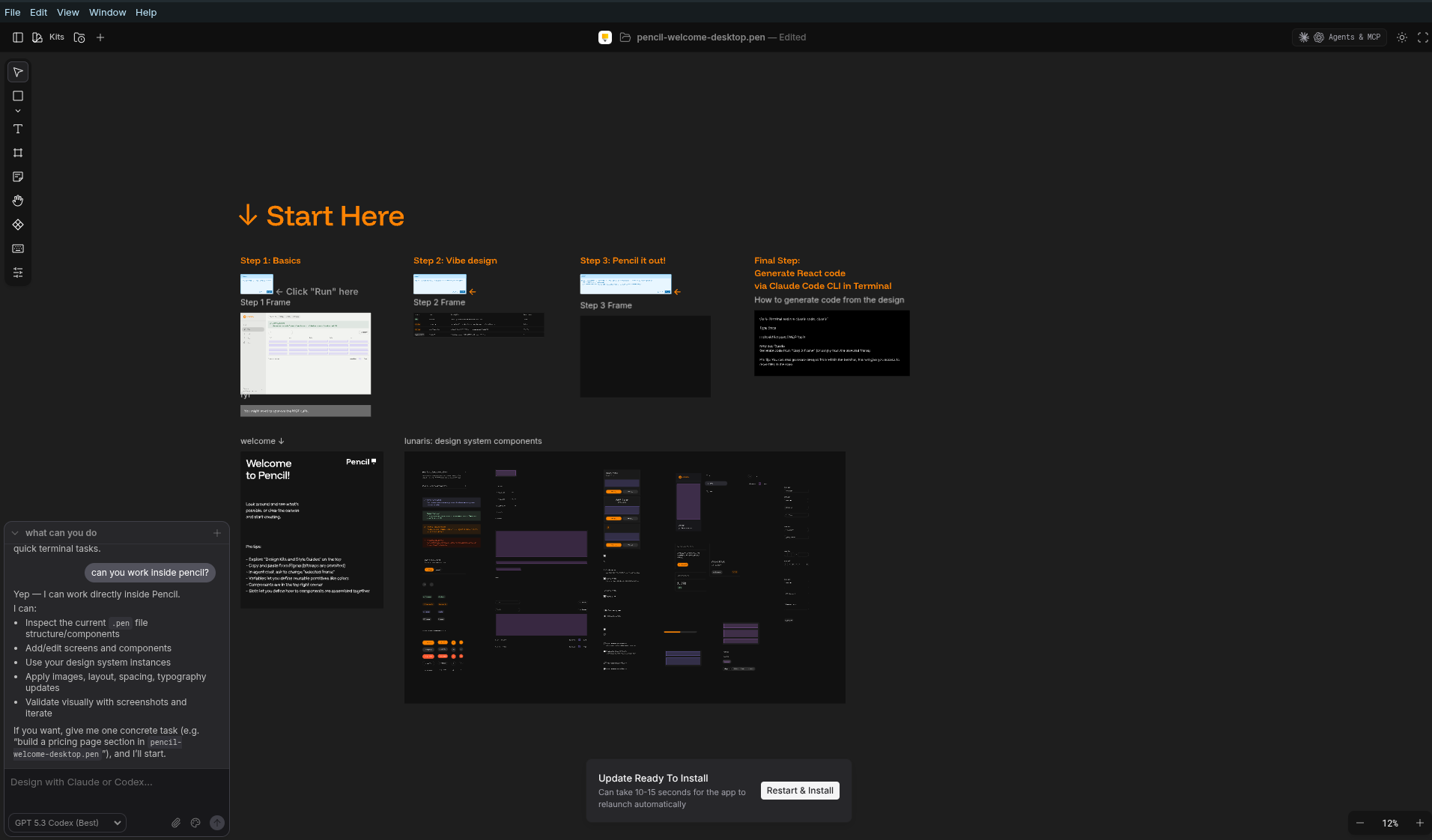
You can also try Pencil, which is a GUI desktop tool for prototyping. Pencil GitHub Source Code
FAQ
Is Open Design a Figma replacement?
Not exactly.
It overlaps with design tooling, but the workflow is agent-native rather than canvas-first. The output is closer to generated artifacts, prototypes, decks, images, motion, and handoff surfaces shaped by skills and design systems.
Can I self-host Open Design with Docker?
Is there a desktop app?
Does Open Design need Node 24?
~24 and pnpm 10.33.2. This machine had Node v22.22.0, so I did not treat the source install as a successful build validation.
Does it work with Codex or OpenCode?
Should I expose it publicly?
No, not directly.
Keep it bound to localhost first. If you need remote access, put it behind a VPN, SSH tunnel, Cloudflare Access, or an authenticated reverse proxy, and set OPEN_DESIGN_ALLOWED_ORIGINS for the browser origin that should call the API.
Comments