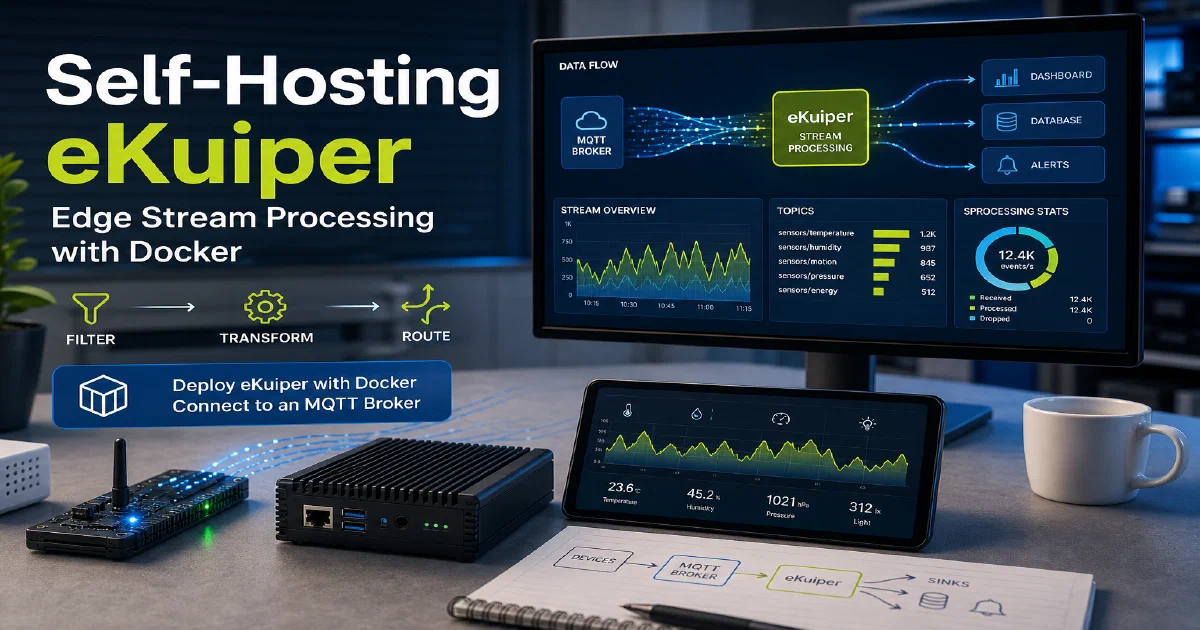

Raw sensor data is noisy. Before storing or acting on it, you often want to filter outliers, aggregate readings over a time window, or route specific events to different destinations. eKuiper handles this at the edge — close to your devices — using a familiar SQL-like syntax. It processes streaming data from MQTT, HTTP, files, and other sources without you needing to build a full streaming pipeline with Kafka or Flink.
Why eKuiper?
- SQL at the edge: Define stream processing rules in a SQL dialect you already know. Filter, aggregate, join streams, and emit results — no custom code required for most use cases.
- Lightweight: eKuiper is designed to run on resource-constrained hardware. It uses minimal RAM and CPU, making it viable for Raspberry Pi and similar edge devices alongside the rest of your IoT stack.
- Native MQTT integration: Connect directly to any MQTT broker as a source or sink. Combined with EMQX, you get a complete ingest-process-route pipeline that is entirely self-hosted.
eKuiper with Docker
The LF Edge Docker image gets you running quickly. By default eKuiper connects to the public EMQX broker for demos — update the MQTT_SOURCE__DEFAULT__SERVER environment variable to point at your own broker.
docker --version
Docker Compose
#version: "3.9"

services:
  ekuiper:
    image: lfedge/ekuiper:latest
    container_name: ekuiper
    environment:
      - MQTT_SOURCE__DEFAULT__SERVER=tcp://broker.emqx.io:1883
    ports:
      - "9081:9081"
    restart: unless-stopped
For a self-contained local stack, replace the broker address with your EMQX instance:
- MQTT_SOURCE__DEFAULT__SERVER=tcp://emqx:1883
And add eKuiper to the same Docker network as your EMQX container. Start it with:
docker compose up -d
Accessing eKuiper
The eKuiper REST API and management interface are available at:
http://localhost:9081
From there you can define streams (data sources), create rules using SQL queries, and inspect the processing pipeline. For example, a rule that filters temperature readings above 30°C from an MQTT topic and publishes the results to another topic takes just a few lines of SQL in the eKuiper UI.
Conclusion
eKuiper fills a real gap in the self-hosted IoT stack — it sits between your MQTT broker and your storage or alerting layer and lets you process data intelligently at the edge. Pair it with EMQX, ESPHome, and Home Assistant for a fully local IoT pipeline that keeps all your data on your own hardware. New to Docker? Start with the containers primer.
The eKuiper project
FAQ
eKuiper vs Node-RED — which fits a home lab better?
Node-RED is flow-based and visual, great for prototyping. eKuiper is rule-based and SQL-driven, better when you have many similar streams and want them defined declaratively. Run both if it fits — Node-RED for one-off automations, eKuiper for steady ingest pipelines.
Where does eKuiper actually run? On the edge or the server?
Either. The “edge” part of the name is about footprint, not deployment. It is small enough to run on a Raspberry Pi alongside an MQTT broker, but nothing stops you from running it centrally on a beefier server.
Can eKuiper write to InfluxDB or Postgres?
How do I write my first rule?
Define a stream that points at an MQTT topic, then write a SQL rule against it. Example: SELECT * FROM tempStream WHERE temperature > 30 and a sink that publishes to alerts/hot. Both definitions live in the eKuiper dashboard or REST API.
Is the SQL standard SQL?
Mostly — with stream-specific extensions: window functions (TUMBLINGWINDOW, HOPPINGWINDOW), event-time processing, and stream/table joins. If you have written SQL against any database, you will pick it up quickly.
How does it stay lightweight?
eKuiper is written in Go and compiled to a small static binary. It uses minimal RAM (typically tens of MB) and has no JVM or heavy runtime. That is why it runs comfortably on a Pi where Flink or Kafka Streams would not.
Comments